What happened
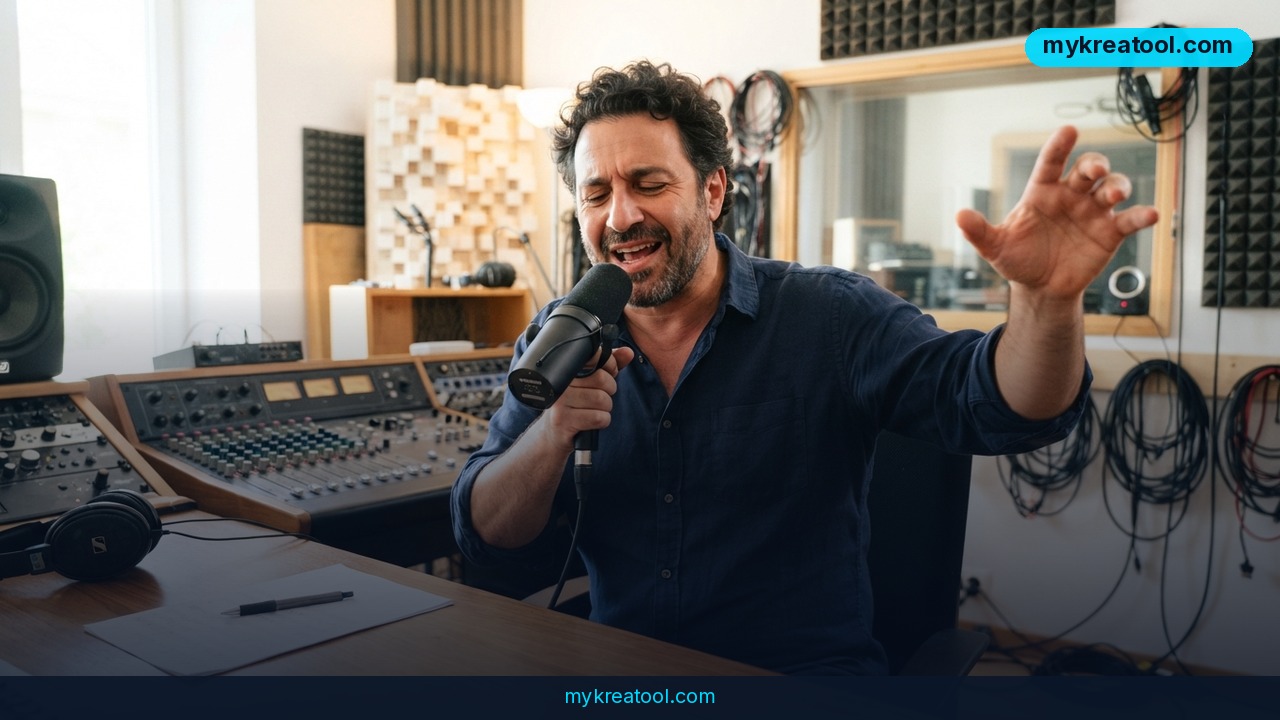
After a month of testing with a small group of users, Suno has opened Speech to everyone. The Suno Speech beta is the company's first audio model that generates a voice and its background music together as one cohesive track — not a narrator dropped on top of a backing loop, but a single performance where the words and the score are written at the same time.
What Speech does, in plain English
You type something — an idea, a poem, or a passage you wrote yourself — then describe the voice and the musical style you have in mind. Suno hands back spoken audio with original background music underneath it, delivered as one finished file.
Here's where it differs from what you've probably used before. Most text-to-speech tools work like a karaoke machine: the words live in one file, the music lives in another, and the two never really talk to each other. Speech builds both in one pass. The phrasing, the timing and the score come from the same generation, which is why the pauses land where a pause belongs instead of wherever a sentence happened to break.
The bigger idea behind it
Suno's argument is straightforward: the easier creation tools become, the more people get to experience the joy of turning an idea into music, a story, or art. The company calls that creative entertainment and thinks it'll define the next wave of consumer technology. Music stays at the heart of Suno — Speech is simply the first step outside of it, into voice.
What it means for you
Around the house
Birthday messages, inside jokes, bedtime stories for your kids. While building Speech, the Suno team made meditations, poems, pep talks and dramatic readings of their friends' text messages — and admitted that some of the results genuinely moved them. A short bedtime story with soft piano under it lands completely differently than the same words read flatly out loud.
At work
Voice notes are the perfect target. Everyone sends them; nobody enjoys listening to them. Picture a Monday pep talk for your team with an unnecessarily epic score behind it, or a two-minute project recap that people will actually play to the end. The Suno team did exactly this while testing — they gave run-of-the-mill voice notes "unnecessarily epic scores."
For business and clients
Audio versions of blog posts, branded intros for a podcast, narrated product explainers, a welcome message on a landing page. Because everything arrives as one file, you're not hunting for a separate music license for the bed track. Just check the commercial terms of your Suno plan before you ship anything to a paying client.
For studying
Turn a dense chunk of notes into something you can listen to while walking the dog. Speech won't do the learning for you, but it's a genuinely pleasant way to review material on a commute or during chores — especially if you take things in better by ear than by eye.
For creators and side projects
Poems, affirmations, short stories, personalized audio gifts for people you love. If you're staring at a blank page and don't know what to write, free AI tools such as the ones at MyKreaTool can help you draft the script first — then you bring it into Suno for the voice and the music.
How to try it right now
Speech sits inside Suno, so there's nothing to install and no new account to create. Here's the shortest path from zero to a finished track:
1. Open Suno and sign in. If you're brand new, start on the free entry option — there's no sense upgrading until you know you like it.
2. Find Speech among the creation tools. It's in beta, so look for the beta label.
3. Paste in your text — an idea, a poem, a few lines you wrote. Start short; a handful of sentences is plenty for a first run.
4. Describe the voice. "Warm British narrator," "calm and slow," "overexcited sports announcer" — plain words work fine.
5. Describe the music. "Lo-fi piano," "cinematic strings that swell at the end," "gentle ambient hum."
6. Generate and listen. Change one thing at a time, voice or music, so you know what did what.
7. Download the track and use it wherever you need it.
A tip that saves you time
Write for the ear, not the page. Short sentences, natural breath points, and contractions all sound more human once a voice reads them back. If you write the way you'd write an essay, you'll hear it.
Upsides and what changes
• One file, one export. Voice and music arrive together, so there's no mixing step and no license hunt for a separate bed track.
• The parts actually agree with each other. The pauses and the melody come out of the same generation, so a track feels intentional instead of stitched together.
• Almost no learning curve if you're already a Suno user — Speech is built into the product you know.
• A new canvas for expression. Suno's whole thesis is that more people making more things is a good outcome. Speech stretches that from songs to spoken pieces.
• It's fun in a way that's hard to explain. By the team's own account, development was a group of people laughing at what they'd made. That's usually the sign of a tool worth poking at.
Limitations
Suno is refreshingly blunt about this: beta really does mean beta. British accents can wander off to Australia and back. Dramatic pauses may be very, very dramatic. Some generations will nail the mood and others will sound like a robot reading a wedding toast, so expect a few attempts before you get something you'd actually share. There's no published guarantee about how the model handles long texts or unusual pronunciations, which means you should treat every output as a draft you might need to regenerate. None of that is a dealbreaker — it's the normal messiness of an early model — but if you need a flawless, broadcast-ready read today, hire a human voice actor and save Speech for the projects where a little chaos is part of the charm.
Conclusion
Speech turns a blank page into a performance: type words, describe a voice and a style, and Suno gives you back spoken audio with original music underneath, all in one track. It's an open beta, so it's rough in places and occasionally hilarious — and that's exactly what makes it worth five minutes of your time.
Here's your one action for today: open Suno, paste three sentences about something you actually care about, describe the voice and the music you want, and hit generate. Then listen all the way through and decide whether it sounds like you.


Comments 0