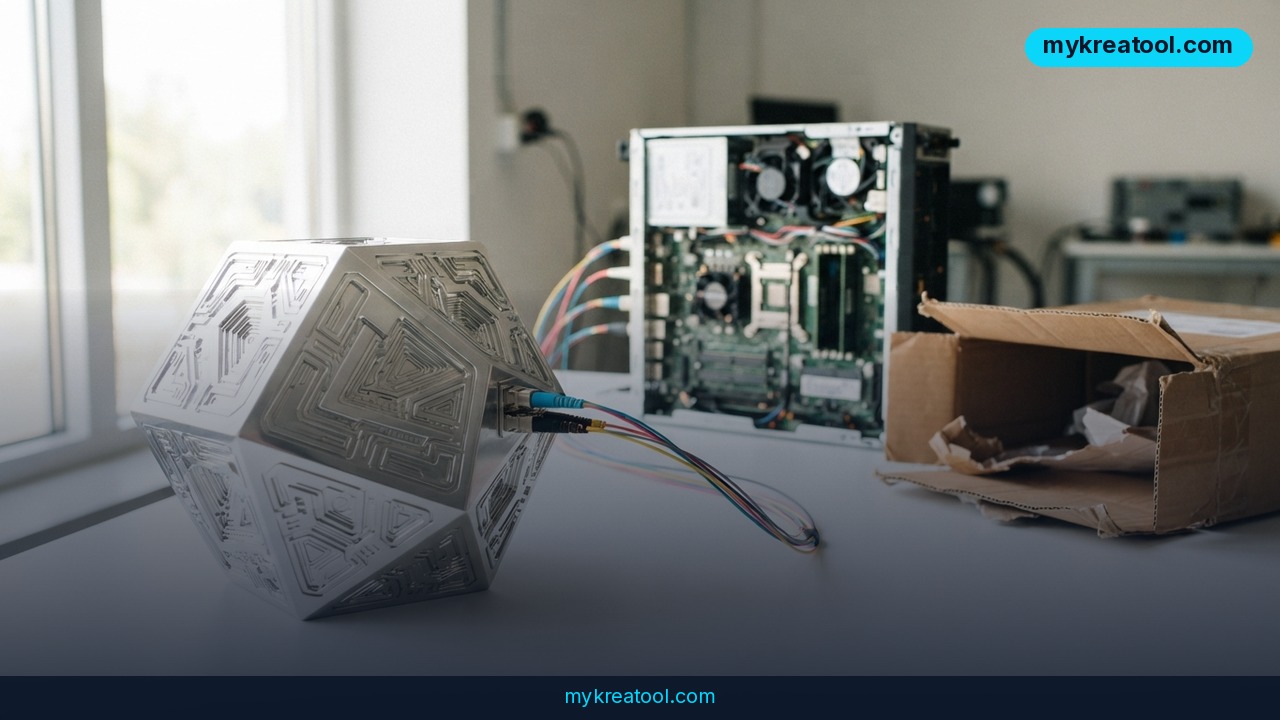
If you've tried AI video generation lately, you already know the trade-off. You type a prompt, you get a gorgeous clip, and the second you want to change one thing — the camera speed, a stray hand, a logo — the whole shot falls apart. Mirage, the team behind the viral Captions app, is betting there's a better way. Its new tool, Tesseract, barely generates pixels at all. Instead, it hands AI agents like Claude Code, Cursor, ChatGPT and Codex a real 3D editing engine they can drive in plain English.
What happened
Mirage (formerly Captions) shipped Tesseract, a local, deterministic engine for video editing, animation and 3D graphics that's built to be operated by an AI agent rather than a human clicking around a timeline.
"Deterministic" is the word that matters here. It means the same input gives you the same output every single time — like a spreadsheet formula, not a slot machine.
Under the hood, Tesseract is two things bolted together:
• A compiled native command-line tool called `tsrct`. No browser, no timeline UI, no drag-and-drop.
• A set of Agent Skills — `tesseract-3d`, `tesseract-video`, `tesseract-motion` and `tesseract-design` — that teach a model what the tool can do and how to call it.
That's it. The agent never has to fight its way through Blender, Unreal Engine or After Effects menus. You hand it a brief, and it writes and edits a structured project file with a `.tsrct` extension describing the timeline, layers, geometry, materials, camera paths and audio tracks.
Think of it as the difference between a photo of a cake and the recipe. A diffusion model hands you the photo. Tesseract hands you the recipe, and you're free to swap the flour.
Why the editing problem is the real story
Here's what drives anyone doing AI video generation up the wall. Ask a diffusion video model to slow a camera move by 15% and you can't. You have to re-render the entire clip, and the new version comes back with slightly different faces, slightly different hands, a logo that drifted two feet to the left. The model is producing "blind" pixels — it has no idea what's actually in the frame, only what looks plausible.
Tesseract sidesteps that because every scene is a real 3D space. The agent places polygonal meshes (you can import glTF and Blender assets), assigns PBR materials — physically based shaders that react to light the way real surfaces do — drops in light sources, and sets keyframes for animation. Change the camera speed and only the camera changes. Everything else stays exactly where it was.
For the final render, the source material describes a built-in GPU path tracer, the same technique offline renderers use to simulate how light bounces around a room. One honest caveat: that particular spec hasn't been independently confirmed yet, so treat it as a claim to verify rather than gospel.
What it means for you
You don't need to be a 3D artist for any of this to matter. You just need to care about video you can actually change.
At home
That birthday video where your kid's face keeps morphing every time you re-render? Gone. Build the scene once as a 3D space and re-cut it as often as you like — different music, a different angle, a longer shot of grandma — without the faces wobbling.
At work
Marketing teams live and die by revisions. "Can we make the logo bigger and slow the push-in?" used to mean a full re-render and a nervous wait. Now it's a one-line instruction to an agent editing a file.
For business
One product scene can spit out a 16:9 hero cut, a 9:16 vertical for Reels and a square for the feed, all from the same geometry. No AI weirdness between versions and no re-shoot.
For study
Need to explain how a piston works or how light bends through a lens? A 3D scene you can rotate, label and re-time beats a stock clip every time.
For creativity
Storyboarding gets genuinely fun. Sketch a rough camera path, then iterate on it twenty times in an afternoon without losing the set you built.
For income
Freelance editors and motion designers can quote for revisions without eating the hours, and template makers can sell `.tsrct` project files instead of just flat exports.
If you want to poke at neighboring tools without spending anything first, there's a decent collection of free AI tools worth bookmarking alongside this.
How to try it right now
Start with the free reading, then move to the building.
1. Read the official docs first. The Captions Tesseract help page walks through the CLI and the Agent Skills. Ten minutes there saves you an hour of guessing.
2. Check what's actually shipping. Product pages move fast — the Mirage site is the source of truth for current access, and the Captions Wikipedia entry) gives you the backstory on the team.
3. Pick an agent you already have. Claude Code, Cursor, ChatGPT or Codex. If you're on a free tier of any of them, use that first — you're testing the workflow, not the model.
4. Install `tsrct` and the skills. Load `tesseract-3d` and `tesseract-video` to start; add `tesseract-motion` and `tesseract-design` once you want animation and layout control.
5. Write the brief the way you'd brief a human. "A 20-second product shot on a dark table, camera pushes in slowly from the left, warm key light, no text" beats a pile of keywords every time.
6. Open the `.tsrct` file and edit it by hand. This is the step people skip. It's just text, you can read it, and you'll learn more in five minutes than from any tutorial.
7. Compare notes. If you're weighing it against other agent-driven editors, this Mirage Tesseract vs PilotCut breakdown is a useful sanity check.
Upsides and what changes
The big shift isn't prettier video. It's revisable video. Once a clip is a project file instead of a finished MP4, every downstream job — resizing, re-timing, translating on-screen text, swapping a product — gets cheap.
A few other things stand out:
• Real geometry means no hallucinated limbs. Meshes don't grow extra fingers.
• Local and deterministic means predictable renders and no per-second cloud bill.
• Assets travel. glTF and Blender imports mean the 3D work your team already did doesn't get thrown away.
• Agents get a proper tool. A structured file with a documented schema suits a model far better than asking it to click buttons in a GUI.
Limitations
Be honest with yourself about the trade-offs. Tesseract won't produce a photoreal talking head — that's exactly what diffusion models are good at, and a procedural 3D engine isn't a replacement for a camera pointed at a person. You also need assets: meshes, materials, lights. A blank scene is a blank scene whether a human or an agent is staring at it. The path-tracing claim still needs independent verification, and the whole thing lives on a command line, which will feel like a wall if you've never opened a terminal. It's early, too — expect rough edges, docs that shift under you, and skills that don't quite do what you hoped on the first attempt.
Conclusion
Tesseract doesn't bury diffusion video so much as split the job in two: generative models for photoreal footage nobody will need to edit, and procedural 3D for everything you'll want to change later.
Your one action today: open the Tesseract docs, read the section on the `.tsrct` project format, and write a five-line brief for a scene you'd genuinely use. That's the whole test.



Comments 0