What Happened
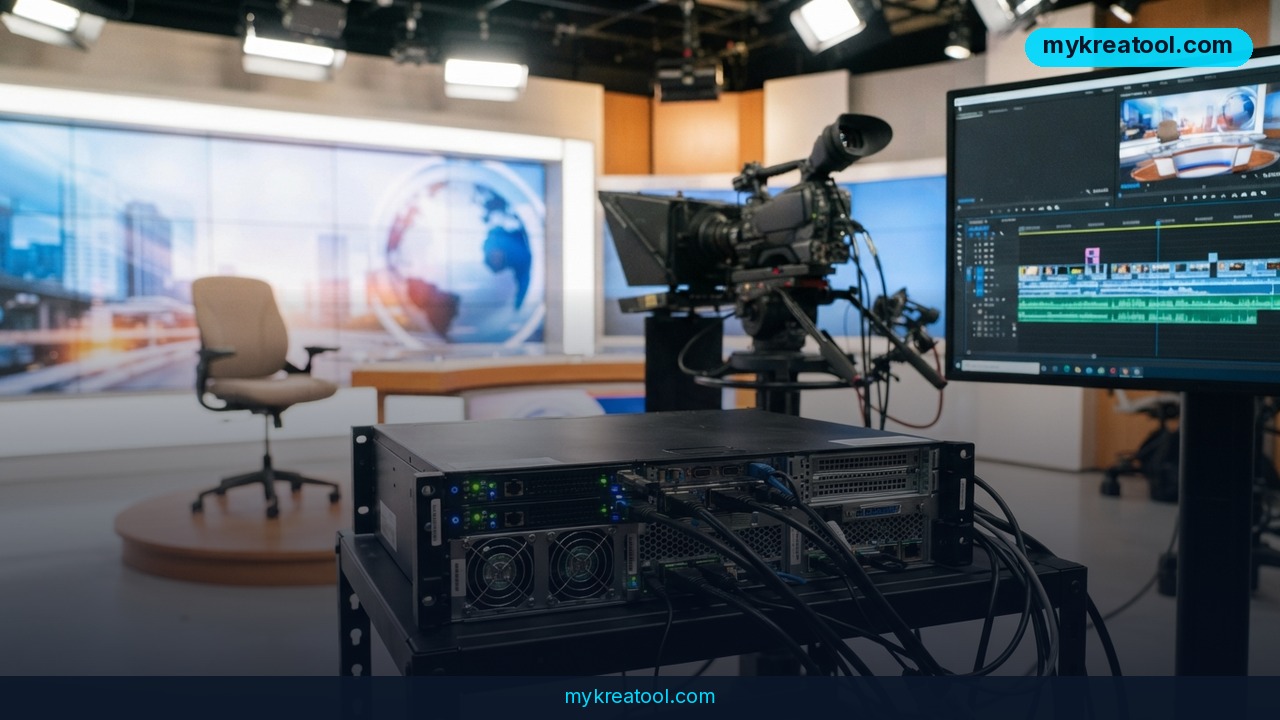
Some of the best AI video generator tools don't come out of a funded startup — they come out of someone who's genuinely stuck. This one started when a small regional TV channel (a spin-off of a local internet provider) lost its editor and its camera operator in one go. To stop the broadcast license from being pulled, a tech-support admin named Dmitry Asanov took over the airtime himself and started automating it. His fix is V-GEN: an open-source tool that turns Google Gemini and FFmpeg into a one-click newsroom.
A TV Station With No Editor and No Camera Operator
For about a year he stitched things together by hand — real footage when he could get it, and slideshows plus animated photos when he couldn't, using the old Ken Burns trick of slowly zooming and panning across a still image so it feels alive. The reporting side was the real time sink. Every story had to be dug out of local portals and social media groups, checked, rewritten, dressed with pictures, voiced, cut against the channel's intro, given background music at exactly the right volume, and stamped with a logo. That ran 20 to 30 minutes per segment — and that's when nothing went wrong.
So he started chipping away at it. RSS parsers to pull in the local outlets. Google AI Studio TTS instead of recording his own voice into a microphone. DeepSeek for a first pass at rewriting. It helped, but he was still babysitting the whole process.
Then he rebuilt it around Google Gemini on a paid Pro subscription, spent a few days testing, and landed on a local service with a web interface: one button that says 'collect news for the last 7 days,' and a finished Full HD MP4 at the other end.
What V-GEN Actually Produces
Roughly 10 minutes. That's the number worth holding onto.
The output isn't a rough draft or a storyboard — it's a finished broadcast file. Full HD 1080p at 16:9. A spoken script of 800–1000 characters, which is about 45–60 seconds of airtime. A lead line built to hook you in the first breath. Numbers written out as words ('October seventh,' not '10/7'). An AI voice called Callirrhoe reading it. Slow camera pushes and pulls across the photos. The channel's own intro bumper spliced in at the front, background music sitting at −5.4 dB, and the logo burned into the corner.
The author also notes he spent a few days on this with Google Antigravity, so the whole thing came together fast rather than over months.
The Four Stages Under the Hood
You don't need to be an engineer to follow along, so here it is in plain terms.
1. Live search and filtering. Gemini's 'grounding with search' feature means the model actually looks things up on the web instead of guessing from memory. It pulls candidates, throws out the noise ('lost cat,' 'found keys,' 'buying a garage'), and keeps only stories from the last 7 days.
2. The rewrite. The text gets forced into strict TV shape: exact length, a hook up front, numerals spelled out, no slang, no chummy greetings.
3. Text-to-speech. TTS is just software that reads text aloud. Callirrhoe is the Gemini voice doing the anchor impression.
4. Visuals and assembly. Smart UNCROP takes a photo that isn't shaped right and fills it out to Full HD — think of widening a picture without squashing anyone's face. FFmpeg, the free Swiss Army knife of video tools, does all the actual cutting.
What It Means for You
At Home
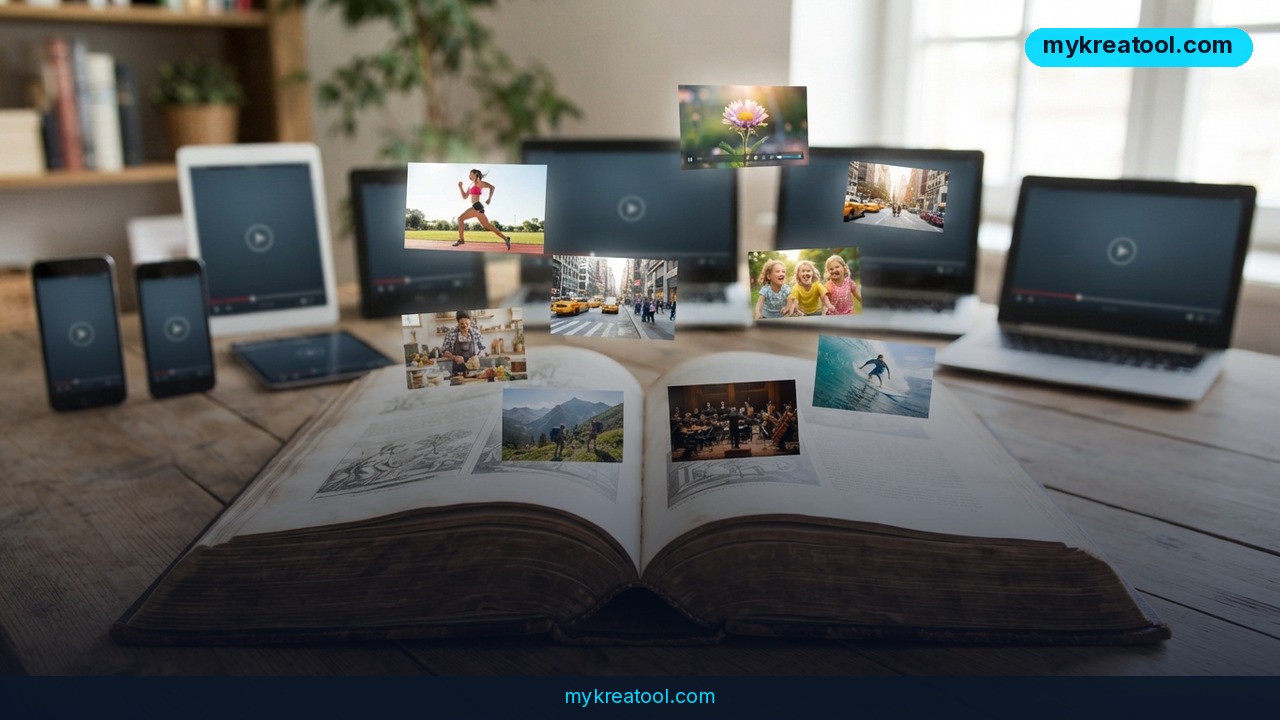
If you've got a folder full of photos from a wedding, a graduation or a family reunion sitting around, this is the shape of a tool you'd want. Pick the good ones, write a script in the 800–1000 character range, and 10 minutes later you've got a narrated video with movement, music and your own logo. No editing software, no timeline, no learning curve.
At Work
Any team that sends the same kind of update every week — internal comms, safety briefings, project recaps — can turn a template into a pipeline. What used to be somebody's Friday afternoon becomes one click and a quick read-through. That's the quiet win: not creative genius, just a chore that stops eating hours.
For a Small Business
A local shop, a restaurant with a weekly special, an estate agent with six listings — none of them can justify a videographer. Here, a 45-second news-style spot over your own photos costs you a few minutes. Just be sure the images are yours or properly licensed, since the tool doesn't check that for you.
For Students and Teachers
Feed in a topic and a stack of sources, and you get a 60-second narrated recap you can watch on the bus. It's genuinely useful for revision. It's also a good lesson in why you should double-check anything a language model says before you trust it in an exam.
For Creators and Side Hustles
Faceless channels, batch content, daily explainers — the boring parts (sourcing, scripting, voicing, sizing images) are exactly what this automates. The parts it doesn't do are the ones that matter most: a point of view and a reason to watch. If you want free helpers for the rest of your workflow — thumbnails, background removal, image cleanup — MyKreaTool has a stack of them and you don't pay a cent.
As an Income Stream
The obvious play is service work. Local businesses that can't afford a videographer will happily pay for a weekly 45-second video, and you can now produce one in the time it takes to make coffee. The less obvious play is building on top of the repo — a template pack, a niche channel, a white-label version for a specific industry.
How to Try It Right Now
Free first. You genuinely don't need to pay anything to test this.
1. Install Python 3 and FFmpeg. Both are free. FFmpeg is the engine that does the video processing.
2. Get an API key from Google AI Studio. The free tier is enough to run a few test videos.
3. Grab the project itself: look for the V-GEN repository on GitHub. Clone it with git or download the ZIP.
4. Start the local server and open the web interface in your browser. Nothing leaves your machine except the API calls.
5. Hit 'collect news for 7 days' or type in your own topic.
6. Read the script out loud before you export. If it takes much less than 45 seconds or much more than 60, it's outside the 800–1000 character target.
7. Swap in your own photos, logo and music level, then export. You'll get an MP4 ready for a playlist.
Optional paid step: the author runs this on a paid Google Gemini Pro subscription, which is what you'd want for daily use. He also mentions buying a year of Pro for 70 rubles through a Telegram reseller bot — I'd skip that route and subscribe directly through Google. Resold accounts can disappear without warning, and you won't get support.
Upsides and What Changes
• The boring parts are gone. Sourcing, filtering, rewriting, voicing and sizing images were the slow parts. Now they're the fast parts.
• It's local and open source. The script runs on your own machine, and you can read, edit and break it however you like.
• The output is broadcast-spec, not social-spec. 1080p at 16:9, music at −5.4 dB, logo burned in — that's a real TV pipeline, not a slideshow app.
• It enforces a house style. Character limits, spelled-out numerals, no filler greetings. Consistency is exactly what small teams struggle with.
• It proves the model. No giant dataset, no GPU cluster. A mainstream LLM plus a free video tool and a few days of work.
Limitations
Be honest with yourself about the fine print. This was built for one small Russian-language regional channel by one person solving his own problem, and he says plainly that he didn't put much effort into the description — so expect thin docs and no support. The editorial rules are tuned to Russian TV conventions: Cyrillic filenames for the playlist, Russian character counts, Russian numeral phrasing. Getting clean English output means rewriting the prompts, and you'll want to test the voice yourself. The photos come from the open web, which creates a copyright problem the tool can't solve for you. Language models still invent details now and then, so every script needs a human read before it goes anywhere near an audience. And if a story is genuinely sensitive — a court case, a death, an election — a 10-minute automated pipeline is not the place to be clever. Treat it as a first draft machine that happens to also cut the video.
Conclusion: Your One Action for Today
What's striking here isn't the technology; it's the ratio. Twenty to 30 minutes of manual work, down to about 10 minutes of mostly waiting. That's not a magic trick, it's just a person who refused to keep doing the same six chores by hand.
So here's your one move today: open the V-GEN repository and run a single story end to end, even if it's a topic you invented. If the setup feels like too much for now, do the low-tech half instead — write a script in the 800–1000 character range about something happening in your town, time yourself reading it aloud, and see how close you land to 45 seconds. You'll learn more in ten minutes than you will from a week of reading about AI video.
The tools are free. The bottleneck was never the tools.
Comments 0