What happened
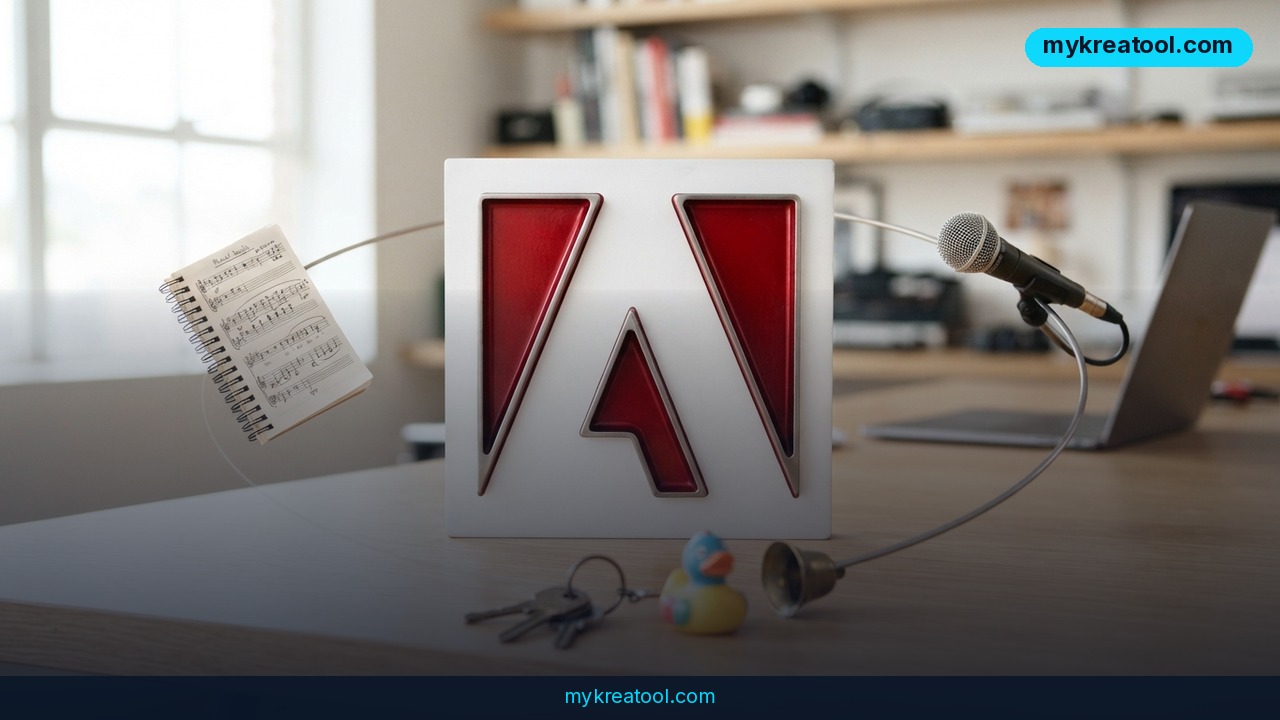
Adobe Firefly AI audio tools are now broadly available, marking one of the biggest updates to Adobe's generative platform this year. As of August 20, 2026, Firefly ships with three new capabilities: Generate Music, which creates royalty-free music tracks for videos; Generate Speech, which turns written scripts into voiceovers; and Generate Sound Effects, which produces audio for individual scenes. Adobe says all three tools are cleared for commercial use, meaning creators, marketers, and businesses can drop the output straight into paid campaigns, client work, or monetized video content without licensing headaches.
Alongside the audio rollout, Adobe confirmed that Firefly AI Assistant now includes free daily generations, lowering the barrier for creators who want to experiment before committing to a paid plan. Adobe also flagged that "Create Storyboard" and "Create Brand Kit" are now among the platform's most-used features, signaling that Firefly is increasingly used for full campaign planning, not just one-off image or video generation.
A new model joins the lineup
On the model side, Adobe added Google's Gemini Omni Flash to Firefly, joining an already growing roster of third-party models from Google, Kling AI, Luma AI, and Runway. Gemini Omni Flash stands out because it accepts video, audio, and image inputs alongside text prompts, giving users a single model that can reason across multiple media types instead of switching tools for each format.
Why it matters
This update pushes Adobe Firefly closer to becoming a full production suite rather than just an image generator. Video creators have long had to leave Adobe's ecosystem to source stock music, hire voice talent, or license sound effects. By folding music, speech, and sound effects generation directly into Firefly, Adobe removes several external steps from the content pipeline—and it does so with commercial-use clearance built in, which matters for agencies and brands wary of copyright risk.
The addition of Gemini Omni Flash also matters strategically. Adobe isn't trying to build every foundation model in-house; instead, it's positioning Firefly as a neutral hub where creators can pick whichever underlying AI model fits a given task. That mirrors what's happening across the AI tools market broadly, where platforms increasingly compete less on having the "best" single model and more on offering the best interface to route between many models.
A shift toward all-in-one content creation
For entrepreneurs and small marketing teams, the practical effect is fewer subscriptions and fewer handoffs. A single Firefly session can now move from a written script to a voiceover, background music, and scene-specific sound effects, all inside one interface with one licensing framework to track.
How to use it today
Getting started with the new Firefly audio tools doesn't require a major workflow change. Inside Firefly, users can select Generate Speech to convert a script into a voiceover, choosing tone and pacing before export. Generate Music works from a simple mood or genre prompt and outputs a track sized to a video's length, while Generate Sound Effects lets creators target specific moments—a door closing, footsteps, ambient noise—without hunting through stock libraries.
Because Firefly AI Assistant now includes free daily generations, it's worth testing the audio tools against a real project before upgrading a plan. Teams that want to compare Adobe's output against other no-cost options can also explore free AI tools at mykreatool.com, which is useful for quick experiments before committing a project to a single platform.
Working with Gemini Omni Flash
To use Gemini Omni Flash inside Firefly, select it from the model picker alongside the existing Google, Kling AI, Luma AI, and Runway options. Because it accepts video, audio, and image inputs together with text, it's particularly useful for tasks like generating a video variation based on an existing clip plus a new voiceover, rather than starting from a blank prompt each time.
Who benefits
The clearest winners are solo creators and small marketing teams who previously stitched together separate tools for video, music licensing, voiceover recording, and sound design. Consolidating those steps into Firefly can meaningfully cut production time on short-form video, ads, and social content.
Agencies and freelancers also benefit from the commercial-use clearance, since it removes a common point of friction when delivering client work built with AI-generated assets. Meanwhile, the expanded model lineup—now including Gemini Omni Flash—gives power users more flexibility to match a specific model's strengths to a specific creative task, whether that's photorealism, video coherence, or multimodal editing.
Risks"
Despite Adobe's commercial-use assurances, creators should still read the specific licensing terms attached to each generation, since "cleared for commercial use" can carry conditions depending on jurisdiction and use case. AI-generated voiceovers and music also raise ongoing questions about disclosure—some platforms and clients require labeling AI-narrated or AI-scored content, and that expectation is likely to grow as generative audio becomes more common.
There's also a quality-control risk. Generated speech and music can sound generic or slightly off in tone, especially for brand-sensitive content, so teams should budget time for review rather than assuming first-pass output is publish-ready. Finally, relying on free daily generations for production work isn't sustainable at scale, so growing teams should plan for paid tiers once usage moves beyond testing.
Conclusion
Adobe's rollout of Generate Music, Generate Speech, and Generate Sound Effects, combined with the addition of Gemini Omni Flash, signals a clear direction: Firefly is becoming a one-stop production platform for video, audio, and multimodal content. For entrepreneurs, marketers, and creators looking to cut production costs and speed up content output, these tools are worth testing now, especially while free daily generations are available. The bigger picture is a content creation landscape where fewer tools and fewer handoffs increasingly win.



Comments 0