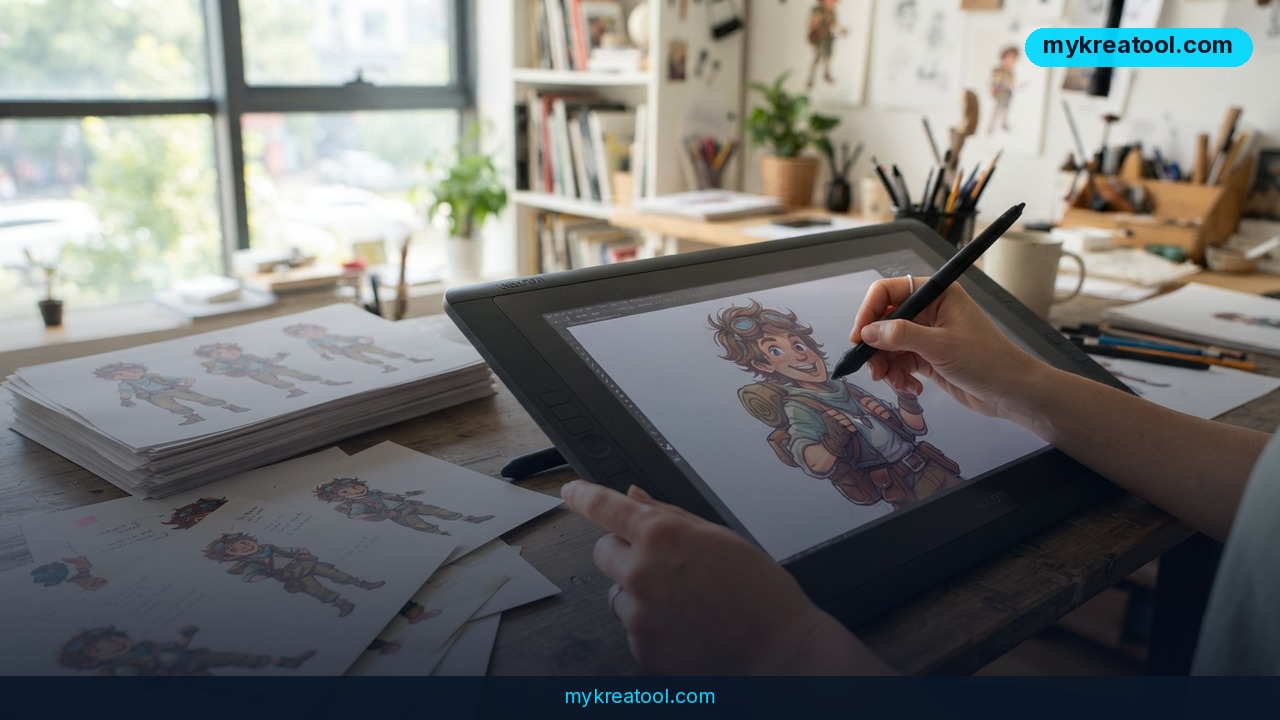
Here's the moment every AI image generator gets tested. The illustration is approved. The campaign launches in three days. Then the client asks for a product swap, four localized variations, and a vertical crop for social. The real question isn't whether the tool can spit out another picture — it's whether you can change one element, leave everything else exactly as approved, and keep the schedule intact.
That's the quiet shift behind the strongest AI image generators right now. They've stopped being party tricks and started behaving like production tools. A 2026 buyer's guide from Luma puts it bluntly: the best platform isn't the one that creates the most impressive first image. It's the one that helps you keep working when the client asks for the next change.
What happened
The numbers stopped looking like a novelty
A few years back, image generators were curiosities you showed your friends. Today they're infrastructure. Adobe Firefly alone has powered billions of generated assets, and Leonardo.ai reports over 4 billion assets created on its platform. Those aren't hobby numbers — they mean illustration work is genuinely being made this way at scale.
The guide that prompted this piece ranks eleven platforms, sorted by how well they serve artists who need both creative exploration and production control. It also frames a five-times-faster workflow in its title: generate and fix illustrations without rebuilding the whole file every time the brief moves.
Luma's bet: the edit matters more than the first image
Most generators stop the moment the image appears. From there, you export into one tool to refine, another to animate, another to localize. Luma's pitch is that you generate, edit, and produce in one place. Its Layers feature, powered by Uni-1, lets you change a single object, a text element, or a background while preserving the rest of the composition — including across batch variations. Work then flows into Ray for video without rebuilding context, Luma Agents hold onto project context from first sketch to final delivery, and Skills save repeatable workflows so a process you nailed once can be reused.
Why "change one element" is the hard part
Think of a decorated cake. If one cherry is in the wrong spot, a standard generator scrapes off the frosting, re-bakes the sponge, and hands you a brand-new cake that's subtly different from the one everyone approved. A layered editor just moves the cherry. That's the whole difference, and it's why consistency gets more valuable as the number of assets grows — layout, style, text, and every approved decision need to survive each revision.
What it means for you
At home: fix the photo instead of redoing it
You've got a family photo where someone blinked and the background is a messy kitchen. Regenerating the whole image changes the faces you love. Swapping just the background keeps the people. Same idea, less heartbreak.
At work: one approved layout, many versions
The team signs off on a key visual, then marketing wants four headlines for four regions. If you can lock the layout and edit only the text, you're not reopening a design review every single time.
In business: swap the product, keep the page
A small shop selling the same item in three markets needs three photos. Same lighting, same angle, different packaging. Editing one object inside an approved composition beats shooting everything again.
For studying: relabel the diagram
A labeled diagram for a class project usually has one wrong caption. Fixing that caption shouldn't mean redrawing the entire figure — especially at 1 a.m. before it's due.
For creativity and side income: revisions stop eating your weekend
If you freelance, you know the pain of "love it, just change the color of the jacket." When that takes one edit instead of a full rebuild, you can take on more clients without working more nights. If you want quick inspiration before committing to a big tool, there's a handy set of free AI tools worth bookmarking for fast drafts and side experiments.
How to try it right now
1. Start free. Before you pay for anything, play with free AI tools to see how prompt-to-image feels. The point of this step isn't a finished asset — it's getting your eye calibrated.
2. Write the brief like a text message. Skip the jargon. "Product on a marble counter, soft morning light, headline space on the left" tells the tool more than a wall of adjectives.
3. Generate one version you'd actually approve. Don't chase ten options. Get one solid composition.
4. Name what must not change. Before editing, write down the fixed parts: the product, the angle, the headline placement. This is your anchor.
5. Open Luma and edit with Layers. Luma is the tool from the source guide, and Layers (powered by Uni-1) is where you change one object, text element, or background while the rest holds still.
6. Batch the variations. Once the layout is locked, produce the regional versions in one pass instead of one at a time.
7. Push it into Ray if you need motion. Your composition carries over, so you're not starting the video from zero.
8. Save the workflow as a Skill. Next campaign, you repeat the process instead of reinventing it.
Upsides and what changes
The obvious win is time. If editing one element replaces regenerating an entire image, revisions get cheaper — and cheaper revisions mean you say yes to more of them. The less obvious win is trust. Clients approve things they can recognize. When the fifth version still looks like the first one they signed off on, the conversation shifts from "why did it change?" to "what's next?"
It also changes what an artist is for. If generation is cheap, taste, judgment, and knowing which element actually needs to move become the scarce skills. The guide's own framing backs this up: the platforms worth caring about are the ones that carry a project from brief to finished campaign, not the ones with the flashiest demo.
Limitations
Be clear-eyed about two things. First, this guide comes from Luma, so the ranking flatters Luma's strengths — it's marketing as much as it is advice, and the "five times faster" claim in the headline is the guide's own framing, not an independent benchmark. Second, no single tool wins everywhere. The source itself notes that specialized capabilities still matter: vector output for scalable design work, typography control for anything text-heavy, photorealism for photography-style assets, and open-source customization if you need to bend the model to your own workflow. Consistency also gets harder, not easier, as your asset count grows, and editing control varies a lot from platform to platform. Pick based on what happens after the first image, not on how impressive that first image looks.
Conclusion and one action for today
The AI image conversation has moved on from "can it make a picture?" to "can it hold a campaign together?" Layered editing, saved workflows, and context that survives from first draft to final delivery are what separate a toy from a production tool — and that's exactly what the source guide says to look for across all eleven platforms it ranks.
One action for today: take an image you've already approved and change a single element in it — one object, one line of text, one background. If that's easy, you've found your tool. If it isn't, you've just saved yourself a launch week of pain.
Comments 0