What happened
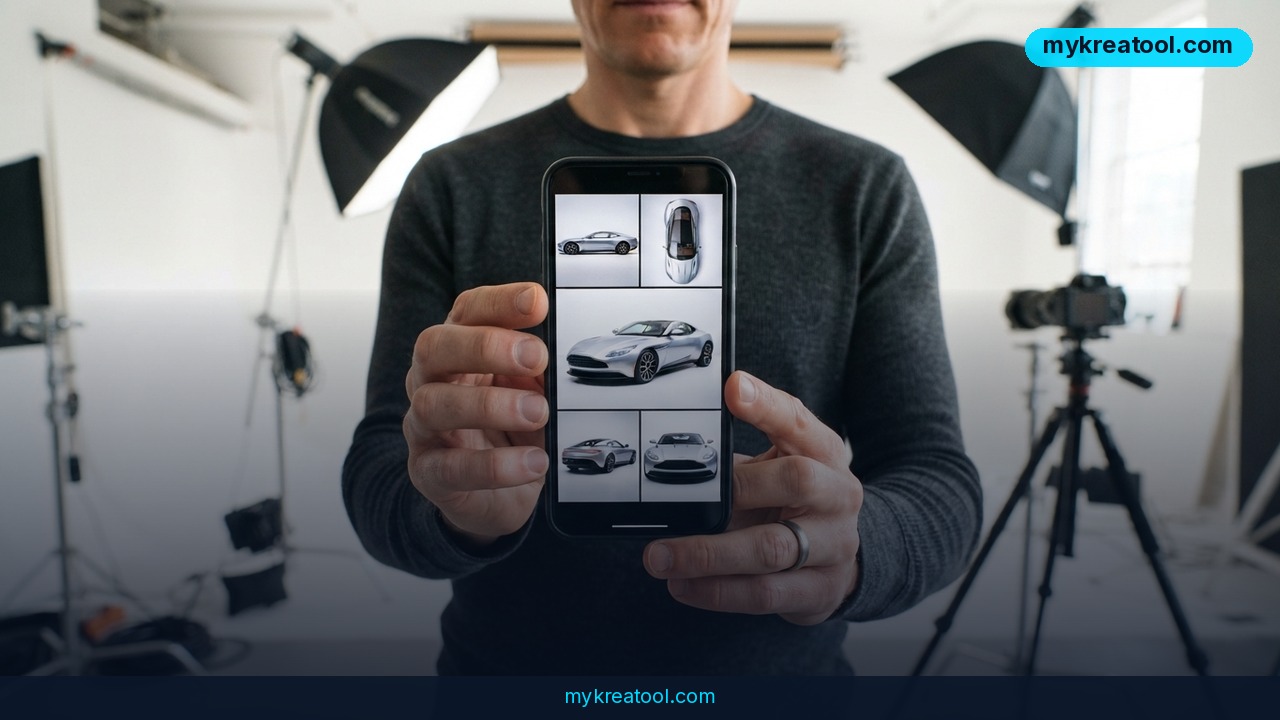
Luma AI has pulled two jobs that usually live in separate apps — still-image perspective work and video generation — into a single workspace. Its Camera Angles feature generates fresh viewpoints from one reference image, and Ray 3.2 handles the moving picture: generating video, transforming footage you've already shot, and giving you tighter control over motion and framing. In plain English, an AI camera angle changer is software that looks at a flat photo and works out what the scene would look like if you'd stepped two feet to the left, crouched down, or shot from above. No reshoot. No rebuilding the set. You ask for a different angle and the tool draws it.
What's actually going on under the hood
A photo is flat — just a record of light hitting a sensor from one spot. To change the angle, the model has to reverse-engineer the scene: where the walls sit, how far back the product is, which way the light falls, and which bits are hidden behind other bits. Once it has that rough 3D sketch in its head, it can render the same subject from a position nobody ever photographed, while holding onto the shape, color and identity. Luma's version lets you pick preset angles or define your own, and it gives you one output per angle you select. So a single product shot becomes a small gallery of views, one portrait becomes a character reference sheet, and you get something close to a 360° look around an object you only photographed once.
Why video is the harder half
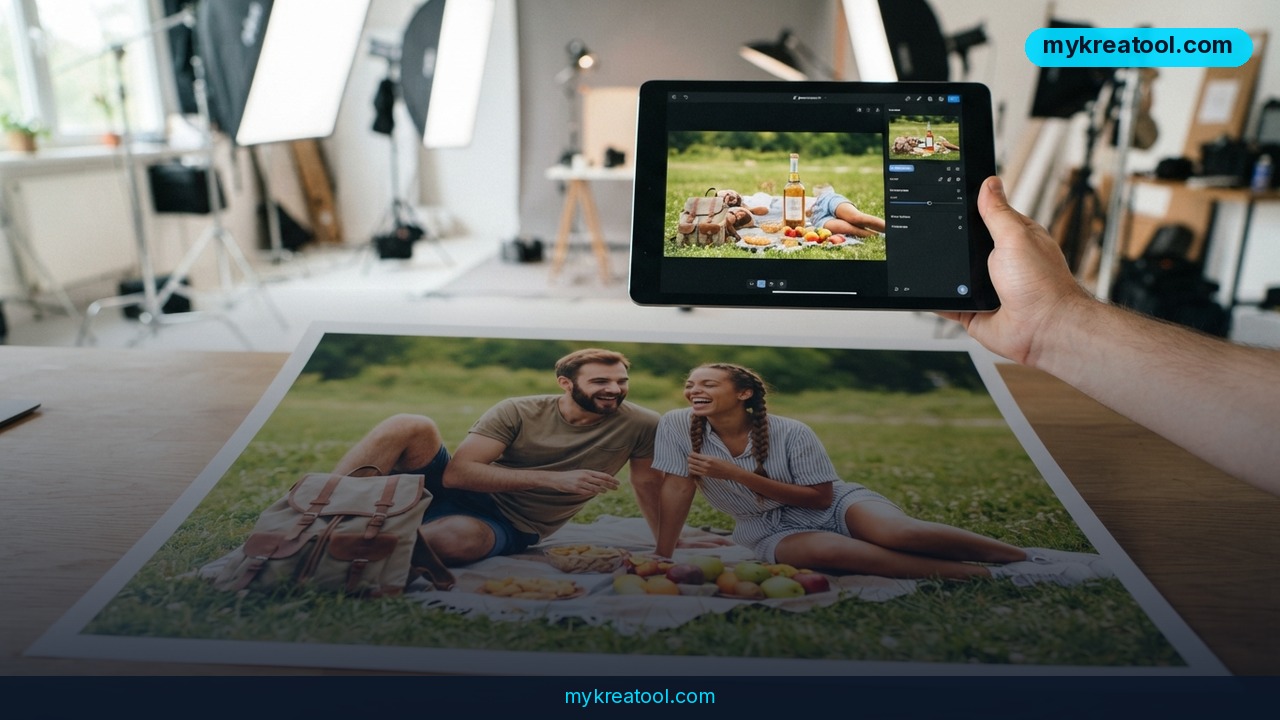
Stills are one guess. Video is thousands of guesses that all have to agree with each other, and if frame 40 wobbles, viewers spot it instantly. That's why video camera control leans on different machinery. Ray 3.2 brings multi-keyframe sequencing — think of it as plotting the stops on a road trip before you drive them, so the camera moves where you actually meant it to. Motion Transfer keeps a performer's movements intact while everything around them changes, and video-to-video transformation lets you refine footage you already have instead of binning it and starting over. HDR workflows and EXR export matter for anyone finishing in professional post.
What it means for you
The short version: the angle you happen to have is no longer the angle you're stuck with.
At home
You're selling a bike, a lamp or a guitar on a marketplace listing. One phone snapshot taken at an awkward angle is the difference between three messages and none. Feed it in, get front, side and three-quarter views, and your listing starts looking like a store instead of a garage sale. Same trick when a family photo has someone half out of frame, or when you want to see a room from a couple of different corners before you commit to repainting it.
At work
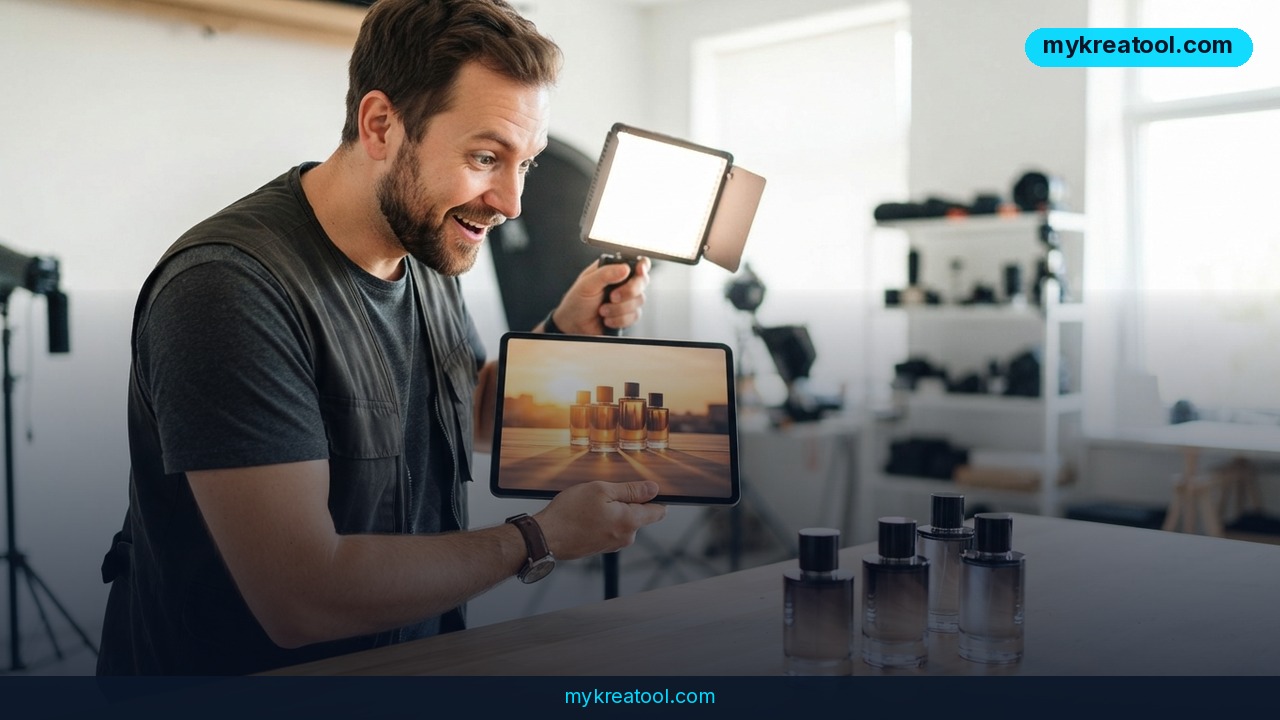
Marketing teams live and die by the asset they don't have. The product shipped before the photographer was booked, or the client wants the hero shot from a lower angle and the shoot budget was spent last quarter. Generating extra perspectives from the shot you already own keeps the schedule alive instead of stalling it. Worth noting: in its roundup of 12 AI camera angle tools, Luma weighs workflow integration as heavily as raw output quality — whether a tool plugs into what your team already does, not just how pretty the render looks.
For a small business
A bakery, a jeweler, a furniture maker: nobody in that world has a photo studio on standby. But one well-lit shot of the signature product can become the whole catalog spread — one angle for the website, another for the social post, another for the marketplace listing. That's not a creative luxury. It's the difference between looking like a hobby and looking like a business.
For study and teaching
Need to explain how a mechanism works from three sides? Want a character sheet for a storyboard assignment? One reference render plus a handful of angles gives you teaching material that isn't a wall of text. For design students especially, seeing the same object from several viewpoints is how spatial thinking finally clicks.
For creative work
Storyboarding is the obvious win. Directors can sketch a sequence from one reference instead of hunting for twelve stock photos of roughly the same person in roughly the same light. Character consistency across panels — the thing that usually breaks an amateur storyboard — stops being a headache, and you can test a shot before anyone books a camera.
For income
Freelancers sell speed. If you can hand over a five-angle product set from a single photo before lunch, you take on more clients without adding shooting days. The flip side: buyers are getting sharper at spotting generated angles, so the money sits in taste, framing and knowing which angle actually sells — not in clicking generate.
How to try it right now
You don't need a render farm or a design degree. Here's the practical path.
1. Start with the free option. If you just want to feel what angle-changing does before committing to anything, run a test image through the free AI tools at mykreatool. It costs nothing and it tells you fast whether your source photo is good enough.
2. Pick the right source image. Sharp, evenly lit, subject filling most of the frame, no heavy motion blur. Garbage in, garbage out — this is the single biggest factor in whether you get a usable result.
3. Open Luma's Camera Angles in Luma AI and upload that one reference image.
4. Choose your angles. Go with presets if you want speed, or define custom perspectives if you know exactly what the shot needs to be. It's one output per selected angle, so pick deliberately rather than spraying.
5. Check identity. Compare the outputs side by side. Does the logo still read the same? Do the proportions hold? A little drift is normal.
6. Then move to video. If you need motion, Ray 3.2 is where multi-keyframe sequencing and Motion Transfer live. Storyboard in stills first — it's faster and cheaper to fix a bad angle before it becomes a whole rendered sequence.
Upsides and what changes
The headline benefit is fewer reshoots. A single reference becomes a storyboard, a product gallery or a character sheet, and that collapses a lot of waiting. The second benefit is creative nerve: when extra angles are cheap, you try the weird one instead of playing it safe. The third is continuity. Keeping image and video work on one platform means you're not re-uploading and re-matching assets between tools, which is where a surprising chunk of a creative week quietly disappears.
Limitations
Be clear-eyed about this. These tools are extrapolating, not photographing — anything the camera never saw is a confident guess, so a logo on the back of a device, the texture behind a subject, or the exact way fabric folds can come out subtly wrong. Character and subject consistency varies from tool to tool, and Luma's own advice is blunt: test with your actual assets before you commit to a platform. Video is a different beast from stills and needs multi-keyframe sequencing and motion transfer to hold together, so a tool that's brilliant at images can still be mediocre at motion. And for anything where accuracy is non-negotiable — regulated products, technical documentation, legal evidence — a generated angle is a sketch, not a record.
Conclusion
The shift worth noticing isn't "AI makes pictures." It's that one reference image is now a starting point rather than a dead end, and the angle you shot is just one of the angles you can have. Your one action for today: grab the best product photo or portrait you already own, run it through a free angle tool, then put the same image through Luma's Camera Angles and compare. Ten minutes of that tells you more than any review.
Comments 0