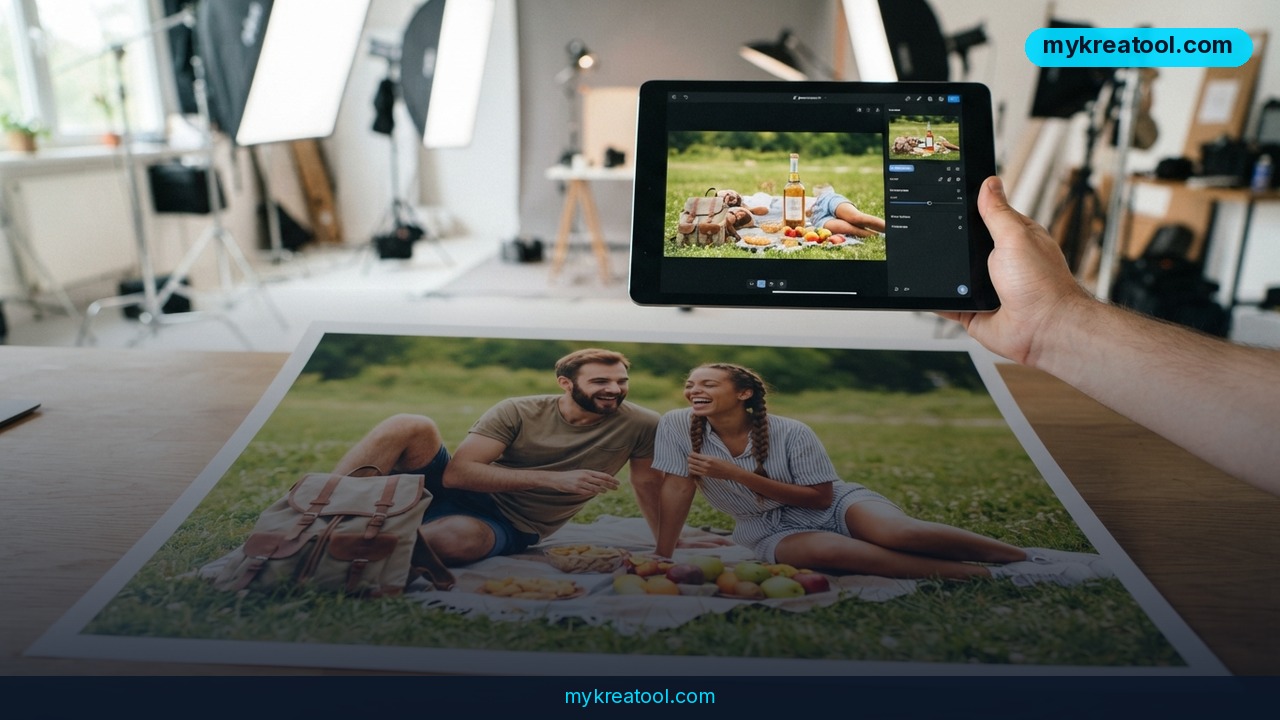
AI product placement is changing how brands build lifestyle scenes. The old version of a product shoot meant booking a studio, hiring talent, and hoping the weather cooperated. The new version starts with a product photo you already own and uses generative AI—software that creates a new image from your instructions and source files—to put that product into a room, a kitchen, a gym, or a seasonal tabletop. Luma's workflow is a clear example: keep the product accurate, change the world around it.
What happened
Luma is promoting an AI product placement workflow that skips the shoot and works from existing product photos. The source example is not abstract: a summer campaign with twelve product variants, four regional markets, and a three-week delivery window. A decade ago, that brief meant studios, talent coordination, and outdoor shots that depended on the weather. Today, the same campaign can move from brief to finished deliverables without a single studio booking.
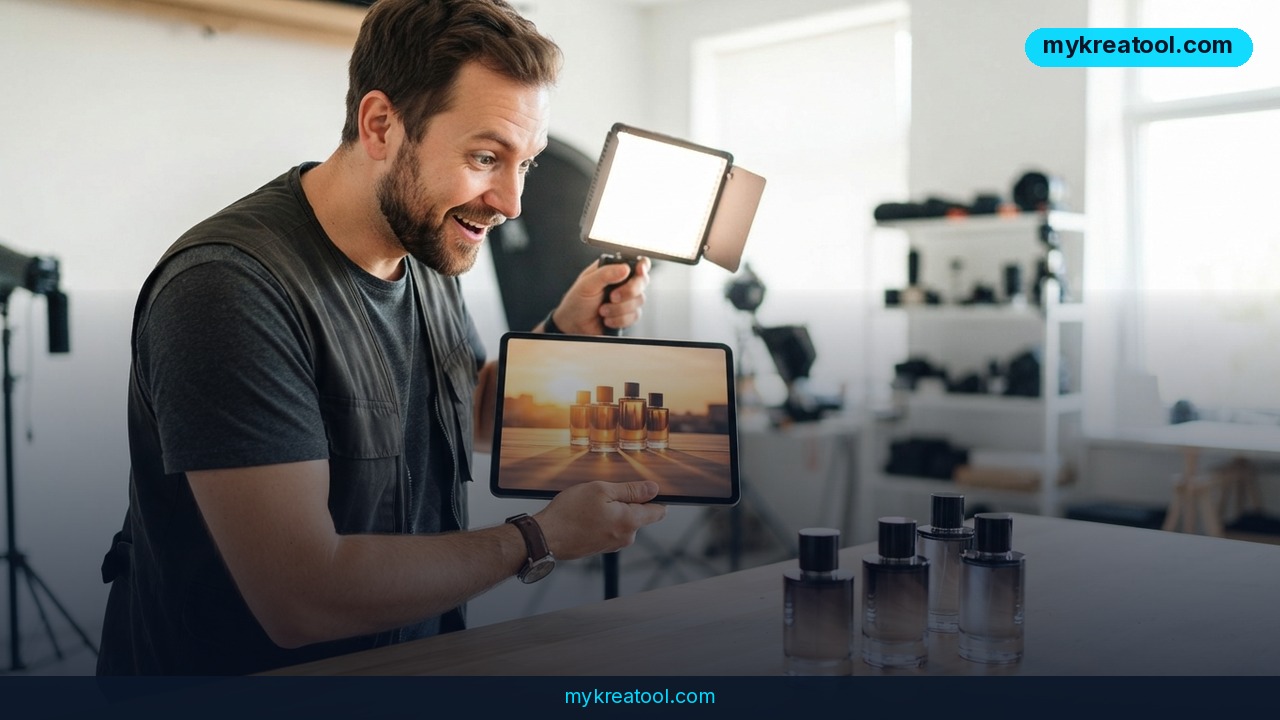
AI product placement is the plain-English name for putting your real product into a contextual scene. It's different from generic image generation because the AI doesn't invent an approximation of your product. It preserves the packaging, labels, colors, and dimensions while it creates the scene around them. That's the difference between 'a bottle that looks sort of like ours' and 'our bottle on a spa counter.'
The commercial reason is simple. Product pages with video content can show up to 80% higher conversion rates than static images alone, according to the source. That stat is about video, not every AI image, but it points to the same hunger: buyers want context. When you can generate lifestyle scenes in minutes rather than weeks, you spend more time refining what works and less time waiting for production schedules to line up.
The old bottleneck was coordination
A decade ago, the workflow was a chain of dependencies: book the studio, confirm the talent, get the product samples to set, shoot, retouch, review, reshoot. Every link could slip. AI product placement removes most of that chain. The new bottleneck is creative judgment: which scene tells the right story, which version matches the market, and which product details must stay untouched.
Luma's Uni-1 model is the engine behind this kind of visual intelligence. The source says it understands how images are constructed, not just what they contain. In practice, that means it can recognize that your label uses specific typography and brand colors, then preserve those details while changing everything around them. That's a useful skill for catalogs, where the same product has to look like itself across dozens of scenes.
What it means for you
At home, at work, and in study
At home, a side hustle can look bigger than it is. If you sell candles, prints, or handmade jewelry, you don't need to rent a styled apartment. You can take a clean photo of the product and generate a scene that looks like a buyer's living room or a sunny windowsill. The win isn't just prettier images; it's showing the product in the place someone would actually use it.
At work, marketing teams get faster reviews. A brand manager can generate 20 scene variations before lunch, review them with stakeholders in the afternoon, and have approved assets ready for platform upload by end of day. That's the source's example. It turns a weekly approval cycle into a same-day conversation, which matters when a campaign has twelve variants and four markets to cover.
For study, the workflow is a crash course in visual composition. A skincare bottle on white seamless paper says 'product.' The same bottle on a spa counter with morning light through sheer curtains says 'self-care ritual.' Generating variations lets a student see how lighting, props, and setting change the story a product tells.
In business and for income
For a business, the obvious use is speed, but the bigger value is testing. A team selling into four regional markets used to need separate locations, styling, and lighting for each audience. Now the same product photo can be adapted by changing the environment around it. You'll still need brand rules and human review, but you won't need four separate shoots just to learn which scene feels local.
For income, freelancers and small agencies can offer lifestyle scene packages without owning a studio. The work shifts from renting space to writing clear scene briefs, protecting product accuracy, and managing revisions. That's a real service skill. The source doesn't promise instant riches, but it does show why speed can become a billable advantage.
For creativity and testing
When production time stops limiting you, you test more directions. The source describes 'prompt-led exploration'—plain English: you type a scene idea and see what comes back. A kitchen appliance can appear in a home kitchen. Fitness equipment can sit in a home gym. Outdoor gear can lean against a log beside a campfire. None of that requires booking the location.
That changes creative strategy. Your winning image comes from iteration instead of expensive guesswork. You can compare a spa scene, a bathroom shelf, and a travel bag without coordinating a single shoot. The constraint moves from budget and scheduling to how clearly you can brief the scene and how carefully you check the product. If your source photo needs a quick clean-up first, you can start with free AI tools before you open Luma.
How to try it right now
Start with the free option
First, start with the free option. Prep your product photo before you touch Luma: crop out clutter, straighten the frame, and make sure the label is sharp. The source sets a minimum of 2048×2048px, so use the highest-resolution file you have. A clean, sharp product shot gives the AI less to guess.
Set the scene in Luma
Open Luma and choose the product placement workflow. Upload your product image and write a plain-English scene brief. A prompt is just your instruction: 'a ceramic mug on a wooden desk beside a notebook, soft morning light.' Keep the product as the hero. The AI creates the world around it rather than inventing a new product. If you're exploring, generate a batch and compare—the source's example uses 20 scene variations before lunch.
Lock the product and review
Before you generate, write down what must stay the same: exact label text, logo colors, packaging shape, and dimensions. The source says explicit definitions of what must remain unchanged are essential. Check every version by eye, especially fine print. AI can preserve a lot, but you're still the quality control.
Turn a winner into a system
Once a scene works, stop starting from scratch. The source describes three workflow approaches: prompt-led exploration for discovery, fixed-scene placement for consistency, and reusable production systems for catalog scale. Use exploration to find the look, fixed scenes to keep it consistent, and a reusable system when you have many products. That's how a test becomes a repeatable campaign asset.
Upsides and what changes
Speed becomes a creative advantage
The obvious upside is time. A campaign that once took weeks of coordination can produce scene variations in hours. The less obvious upside is decision quality. When you can see 20 options before lunch, you stop arguing about what might work and start looking at what does. That's the shift from production timelines to creative decisions.
Consistency becomes a system
Fixed-scene placement lets you keep the same background, lighting, and mood across a product line. That matters for catalogs, seasonal refreshes, and regional campaigns. Instead of hoping every photographer interprets the brief the same way, you define the scene once and reuse it. The source calls this 'reusable production systems for catalog scale'—plain English: a repeatable recipe for many products.
The product stays the hero
The difference between AI product placement and generic image generation is accuracy. Luma's Uni-1 is built to understand how images are constructed, so it can keep your label typography and brand colors while changing the environment. That's the promise: not a fake product in a pretty scene, but your product in a scene that sells the context.
Limitations
AI product placement is not a magic replacement for a good product photo or a clear brand guide. The source sets a 2048×2048px minimum and says you need explicit definitions of what must stay unchanged, which means fine text, unusual packaging, and strict legal labels still need human review. You'll also need to check that the scene matches your market and doesn't imply a use or claim you can't support. And if your original product shot is blurry, badly lit, or missing details, the AI has less to work with. Treat it as a fast production assistant, not a final quality-control department.
Conclusion
AI product placement won't replace the need for a good product photo, but it does remove the studio from the critical path. Luma's workflow shows the trade clearly: keep the packaging, labels, colors, and dimensions accurate, then generate the lifestyle context around them. The teams that win will be the ones that use the speed to test more scenes and review product accuracy more carefully, not the ones that generate the most images.
Your action for today: pick a product photo at 2048×2048px or higher, write a short scene brief, and generate a small batch in Luma. Review the results against your packaging before you publish anything.
Comments 0