What happened
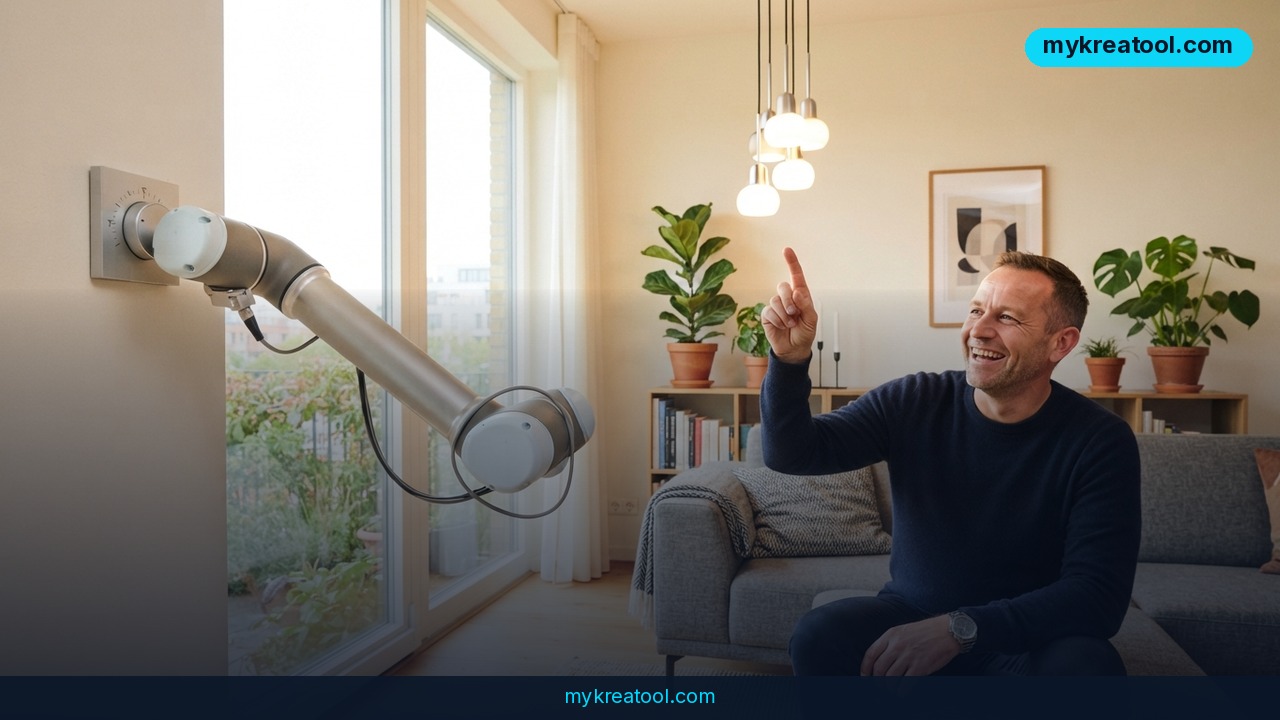
Google just handed the keys to your smart home to outside AI agents. The company added support for MCP (Model Context Protocol) inside Google Home — a new integration that lets AI tools like Claude, Google Antigravity, Hermes, or Open Claw see and control every device in your Google Home setup, not just Google's own Gemini assistant.
Think of MCP as a universal translator. Before this, each AI company had to build its own custom connection to talk to your smart lights, thermostat, or cameras — slow, clunky, and inconsistent. MCP is a shared language that any AI agent can speak, so instead of ten different one-off wires, there's now one standard plug that fits everything.
Taylor Lehman, group product manager at Google Home & Nest, announced the move in a company blog post, saying it lets "any AI agents that support MCP... securely work with all of the devices and event history in your Google Home ecosystem." That last part matters: it's not just live control, it's also access to your home's history — what turned on, when, and for how long.
Google's own Gemini for Home still runs the show through the Home app and Nest speakers. MCP doesn't replace it — it adds a second door. Third-party agents get their own direct line to your devices, through their own apps and interfaces, running alongside Gemini rather than instead of it.
What it means for you
At home
Practically, this turns your smart home into something you can question instead of just command. Lehman gave one example: asking an agent to review camera footage and tell you what your kid did after school. Another: asking how many loads of laundry you ran last week, or how long a light was left on — all pulled from device history rather than something you'd have to check by hand.
At work and in business
For small businesses running a shop, office, or rental property on smart devices — thermostats, door locks, security cameras — an AI agent with MCP access can watch occupancy patterns, flag unusual door activity, or cut energy costs by analyzing HVAC runtime across a week instead of guessing from a gut feeling.
For study and research
Students or researchers working on home automation, energy use, or IoT projects can now query real device history through an AI agent instead of manually exporting logs — useful for anyone doing a project on energy habits or building a mini case study on smart-home data.
For creativity and income
Because MCP lets an agent build a custom dashboard, developers and freelancers can design and sell tailored smart-home control panels for clients — a niche that barely existed before because every integration had to be built from scratch. If you want to prototype an AI-driven dashboard or automation script before touching real hardware, a free toolkit like MyKreaTool is a low-risk place to test AI-generated layouts and logic before wiring anything to live devices.
How to try it right now
Start free, then go paid if it's worth it to you.
1. Free first step: before spending anything, use a free AI tool such as MyKreaTool to sketch out what you'd actually want an agent to do with your home data — a dashboard mockup, a voice-message script, a weekly usage report. This costs nothing and tells you if the paid setup is worth it.
2. Check eligibility: Google Home MCP is currently limited to Google Home Premium Advanced subscribers in the US, priced at $20/month or $200/year. Rollout is gradual over the coming weeks, so availability may lag even with a subscription.
3. Set up a Google Cloud project: MCP access requires creating a Google Cloud project and configuring it specifically to use the Home MCP endpoint — this is a technical step closer to a developer setup than a simple app toggle.
4. Connect your AI agent: point a supported agent — Claude, Open Claw, Hermes, or Google Antigravity — at your configured MCP connection so it can read device state and event history.
5. Test small: start with a read-only task ("summarize this week's light usage") before letting an agent control locks, thermostats, or other core infrastructure.
Upsides and what changes
The upside is choice. Instead of being locked into Gemini as the only brain for your home, you can now let a different AI — one you already use and trust for writing, coding, or research — reach into your actual devices and event history. Google Home speakers still respond to Gemini for voice commands, but third-party agents can now send you spoken updates through those same speakers, like announcing when a task is done. Building a custom dashboard also stops being a developer-only project; an AI agent can generate one from a plain-language request.
Limitations
The honest catch: this isn't free, isn't finished, and isn't simple. It's gated behind a $20/month Premium Advanced tier, US-only at launch, and requires a Google Cloud project just to turn on — not something a non-technical household will click through in five minutes. More importantly, this is real infrastructure: smart locks, HVAC, and appliances now have a second AI system with access alongside Gemini, so every additional agent you connect is another party with the ability to unlock a door or run your heating, and Google hasn't published detailed permission controls for limiting what each agent can do.
Conclusion
Google just turned Google Home from a Gemini-only assistant into an open platform any MCP-compatible AI agent can plug into — control, history, and dashboards included, starting at $20/month for US Premium Advanced users. Today's action: if you're curious but not ready to pay, spend ten minutes sketching your ideal AI-home-dashboard idea in a free tool like MyKreaTool before you decide whether the paid Google setup is worth it.


Comments 0