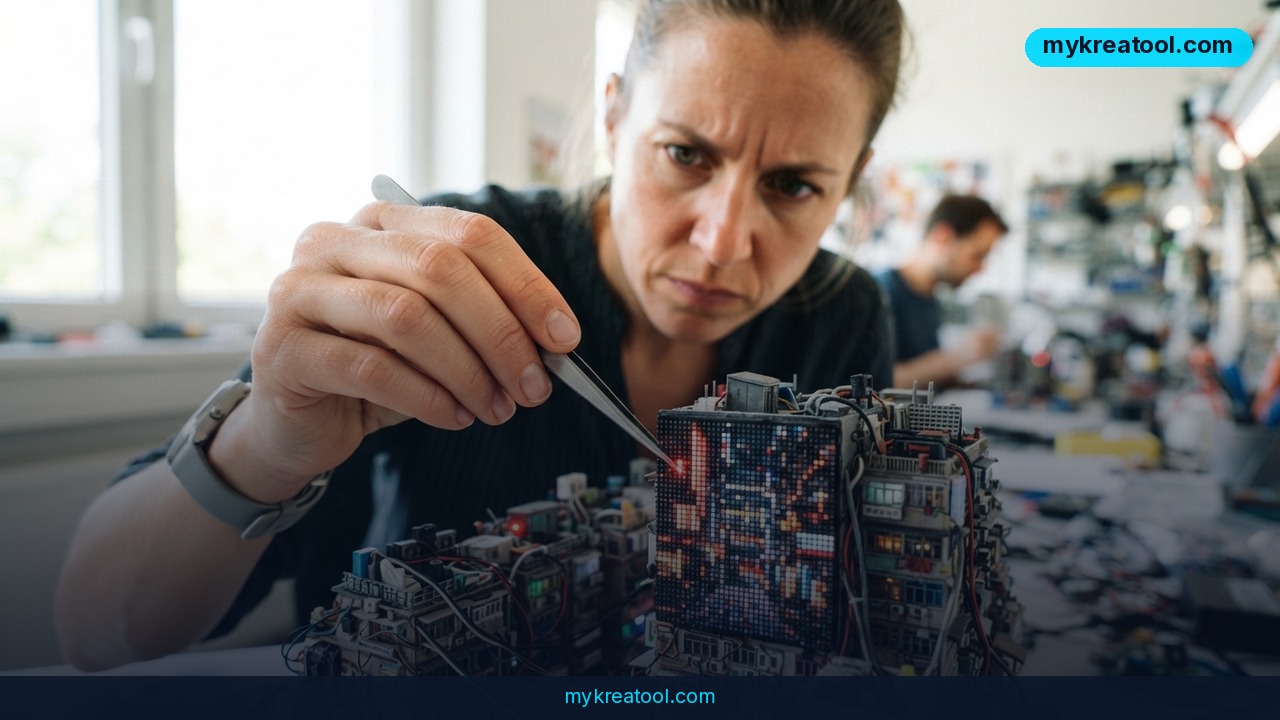
You've probably been there. The AI hands you a portrait that's nearly perfect, you ask it to straighten one collar, and it repaints the entire face. The background drifts, the smile changes, and you're back at square one with a worse picture than you started with. A new pixel-space diffusion model from the University of Rochester and NVIDIA is built to end exactly that kind of collateral damage.
It's a real step forward for everyday AI image editing — the kind of change that sounds technical but shows up the moment you touch up a photo.
Here's what the team built, why your current generator keeps botching small fixes, and how to test it yourself today.
What Happened: A Model That Edits the Dots, Not the Idea
Almost every mainstream AI image generator — the ones baked into ChatGPT, Google Gemini, and most design apps — works in something called "latent space."
Here's the everyday version. Instead of storing a photo of your dog, the model stores a compressed sketch of "dog-ness": floppy ears, wet nose, four legs, waggy tail. When you ask for an image, it rebuilds the animal from that sketch.
That shortcut is why generation is fast. It's also why small edits go sideways. Ask for a slightly greener lawn and the model might redraw the whole house, because it's reasoning about ideas, not about the actual colored dots on the canvas.
The Rochester and NVIDIA researchers went the other way. Their model works directly in pixel space — on the individual dots that make up an image — so it can change one spot and leave the rest of the frame untouched. The public demo goes by the name PixelDiT.
Why latent space kept breaking your edits
Latent compression is basically lossy memory. It's the difference between telling a friend "white cabinets, kettle on the left" and handing them the floor plan. Rebuild a kitchen from that description and you'll get something close — but the kettle wanders off, and the fridge isn't where you left it.
Because nearly every top-tier generator leans on that description-style memory, users have learned to accept collateral damage: fix the hand, lose the ring; clean up a logo, blur the sign beside it. The new approach skips the description and edits the dots themselves, which is why a one-pixel fix now stays a one-pixel fix.
What It Means for You: Six Real-Life Scenarios
Around the house
Family photos are full of tiny annoyances: a charging cable snaking across the sofa, a stranger's shoulder in the corner of a wedding shot, a bin that somehow ended up in the background of every vacation picture. Today you either live with it or pay someone to retouch it. With pixel-level control, you nudge the cable out and the sofa fabric, the shadows, and your kid's face all stay exactly as they were.
At work
Anyone who builds slide decks knows the pain of a near-perfect stock image with a misspelled sign in it. Marketing teams also burn hours regenerating a hero image because one product label came out the wrong shade. Precise pixel edits mean you fix the label and keep the lighting, composition, and mood you already got approved.
For a small business
Product photos are money. A candle listing where the wick looks odd, or a shoe shot with a smudged logo, quietly costs sales. Traditionally you'd re-shoot or hand it to a retoucher. A model that changes only the problem area lets a one-person shop keep an entire photo shoot usable instead of scrapping the batch.
For studying
If you're building a diagram for a class presentation, an AI illustration often comes back almost right and then maddening about one small piece — an arrow pointing at nothing, a stray cloud floating in a cross-section. Fixing that single element without redrawing the whole figure saves the twenty minutes you'd otherwise spend fighting the prompt.
For creative work
Illustrators and designers use AI for moodboards and roughs, then hit a wall when the client wants one detail changed. Every re-roll risks losing the version everyone liked. Editing pixels directly means the approved composition survives the change request — which is the whole point of a revision.
For extra income
Retouching, thumbnail design, print-on-demand art — work that pays per image gets faster when you don't have to regenerate ten versions to fix one flaw. More usable variations per hour is more income per hour, no extra hires required.
If you want to pair that with cheaper day-to-day tooling, there's a solid collection of free AI tools at MyKreaTool worth bookmarking for background removal, upscaling, and quick cleanups.
How to Try It Right Now
You don't need a GPU cluster or a research badge. The team put a working demo online.
1. Open the free demo. Go to PixelDiT — that's the official project page for this model.
2. Start with an image you know well. A photo with one obvious flaw works best: a smudge, an extra object, a color that's off. That way you'll instantly see whether the rest of the picture held still.
3. Mark the area you want changed. The whole point of the method is that you're telling the model "here and nowhere else." Keep the selection tight.
4. Describe the change in plain words. Short and specific beats long and poetic. "Remove the cable" works better than "make this scene feel calmer."
5. Compare before and after side by side. Check the spots that usually break: hands, text, hair edges, reflections. That's where latent-space models tend to drift.
6. Push it harder. Ask for something slightly bigger so you find the limits before you trust it with a paid job.
7. Read the paper if you want the details. The full research write-up is at doi.org/10.48550/arXiv.2609.24919, and the plain-language summary is on the University of Rochester news page.
Expect research-demo behavior: queues, the occasional slowdown, and controls that assume you're comfortable experimenting. That's normal for a freshly published model.
Upsides and What Changes
The big win is trust. Right now people treat AI editing like a slot machine — pull the lever and hope the good version survives. Pixel-level control turns it into something closer to a healing brush: you point at the problem and fix the problem.
Second, your workflow stops leaking. Every regeneration is a fresh chance to lose the thing the client approved. When edits stay local, approvals stick.
Third, it makes AI editing usable where accuracy actually matters — product shots, signage, diagrams, anything with text or a logo. Those are exactly the cases where "almost right" is worthless.
Limitations
Be clear-eyed here. This is a research model, not a polished product, and pixel-space diffusion is heavier to run than the latent-space models already sitting inside your favorite app. So don't expect it to land in ChatGPT or Gemini tomorrow morning, and don't expect instant results on a weak laptop. Treat the demo as a preview of where the field is heading: you'll be poking at a prototype, some prompts will fail, and the interface won't hold your hand. It also doesn't make judgment calls for you — a sloppy selection still produces a sloppy edit, just a more contained one. And like any generative tool it can produce nonsense if you ask for something physically impossible; the difference is that the nonsense stays inside the box you drew.
Conclusion
The headline here isn't "AI got better at drawing." It's "AI got better at not touching things" — the boring-sounding skill that makes a creative tool actually dependable. Latent-space generation gave us speed. Pixel-space editing gives us control, and control is what you need before you bill a client or ship a photo.
Your one action for today: grab a photo with a single flaw, open the PixelDiT demo, and try to fix only that flaw. If the rest of the picture survives intact, you've just seen why this research matters.
Comments 0