What happened
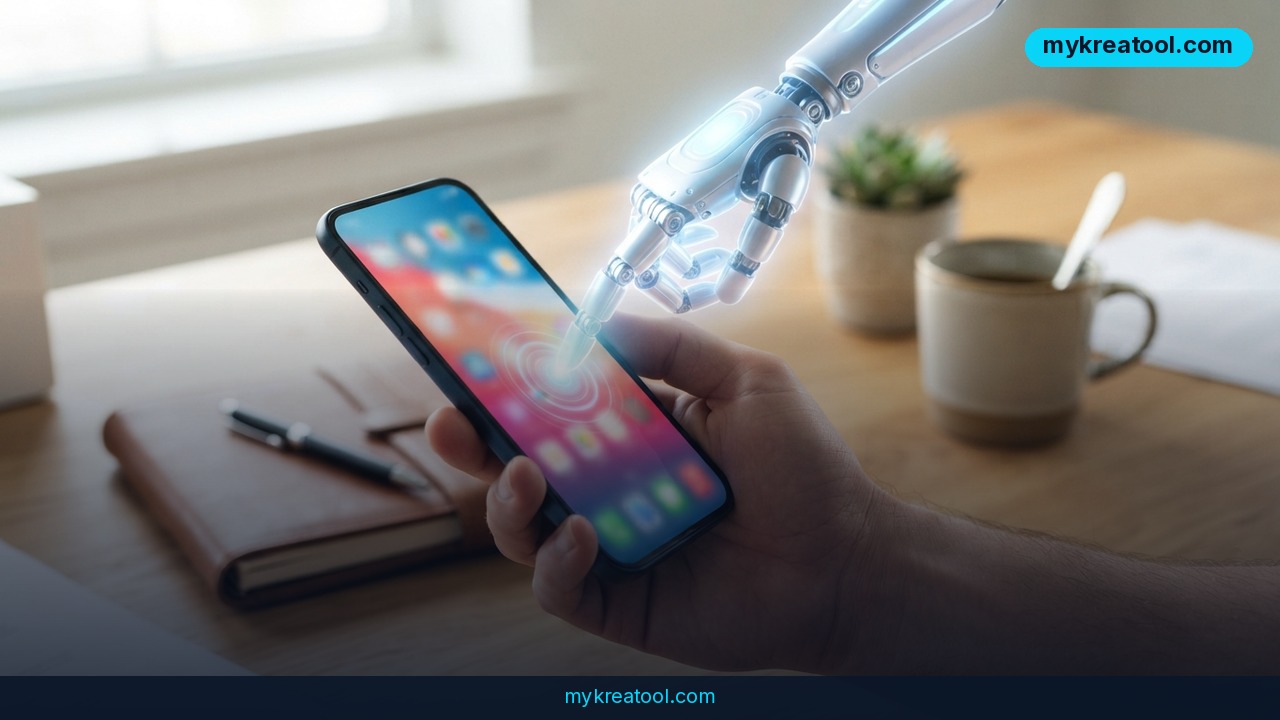
An open-source project called Android Remote Control MCP just shipped version 1.10.0, and it's a meaningful step toward letting an AI agent control your Android phone without root access. The tool runs a small MCP (Model Context Protocol) server directly on the device, exposing the phone's apps to any AI agent that speaks MCP — Claude, custom agents, or anything else built on the protocol. No cables, no rooting, no developer workarounds.
The headline change in this release is that APKs are now signed and registered with Google, which sounds like a technical footnote but actually removes the biggest barrier to real-world use: previously, users had to install debug builds to get the app running, a workaround that scared off non-technical users and tripped security warnings. That's gone now.
The second big fix targets apps that hide their UI from automation tools. Apps like GitHub flag their entire screen as "sensitive," which used to make the agent see a blank screen — functionally useless. The new release registers the server as a first-class Android accessibility service, so these previously invisible apps now render normally and can be driven like any other app on the phone.
Rounding out the release: a GMS-free build for phones without Google Mobile Services, CORS support so browser-based MCP clients like MCP Inspector can connect directly, a security hardening patch, and updated Netty HTTP/2 fixes under the hood.
Why it matters
Mobile automation has always been the awkward cousin of desktop AI agents. Desktop agents can click, type, and read screens through mature accessibility APIs; Android automation historically meant ADB over USB, root access, or fragile screen-scraping hacks that broke with every OS update. Android Remote Control MCP sidesteps all of that by leaning on Android's built-in accessibility framework — the same system screen readers use — instead of exploiting the OS.
That matters because it changes what's actually automatable. Before this release, any app that marked its content as sensitive (banking apps, some developer tools, messaging apps with privacy modes) was a dead end for agent-driven automation. Now those apps are visible and controllable, which meaningfully expands what an AI agent can do on a real device: filing a GitHub issue from your phone, navigating a banking app's UI for testing purposes, or driving any app that previously blocked screen readers.
The signed-APK change is arguably more important than it sounds. Distributing an unsigned or debug-signed app is a trust problem — most users, understandably, won't install software that trips Play Protect warnings. Signing with keys registered to Google is a basic but necessary step toward this becoming something regular users, not just developers, are comfortable installing.
How to use it today
Getting started doesn't require much. The release is available on GitHub (danielealbano/android-remote-control-mcp, tag v1.10.0) as a downloadable APK — pick the standard build if your device has Google Mobile Services, or the new GMS-free build if it doesn't. After installing, you grant the app accessibility permissions, which is what allows it to see and interact with other apps' screens, the same permission model screen readers use.
Once running, the app exposes an MCP server that any compatible AI client can connect to — point your agent framework at the phone's MCP endpoint, and it can start issuing commands: opening apps, tapping elements, typing text, reading screen content back. The new CORS support means you can even test this directly from a browser-based tool like MCP Inspector without wiring up a full agent pipeline first.
If you're experimenting with agent workflows more broadly and want lightweight tools to prototype ideas around this kind of automation — prompt testing, quick text or image utilities, or just tinkering before committing to a full pipeline — a resource like mykreatool.com offers free AI tools that pair well with this kind of exploratory, no-cost tinkering.
Because the server runs entirely on-device, there's no cloud relay for your phone's screen contents — commands and screen data pass between your AI client and the accessibility service locally, which is worth understanding before you point it at anything containing sensitive data.
Who benefits
Developers testing Android apps stand to gain the most immediately: this is essentially free, root-less UI automation for QA, regression testing, and exploratory testing of real apps under real conditions, without maintaining Appium or Espresso test rigs. Indie developers and small teams without dedicated QA automation budgets can now script agent-driven test passes across dozens of apps.
Productivity-focused users and agent builders are the second clear beneficiary. Anyone building a personal AI assistant that needs to actually do things on a phone — reply to a message, check an app's status, fill out a form — now has a path that doesn't require rooting a device, which was previously a non-starter for most non-technical users.
Accessibility researchers and tool builders benefit too, since the project's approach of registering as a full accessibility service (rather than screen-scraping) is closer to how assistive technology is supposed to interact with Android, making it a useful reference implementation for anyone building on the same APIs.
Risks
The obvious risk is exactly what makes the tool powerful: an accessibility service that can read and control every app on your phone is also, by definition, a service capable of reading sensitive data and performing actions on your behalf. Granting this permission to any app — open source or not — means trusting that app with essentially full visibility into your device.
The fact that previously "protected" screens (like banking or authentication flows) are now visible to automation tools cuts both ways. It's a genuine usability win for legitimate automation, but it also means the security boundary that sensitive-flagged apps relied on is weaker in practice than before, at least against tools with accessibility permissions.
Because this is a young, actively-changing open-source project (the changelog itself calls out a security hardening fix in this very release), users should expect further security patches, treat granting accessibility permissions as a deliberate decision, and avoid running it on devices with unrestricted access to financial or highly sensitive accounts until the project matures further.
Conclusion
Android Remote Control MCP v1.10.0 closes two real gaps that made AI-driven phone automation impractical: the debug-build trust problem and the blank-screen problem on privacy-flagged apps. For developers testing apps, builders prototyping AI agents, and anyone curious about root-free mobile automation, this release makes the tool meaningfully more usable — while the same expanded visibility that makes it useful is exactly what to weigh carefully before installing it on a primary device.

Comments 0