What happened
A free AI assistant called Survival LLM just landed, and its whole pitch fits in one sentence: it keeps working when the internet doesn't. It runs on Mac and Windows, and after the initial installation it answers questions with no connection at all — no login, no cloud, no signal bars.
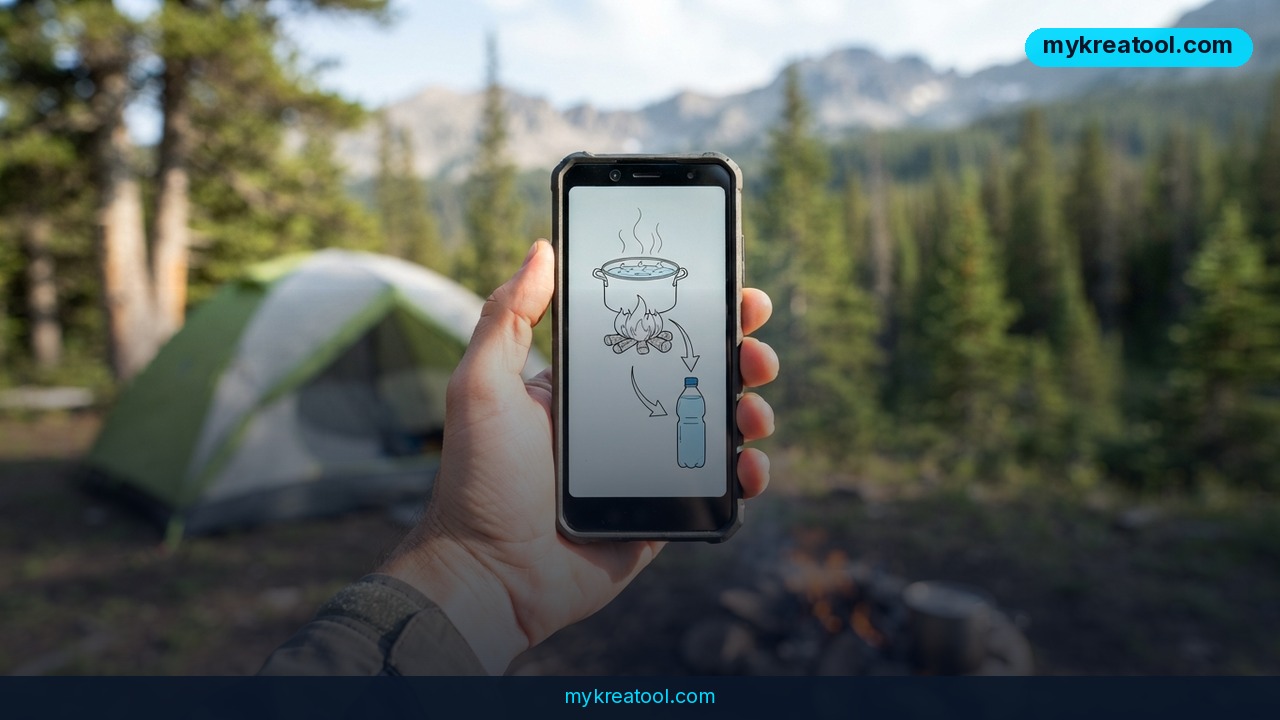
Its knowledge base is the interesting part. The model draws on roughly 1.5 million articles pulled from medical and technical sources, so the subject matter stays deliberately practical: how to disinfect water, what to do in a basic first-aid situation, how to store food when the power's out. You can add your own files too, which means your notes and documents sit alongside the general library.
The project is published openly on GitHub as Survival LLM. Independent write-ups say the same thing in different words — an offline AI assistant with its own emergency library that still works when the internet doesn't, and Adafruit points out the obvious appeal: it runs on your own computer, not somebody else's server.
Why "offline" is the whole ballgame
A normal chatbot is a taxi: quick, convenient, and useless the second the roads close. An offline one is the bike in your garage — slower, less glamorous, and still there when you need it.
Two terms in plain English. A "model" is a very large file of patterns; think of a reference book squeezed into software. "Offline" means that file sits on your hard drive and your own machine does the thinking instead of a data center. That one design choice flips who's in charge. Nobody can throttle it, bill you monthly for it, or quietly switch it off. If you've ever watched a handy web tool disappear behind a login screen or a paywall, you already understand why that matters.
The 1.5 million articles behind it
The library is the second half of the pitch. Roughly 1.5 million articles from medical and technical sources is about the size of a decent city library's reference floor, except every shelf is angled at problems you'd actually hit in a bad week: water that might be contaminated, a cut that won't stop bleeding, a fridge full of food and no electricity. You can layer your own documents on top — prescriptions, allergy lists, a family plan — so answers come back with your details in them instead of generic advice. The catch, and it's a real one, is that a library isn't a clinician. It hands you information. You still have to think.
What it means for you
At home, at 2 a.m., when the water looks wrong
Boil orders, burst pipes, a storm that takes out the whole block — these things always seem to happen after dark. You're standing in the kitchen with a flashlight in your teeth and one bar of signal that won't load anything. An offline assistant doesn't care. You ask, it answers, and the instructions are in the same room you're standing in rather than on a server you can't reach.
At work, when the office wifi drops
Any office that's lost a router for two hours knows the drill: everyone mills around waiting for IT while the clock runs. An offline reference won't fix your spreadsheets, and it won't get your email back. What it can do is answer the question nobody in the room is trained for — someone's cut a hand, the water's been shut off, a colleague has gone faint — while the person who knows what to do is still stuck in traffic.
For a small business: continuity that costs nothing
If you run a shop, a workshop, a farm or a food business, "what do we do if X happens" is a genuine planning question, not a hobby. Power cuts, water shutoffs, a storm warning with two hours' notice — having a free offline reference on the back-office laptop is a cheap line in your emergency plan. No subscription to cancel, no per-seat licence, no vendor who can pull the plug on you mid-crisis.
For students: study that doesn't stall
Campus wifi is excellent until it isn't. A dorm outage, a data plan that ran dry, a library that closed early — coursework doesn't care about any of it. A question-and-answer tool on your own laptop keeps a project moving when the network gives up, and the discipline of checking facts in a source you control is a decent habit to build before you need it.
For creators: research that keeps going
Photographers, filmmakers and writers end up in places with no reception more often than they expect — a shoot two valleys over, an overnight edit in a cabin. If you're still assembling your toolkit and want to test cloud-based options first, MyKreaTool's free AI tools are a sensible place to poke around before you pay for anything. Then keep the offline one for the days the cloud isn't invited.
For income: a skill you can actually sell
Preparedness is a paid skill. Community workshops, safety briefings for small teams, printed household plans — people pay other people to think this through for them. An offline assistant doesn't make you an expert, but it does give you a fast, searchable second opinion while you build the checklist you'll teach from. That's the difference between "I read a blog once" and "I've got a system."
The pattern across all six is the same: one tool, a different question each time. That's usually the sign of something worth keeping on the machine.
How to try it right now
1. Download it today, while the wifi is still on. Go to the Survival LLM GitHub page and grab the version for your machine — Mac or Windows. This step is the whole ballgame, because you can't download an offline tool during an outage. That's the point of it.
2. Install it and let it finish setting up. Do this at a desk, plugged into power, with a decent connection. Don't rush it on the train.
3. Pull the plug and test it. Switch off wifi, unplug the ethernet cable, and ask one real question — how to make questionable water safe to drink, or what's in a basic first-aid kit. If it answers with the network off, you've got what you paid for.
4. Load your own files. Prescriptions, allergies, insurance details, a family contact list, the location of your water shutoff valve. Personal context is what turns generic advice into something you can act on.
5. Keep it where you'd actually reach for it. That's the laptop you grab in a hurry, not the old desktop in the spare room. Leave the app pinned and the battery topped up.
6. Update it every few months. Refreshing the library takes ten minutes on a good connection and costs nothing.
Free option first: Survival LLM itself is free, so there's no reason to pay for an offline assistant before you've tried this one.
Upsides and what changes
What you gain
You get answers in the exact situation where every other tool goes quiet. You get them without a subscription, a login, or an account that can be suspended. And because you can add personal files, the advice lands in your own context instead of a stranger's.
What actually shifts in how you prepare
Emergency prep has always had an image problem — it looks like something for people with bunkers and a lot of spare time. A free download you finish in an evening demolishes that. The bigger shift is psychological: once you've tested a tool with the wifi off, "what if the internet goes down" stops being a vague worry and becomes a box you've already ticked.
Limitations
Be honest with yourself about what this is. It's a language model reading a big library, not a doctor, a paramedic or an electrician — it can be confidently wrong, and medical answers especially deserve a second source and a phone call to emergency services when it counts. It only knows what's in those roughly 1.5 million articles, so niche or local questions may come back thin. It can't see your situation, doesn't know your medical history unless you load it, and won't call for help on your behalf. Anything you add as a personal file is your responsibility to keep accurate and private. And it does nothing for you if you never installed it — an offline tool you didn't download in advance is just a nice idea.
Conclusion
Survival LLM isn't a gadget for doomsday people. It's a reference shelf that happens to live on your laptop, built around the handful of questions you'd really ask in a bad week — water, blood, food, no power. The technology is real, the library is genuinely large, and the price is zero. What it demands from you is one small act of foresight.
Do this today: open the Survival LLM GitHub page on the laptop you'd grab in a hurry, install it while the wifi is still on, then turn the wifi off and ask it one question you'd actually need answered. Ten minutes now beats a dead signal later.



Comments 0