What happened
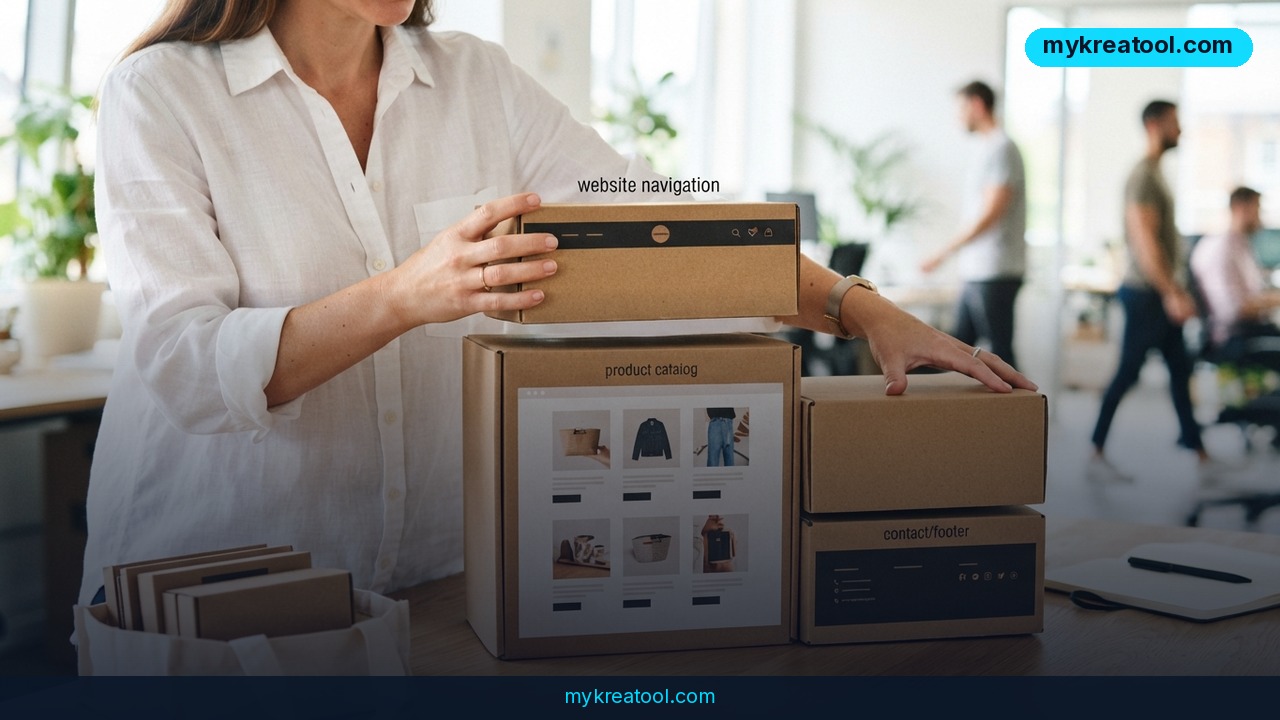
Canva Code 2.0 is the company's latest attempt to turn plain-language prompts into a working, editable website — and on July 15, Canva rolled it out to everyone on Free, Pro, Business, Enterprise, and Education plans. Unlike earlier AI site generators that hand you a static mockup and call it done, Canva Code 2.0 produces a project you can keep editing inside the regular Canva interface: swap text, change colors, replace images, leave comments for teammates, and publish, all from one screen.
There are three ways to start a project. You can describe what you want in a sentence, pick from more than 50 templates, or upload existing HTML — including a prototype built in another AI tool — and Canva converts it into an editable layout. That HTML import option is arguably the headline feature, since it lets a rough Claude- or GPT-generated prototype graduate into a real, maintainable site instead of dying on a demo link.
Canva says the update cuts generation time by 75% and shortens the median time from first prompt to published page by 30%. Since Code first launched, users have created more than 6 million projects, according to the company. Those numbers come from Canva itself, so treat them as a scale indicator rather than an independently audited benchmark.
Why it matters
Most AI website builders are impressive right up until the first real edit request. Generating a clean landing page in a few minutes is the easy part; nudging one button five pixels to the left without breaking the layout around it is where most tools fall apart, forcing users into an endless loop of re-prompting.
Canva Code 2.0 tries to close that gap by keeping the generated site inside a familiar design environment — the same one marketers, designers, and small business owners already use for social graphics and pitch decks. A marketer can rewrite a sentence, a designer can adjust spacing, and a colleague can drop a comment, all without exporting files or emailing a screenshot labeled "final_v7." For a small business, that matters more than the initial generation speed, because a website's real life starts after launch: the phone number changes, a promotion ends, legal wants the footer rewritten, and someone finally remembers the contact form was never built.
The tool also supports interactive elements beyond static pages — quizzes, calculators, to-do lists, galleries, and forms that can pipe submissions directly into Canva Sheets. Enterprise teams get SSO-gated publishing for internal tools, which pushes Canva Code 2.0 past marketing pages and into lightweight internal app territory.
How to use it today
Getting started takes three steps. First, choose an entry point: type a description of the site you want, pick a template, or paste in HTML from another source. Second, review the generated draft and edit it like any Canva design — click an individual element and ask the AI to change just that piece, adjust fonts and colors from the standard toolbar, or swap images from your brand library. Third, publish to a Canva-hosted address or connect a custom domain.
Because the editor keeps the AI chat panel open alongside the live design, you can iterate without losing context: describe a change on the left, watch it apply on the right, and undo instantly if it goes sideways. For teams already relying on lightweight AI tools for related tasks — image generation, copywriting, or quick mockups — pairing Canva Code 2.0 with a resource like mykreatool.com, which offers free AI tools for creators, can speed up the assets you feed into the builder before you even start prompting.
If you already have a prototype sitting in another AI coding tool, export the HTML and import it directly rather than rebuilding from scratch. In one independent test by the French outlet Blog du Modérateur, a Claude-built interface imported into Canva Code 2.0 and kept its visual structure intact, which suggests the import pipeline handles at least moderately complex layouts without falling apart.
Who benefits
Solo founders and small businesses without a budget for a web studio are the clearest winners: a one-page site with a contact form, a pricing table, and a photo gallery is now realistic to build and maintain without touching code. Marketing teams that need to spin up campaign landing pages quickly also benefit, since copy and design tweaks no longer require a developer ticket.
Agencies and freelance designers can use the HTML import feature as a handoff point — build a fast prototype in a coding-focused AI tool, then move it into Canva for client collaboration and ongoing edits. Larger organizations get value from the SSO-gated internal publishing option, useful for quick internal dashboards, event pages, or onboarding hubs that don't warrant a full engineering request.
Risks
Canva Code 2.0 is not a replacement for custom development on anything beyond a simple site. Complex logic, e-commerce checkout flows, or tight performance requirements still need real engineering. The efficiency numbers Canva has published — 75% faster generation, 30% faster time-to-publish — are self-reported, so they're worth treating as directional rather than verified.
There's also a lock-in consideration: publishing on a Canva-hosted address or relying on Canva-specific interactive blocks (forms tied to Canva Sheets, for instance) makes migrating to another platform later more work than a plain HTML export. And as with any AI-generated content, it's worth double-checking legal text, pricing, and contact details before publishing — the AI won't know your business's actual policies.
Conclusion
Canva Code 2.0 doesn't claim to build a perfect site in one shot — it claims to make the site editable afterward, which is the part that actually determines whether a small business website survives contact with reality. Combined with HTML import from other AI tools, faster generation, and availability across every pricing tier including Free, it's a credible option for anyone who needs a working website now and the ability to keep changing it without calling a developer every time the phone number updates.


Comments 0