What happened
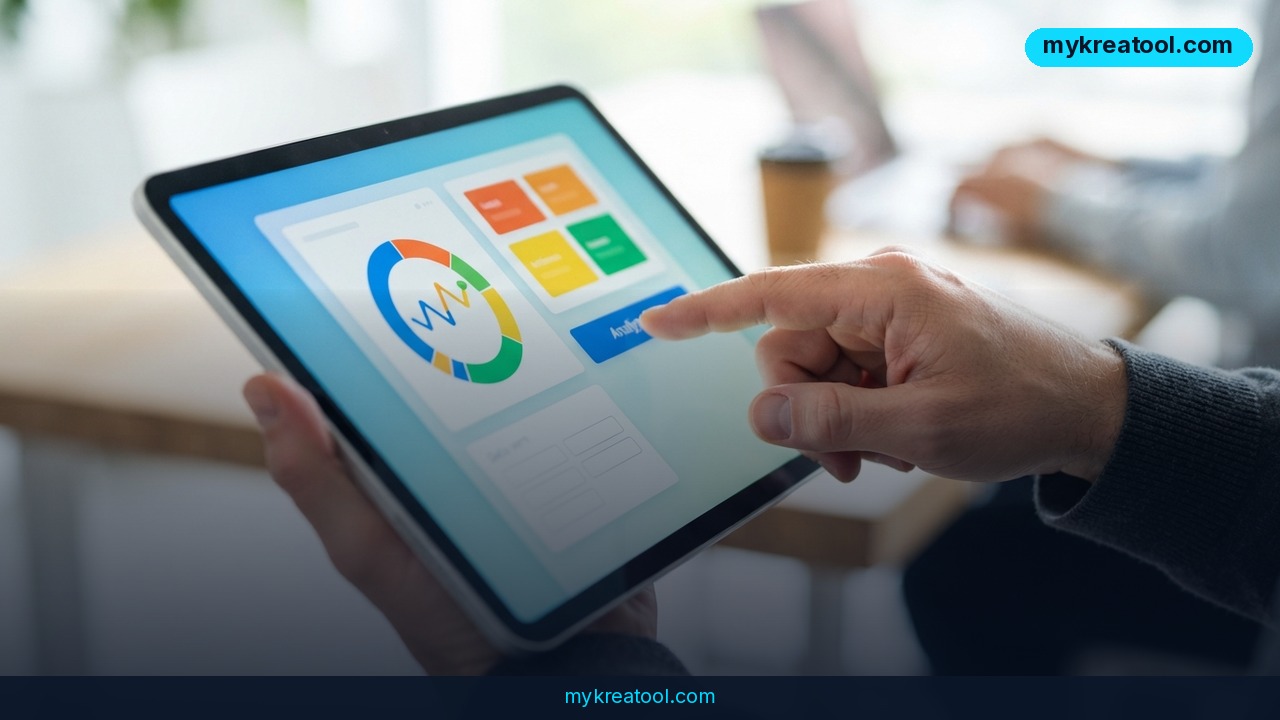
OpenAI just changed how ChatGPT talks back to you. With the rollout of GPT-6, the chatbot is moving away from walls of plain text and toward something it calls "Intelligent UI" — answers that show up as interactive screens, complete with charts, buttons, and tiny built-in apps you can actually click and play with.
Here's the simple version: instead of ChatGPT writing you three paragraphs comparing two phones, it might show you a side-by-side table you can tap through. Ask it to explain compound interest, and you could get a live chart you can drag and adjust, not just a wall of numbers. The system figures out on its own what format fits your question best — that's the "intelligent" part.
OpenAI says GPT-6 can also start answering while it's still "thinking" through a problem, similar to how a person might start talking before they've fully worked out their answer. According to OpenAI, this trick cuts wait times by 44 percent. In the company's own internal tests, GPT-6 also scored higher than its predecessor, GPT-5.6, on tough web-search tasks — questions that require digging through multiple sources rather than a quick lookup.
Interestingly, OpenAI isn't the first to try this. Google rolled out a similar feature for its Gemini chatbot back in May, called "Neural Expressive." The two companies are clearly racing toward the same idea: AI chat that looks less like a text message and more like a tiny piece of software built just for your question.
What it means for you
This update isn't just a visual facelift — it changes what you can actually do inside a chat window, with no coding and no extra software. Here's what that looks like in everyday terms:
At home: Ask for a savings plan and instead of a paragraph of advice, you get a working calculator — punch in your monthly income and expenses, and watch the numbers update live, right inside the chat.
At work: Need to compare three vendors for a project? GPT-6 can lay them out side by side in a table with pros, cons, and pricing, instead of making you scroll through separate bullet lists trying to keep it all straight in your head.
Running a business: Want a quick break-even calculator or a simple pricing tool for your shop? You can ask ChatGPT to build one on the spot — no developer, no app store, no waiting.
Studying: Trying to understand a tricky concept like supply and demand or cell division? Instead of just reading an explanation, you can get an interactive chart you can poke at to see how changing one variable affects the rest.
Creative projects: Brainstorming a game idea or a story structure? GPT-6 can spin up a small playable demo — think a basic quiz or simple game — so you can test the idea instead of just imagining it.
Side income: Freelancers and small business owners can use these quick mini-tools to make their proposals more interactive — like a little cost estimator you send to a client instead of a static PDF.
If you want to explore more free AI-powered tools that do similar quick, practical jobs without needing any technical skill, sites like mykreatool.com collect handy options worth bookmarking alongside ChatGPT.
How to try it right now
You don't need to install anything new or sign up for a waitlist. Here's how to get started, from the free option up:
1. Free users: Go to ChatGPT and log in with a free account. You'll get the free version of the new model, called GPT-6 Luna. OpenAI says free and Go-tier users will see it roll out about one day after paid users.
2. Paid users (Plus, Pro, Business, Enterprise): You get the fuller version, GPT-6 Sol, starting the same day the rollout begins globally.
3. Try it out: Ask a question that naturally invites comparison or numbers — for example, "Compare renting vs. buying a car over 5 years" or "Build me a simple calculator for splitting a dinner bill." Watch for charts, buttons, or small interactive widgets instead of plain paragraphs.
4. Experiment with mini apps: Try asking directly: "Can you build a quick tool that does X?" GPT-6 is designed to generate small working apps right inside the conversation, not just describe how you'd build one yourself.
5. Compare with your usual results: If you've used ChatGPT before, ask the same type of question you always ask and see how the response format changes. That's the easiest way to notice the difference Intelligent UI makes.
Upsides and what changes
The biggest shift here is that ChatGPT stops being just a text generator and starts behaving more like a tool that builds other tools, on demand. For visual learners, this is a big deal — a chart you can interact with often explains something faster than three paragraphs ever could. For busy professionals, side-by-side comparisons save the mental work of juggling separate answers in your head.
The 44 percent cut in wait time also matters more than it sounds. Long pauses while an AI "thinks" are one of the most common complaints people have about chatbots, especially for complex questions. Letting GPT-6 respond while it's still reasoning means less sitting around watching a loading dot blink.
And the fact that GPT-6 reportedly beat GPT-5.6 on hard web-search tasks in OpenAI's internal testing suggests this isn't purely cosmetic — the underlying reasoning seems to have improved too, not just the packaging.
Limitations
It's worth staying realistic here. These are OpenAI's own internal test results, not independent, third-party benchmarks, so real-world performance may vary depending on the type of question you ask. Interactive UI elements like charts and mini apps also won't make sense for every request — plenty of answers are still better off as plain, simple text, and it remains to be seen how well GPT-6 judges when to use which format. Free users on GPT-6 Luna will likely get a lighter version of these features compared to GPT-6 Sol, and as with any new rollout, expect some rough edges and inconsistent behavior in the first few weeks.
Conclusion
GPT-6's Intelligent UI turns ChatGPT from a text box into something closer to a tiny app builder you can talk to in plain English. Whether you're comparing prices, learning a new concept, or testing a business idea, the fastest way to understand the change is to try it yourself. Today's action: open ChatGPT, ask it to compare two options you're currently deciding between, and see what shows up instead of a paragraph.


Comments 0