What happened
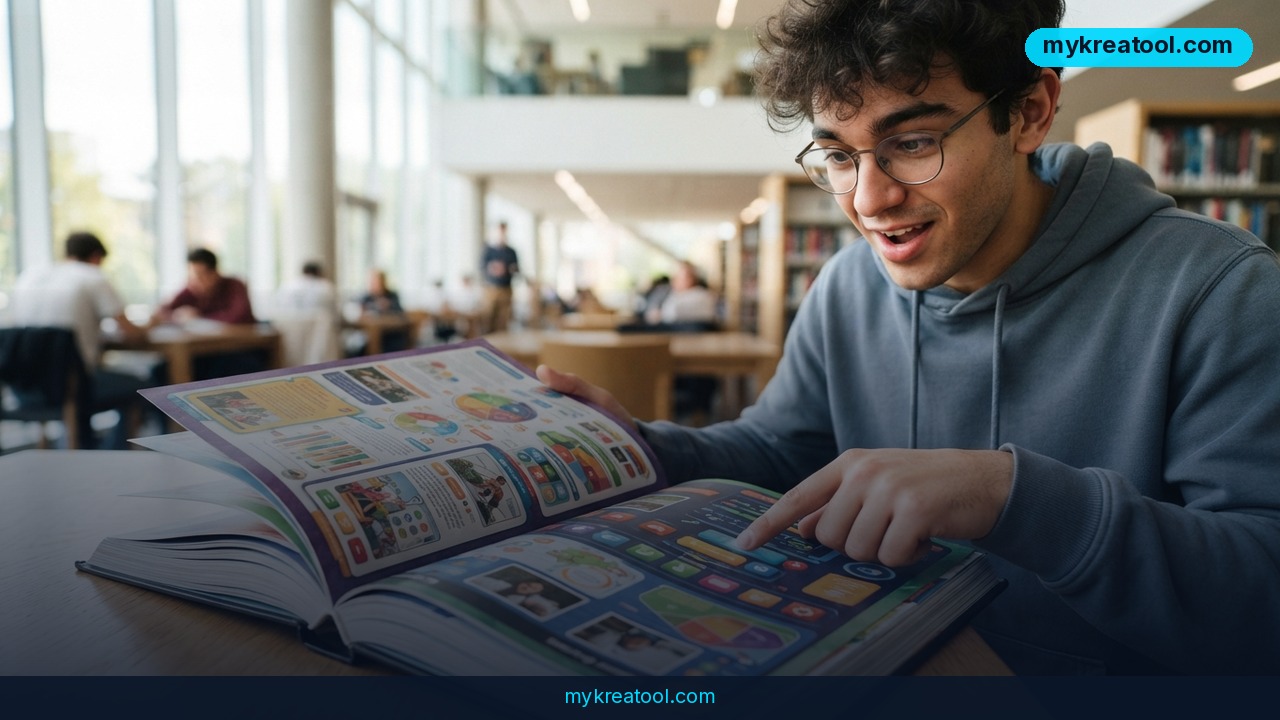
OpenAI just gave ChatGPT a new way to talk to you — and it's not just words anymore. The company is rolling out a feature called Intelligent UI, built on its new GPT-6 model, that lets ChatGPT answer your questions with pictures, diagrams, charts, and clickable buttons instead of just plain text.
Think about it this way: normally, if you ask ChatGPT how a bike's gears work, it writes you a paragraph. Now it can draw you an actual diagram of a seven-speed bicycle, with buttons you can tap to highlight each part — the chain, the derailleur, the pedals — right inside the chat. OpenAI says it specifically trained GPT-6 to know when a picture or an interactive tool would explain something better than text, and how to build that visual on the fly.
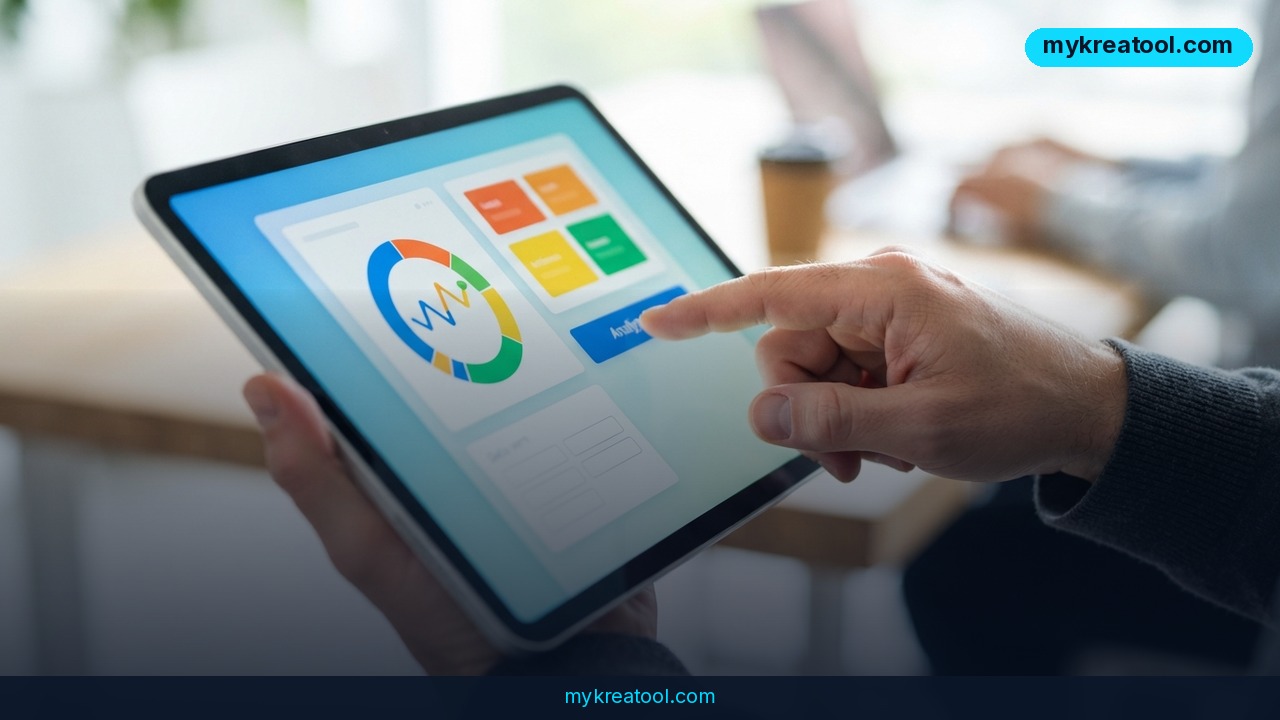
Another example OpenAI showed off: ask ChatGPT to teach you Mahjong, and it generates images of each tile, sorts them into categories, and lets you scroll through them like a mini lesson. You can also ask it to build you a working tool — a retirement savings calculator, a simple retro video game, or a bill-splitting app for a group dinner — and it'll generate that tool right inside your conversation, ready to use.
This rollout comes alongside two new GPT-6 versions, named Sol and Luna, which OpenAI first announced last month and is now bringing into the actual ChatGPT app. GPT-6 with Intelligent UI is rolling out starting today for ChatGPT Plus, Pro, Business, and Enterprise subscribers, with free and Go-tier users getting access two days later, on Thursday.
What it means for you
At home
Say you're trying to figure out which mortgage term makes sense, or how much you'd save by switching energy providers. Instead of reading a wall of text, you could ask ChatGPT to show you a chart comparing options side by side — something you'd normally need a spreadsheet for.
At work
Need to explain a workflow to your team? Ask ChatGPT to turn your process into a flowchart with clickable steps, instead of typing out numbered instructions nobody reads carefully.
Running a business
A small shop owner could ask for a quick visual breakdown of monthly expenses versus revenue, or generate a simple calculator tool for customers — like a shipping cost estimator — without hiring a developer.
Studying
Students can ask ChatGPT to turn a tricky topic, like the water cycle or cell division, into a labeled diagram instead of a dense paragraph, which tends to stick in memory better.
Creativity
Game designers or hobbyists can prototype something playable in seconds — remember, OpenAI's own demo included generating a retro-style game directly inside the chat.
Side income
Freelancers could use the feature to quickly mock up charts or interactive demos for client pitches, saving the time it'd normally take in design software.
How to try it right now
Here's the simplest way to see Intelligent UI in action.
1. Open ChatGPT in your browser or app — free accounts will have access starting Thursday, a couple of days after the Plus and Pro rollout.
2. Ask a question that naturally benefits from a picture, like "show me how a seven-speed bike works" or "teach me Mahjong tile by tile."
3. Watch for interactive elements — tappable buttons, scrollable cards, or diagrams — appearing inline with the text answer.
4. Try asking for a small tool, such as "build me a simple bill splitter" or "make a retirement savings calculator," and ChatGPT should generate a working mini-app right there in the chat.
5. Note which model you're using: paid tiers (Plus, Pro, Business, Enterprise) run the mid-range GPT-6 Sol model, while Go and free users run the lighter, faster GPT-6 Luna model.
If you want to experiment with other free AI tools for visuals, calculators, or quick generators without needing a subscription anywhere, sites like mykreatool.com offer a simple way to test similar ideas before committing to a paid plan.
Upsides and what changes
The biggest shift here is that ChatGPT stops being a pure text generator and starts acting more like a tiny app builder. Instead of describing a chart, it shows you one. Instead of explaining a form, it hands you a fillable one. OpenAI also says GPT-6 does faster web searches and gives you quick partial answers while it's still digging for more complete information, so you're not just staring at a blank screen waiting. On top of that, OpenAI claims GPT-6 is harder to trick into bypassing its safety rules than earlier models — a meaningful detail if you're using it for anything involving sensitive data or decisions.
Limitations
It's worth staying realistic: this is a brand-new rollout, and OpenAI hasn't published independent benchmarks on how often Intelligent UI actually improves understanding versus just looking flashy. The free-tier Luna model is explicitly described as "more efficient" rather than more powerful, meaning free users will likely get simpler visuals than paid subscribers using Sol. And since the chatbot decides on its own when to generate a diagram versus text, you may not always get the format you expected, especially for complex or unusual requests.
Conclusion
ChatGPT turning into a chatbot that draws, builds, and reacts instead of just typing paragraphs is a genuine shift in how we'll use AI day to day — whether that's comparing loan options at home or mocking up a tool for your business. Today's action: open ChatGPT, ask it something you'd normally need a chart or calculator for, and see what it builds for you.

Comments 0