What happened
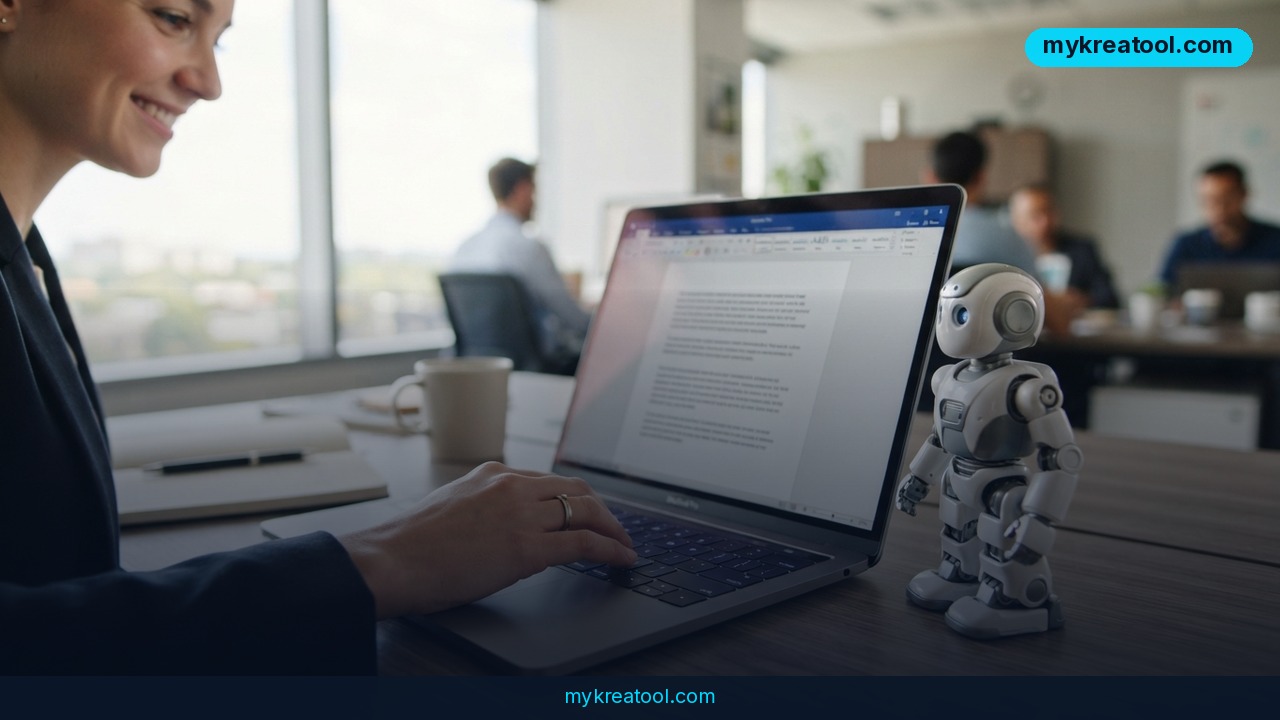
ChatGPT in Word, Excel and PowerPoint is now a real thing, not a rumor or a browser hack. OpenAI shipped an official Microsoft 365 add-in that puts ChatGPT directly inside the three apps most office workers live in. You install it once from the Microsoft Marketplace, and it shows up as a sidebar in Word, Excel, and PowerPoint alike — no copy-pasting text back and forth between a browser tab and your document anymore.
Here's the part worth correcting up front, because it's easy to get wrong: this is not a beta test. It's a publicly available, general-release tool, open to everyone with a Microsoft 365 account, including free-tier ChatGPT users. Independent write-ups from WeCallShotgun, BiGGO Finance, and Ghostwriter AI all confirm the general-availability status, along with most of the feature details circulating online.
Once installed, you log in with your existing ChatGPT account, and a panel opens next to your document. From there you can ask it to draft a paragraph, rewrite a clunky sentence, reformat a table, or summarize a long report — all while staying inside the file you're already working on.
What it means for you
Think of this less as "a chatbot got added to Word" and more as "your office software just got a research assistant who never leaves the room." Here's what that looks like in practice.
At work: you're staring at a half-written quarterly report in Word. Instead of switching tabs to ask ChatGPT for help, you highlight a section, ask the sidebar to tighten it up, and it rewrites in place. No re-pasting, no losing your formatting.
Running a business: need an investment memo or a first pass at a contract review? The add-in has "skills" — saved instruction sets for exactly this kind of recurring task. Set one up once for "executive summary" and reuse it every time a new deal lands on your desk.
At school or university: a student working on a research paper in Word can pull in context from connected apps — Outlook, SharePoint, Google Workspace, Dropbox — so the assistant actually knows what sources and notes already exist, instead of guessing.
Freelancing or side income: if you sell freelance writing, editing, or slide-deck design, this cuts your turnaround time. A rough client brief becomes a PowerPoint outline in minutes, which you then polish and bill for.
Creative work: brainstorming a pitch deck or a newsletter? Ask for three different tones of the same paragraph right inside the document, compare them side by side, and pick the one that fits.
At home: planning a budget in Excel, writing a resignation letter in Word, or building a presentation for your kid's school fundraiser — the same sidebar handles all of it without needing separate software.
How to try it right now
You don't need a paid plan to test this. Here's the exact path:
1. Open ChatGPT for Word in your browser to see how it works, or go straight to install.
2. Head to the Microsoft Marketplace listing and click install. One install covers Word, Excel, and PowerPoint — you don't install it three separate times.
3. Open any of the three apps. You'll see a new sidebar icon; click it and sign in with your ChatGPT account (Free plan works).
4. Open a document, highlight text you want changed, or just type a request in the sidebar — "summarize this," "turn these bullet points into a slide outline," "clean up this formula explanation."
5. Review the suggested edit before accepting it — it drops changes directly into your document, so a quick read-through before you save is worth the ten seconds.
If you want to test AI writing and editing without installing anything at all first, free browser-based tools at mykreatool.com let you try similar drafting and rewriting tasks in a couple of clicks — a good way to get a feel for AI-assisted writing before committing to an Office add-in.
Upsides and what changes
The biggest practical win is that you stop leaving your document. Every AI writing tool that lives in a browser tab creates friction — you write, copy, switch tabs, paste, reformat, switch back. This add-in removes that loop entirely.
It's also genuinely more capable than the free version of LibreOffice or Google Docs' built-in AI features, because it has access to the full feature set of Word, Excel, and PowerPoint rather than a stripped-down alternative. And because it's free across all ChatGPT plans, including the no-cost tier, there's no financial barrier to trying it. For businesses on Business, Enterprise, or Education plans, data isn't used for model training by default — worth knowing if you're handling client contracts or financial reports.
Limitations
Be honest with yourself about what this can't do yet. The add-in runs a separate chat session from your regular ChatGPT app or web account — it has no memory of past conversations, so it doesn't know your writing style or prior projects unless you tell it in the document itself. Complex formatting, multi-layer tables, and charts still need manual cleanup afterward; it's a strong first draft, not a finished formatter. Treat it as a fast, capable assistant that gets you 80% of the way there, with the last 20% still needing your hands and eyes.
Conclusion
ChatGPT inside Word, Excel, and PowerPoint is live, free, and worth testing today — not a future promise. Pick one document you're already working on, install the add-in from the Microsoft Marketplace, and rewrite one paragraph with it before you close your laptop tonight. That's enough to know if it earns a permanent spot in your workflow.

Comments 0