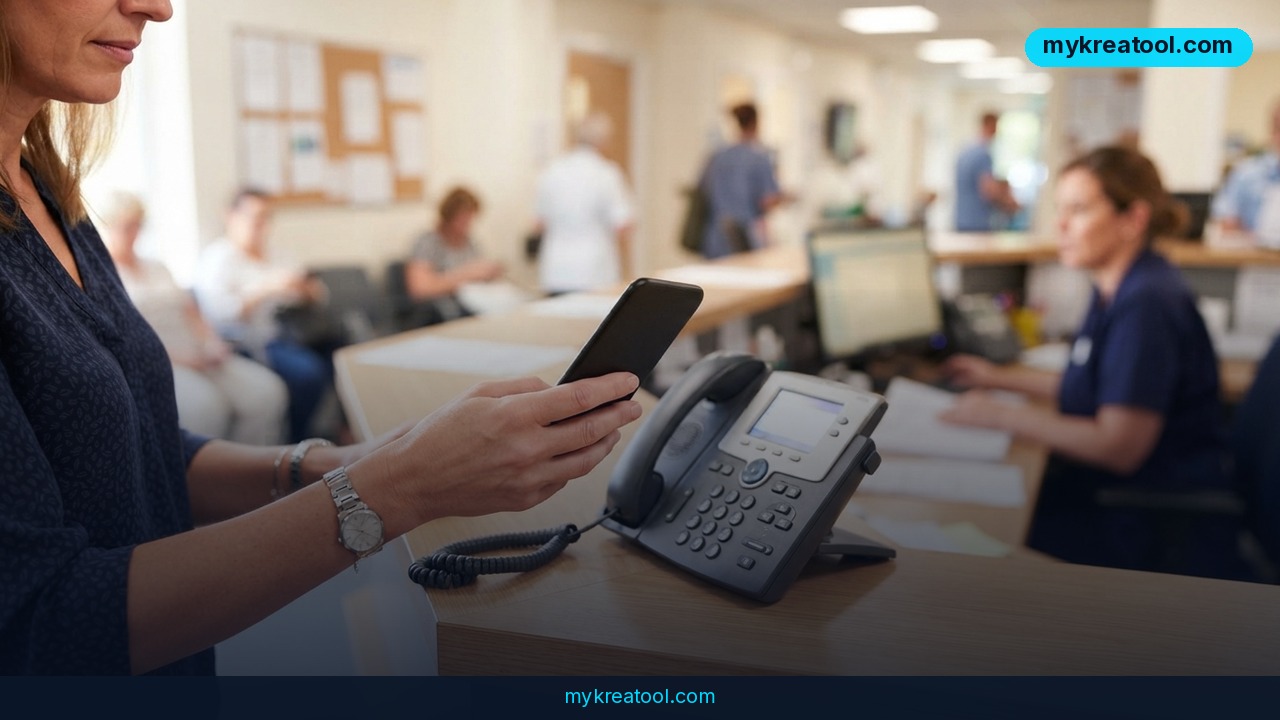
Google's new Call for Me feature lets Gemini phone businesses on your behalf, so you never have to sit on hold or listen to a menu of options again. According to TechCrunch, Google began testing it on September 25, 2026. It's limited for now, but it's a clear sign of where everyday phone calls are heading.
What happened
Google is testing a feature called Call for Me. You tell Gemini, Google's AI assistant, what you need, and it dials the business, has the conversation and reports back.
Who can use it today
Right now the door is narrow. You need three things:
• A Pixel 11 phone
• A US location
• A paid Gemini subscription
On top of that, you have to be running the beta version of Google's Phone app. Google says it's starting small on purpose, because real phone conversations are full of nuance: accents, interruptions, odd questions and half-finished sentences.
What Gemini actually does on the call
Think of Gemini as a very patient personal assistant who happens to be great at waiting. It can:
• Work its way through a phone menu ("press 2 for billing…")
• Wait on hold for you
• Share personal details you've approved in advance, such as your name or booking preferences
• Make reservations, reschedule appointments or check whether a product is in stock
The call goes out from your own phone number, so the business sees a familiar number, not a mystery robot line. A live transcript shows the conversation as it happens, and you can jump in and take over at any moment.
The idea isn't brand new. Google showed off a similar concept years ago with Google Duplex, and Meta's AI agents, Muse and Instinct, can now make phone calls too. Call for Me is Google's latest step in that race.
What it means for you
Most of us don't hate phone calls because of the talking. We hate the waiting, the menus and the repeating ourselves. That's exactly the part Gemini takes over. Here's what it could look like in real life.
At home
Your dishwasher breaks and the repair shop only takes calls. Instead of spending your lunch break on hold, you ask Gemini to call, describe the problem and find out whether someone can come Thursday. You get the answer, not the wait.
At work
You're stuck in back-to-back meetings but need to reschedule a supplier appointment. Gemini makes the call while you keep working. If the conversation gets tricky, the live transcript lets you see it and step in.
For your business
If you run a small business, this cuts both ways. You can use it to check stock with a wholesaler or confirm a delivery window. You should also expect more AI callers ringing your phone, so it's worth deciding how your team will handle them.
For study and life admin
Students and new parents juggle office hours, clinic appointments and school admin. Asking Gemini to check whether a campus office is open or whether a clinic has a slot saves the endless redialing.
For side income
If you run a side hustle, such as photography, tutoring or reselling, calls to venues, suppliers and shops eat up hours. Handing those off to an assistant gives you time back for paid work.
Notice the pattern: none of these tasks are glamorous. That's the point. AI is quietly taking over the dull errands.
How to try it right now
Honest answer first: there's no free way to use Call for Me itself. It's a paid, invitation-style test. But you can get most of the benefit of the idea for free, and you can prepare for the real thing.
Free option: prepare like Gemini would
A good AI call starts with a good brief. Practice that today with any free AI tool. On MyKreaTool you'll find free AI tools that can help you write a short call script: who you're calling, what you need, what details they'll ask for, and what a "good outcome" looks like. Even if you make the call yourself, you'll get through it faster.
Paid option: the full Call for Me setup
If you want the real feature, here's what Google says you need:
1. Get a Pixel 11. The test is limited to owners of this phone.
2. Be in the US. The feature isn't open elsewhere yet.
3. Subscribe to a paid Gemini plan. A free Gemini account isn't enough.
4. Install the beta version of Google's Phone app. This is where Call for Me lives.
5. Approve the personal information Gemini may share. Only details you've okayed can be passed along on a call.
6. Ask Gemini to make the call. Then watch the live transcript and take over whenever you like.
Google has a support page with more details, so check it for the current setup steps as the test expands.
Upsides and what changes
The biggest win is time. No hold music, no phone menus, no repeating your booking details three times to three different people.
A second benefit is control. Because calls come from your own number and you get a live transcript, you're not handing your reputation to a black box. You can watch, and you can step in.
Third, it helps people who find phone calls stressful, whether that's from anxiety, a language barrier or a noisy environment. A quiet assistant on the line is a real accessibility gain.
What changes more broadly is the phone itself. For decades, a business phone line assumed a human was on the other end. Soon, plenty of callers will be AI acting for real people. Businesses that still rely on phone bookings may want to make sure their menus, hours and voicemail messages are clear, because an AI caller will follow them to the letter.
Limitations
This is a test, and it shows. It works only on the Pixel 11, only in the US, only with a paid Gemini plan and only in the beta Phone app, so most people can't use it yet. Google itself says it's starting small because real conversations are messy, which means you should expect some calls to go sideways, especially with unusual requests or a distracted person on the other end. Sharing personal details with an AI also deserves care: approve only what a call really needs. And a live transcript helps only if you glance at it, so keep an eye on anything important, like a deposit or a medical appointment.
Conclusion and one action for today
Call for Me is a small test with a big idea: the boring part of phone calls, the waiting and the menus, becomes the AI's job, while you stay in charge. It isn't available to most people today, but the direction is obvious, and Meta's Muse and Instinct agents show Google isn't the only one heading there.
One action for today: pick one phone errand you've been putting off, such as a booking, a stock check or a reschedule. Write down the three details a business would ask you for, then use a free AI tool to turn them into a short call script. You'll get that errand done faster now, and you'll be ready when phone-calling AI reaches your device.



Comments 0