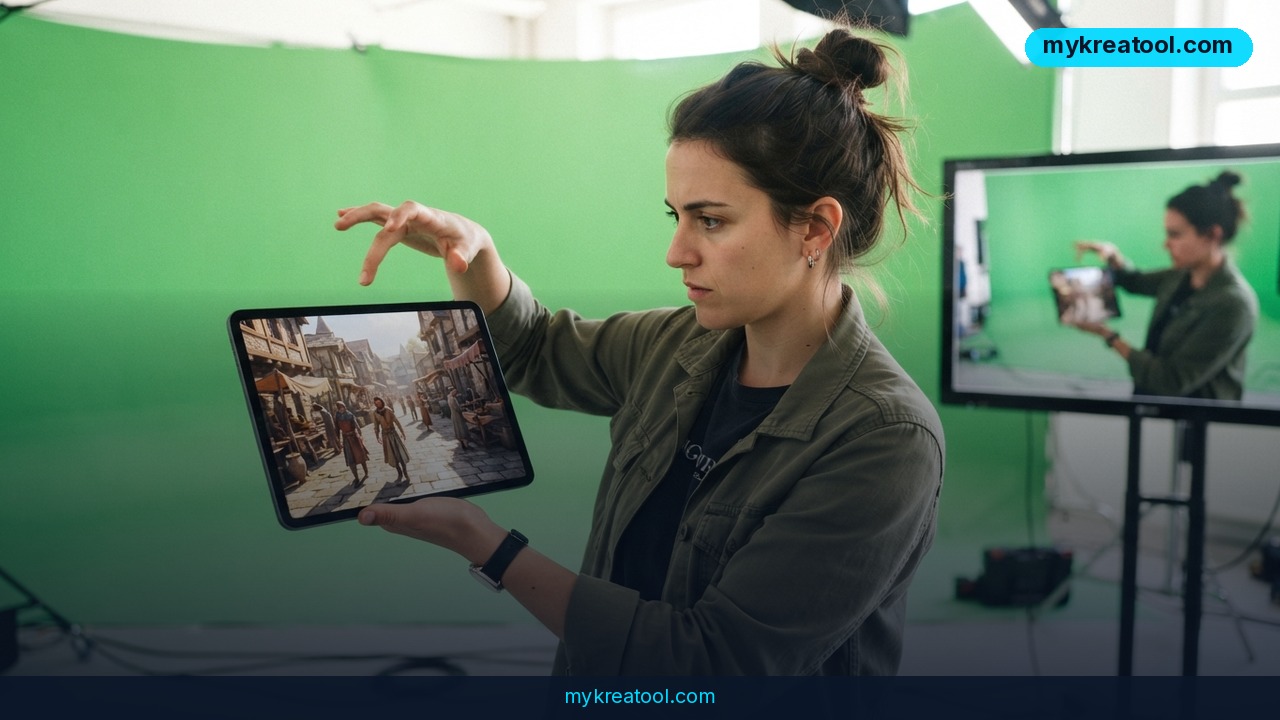
Google Genie 4 doesn't hand you a picture of a world — it hands you a world you can walk around in. Google DeepMind's newest model generates interactive environments complete with ambient noise, music, dialogue and characters that react to what you do, and it builds them from a typed prompt instead of a game engine.
What happened
DeepMind announced Genie 4 as the next generation of its world-simulation work. The plain-English version: a world model is an AI trained to predict what happens next inside an environment, so rather than drawing one frozen scene it can keep a scene running. You move, it responds.
Inside a simulation you can walk around, swing the camera, and rewrite the scene with typed commands. Want rain? Ask for rain. Want a stranger to stroll in? Type it. There's no level editor, no asset library, no code.
Sound now ships with the world
The biggest upgrade is audio. Genie 4 generates ambience, background music and character dialogue at the same time as the environment itself, rather than gluing sound on afterwards. That's the gap between a silent diorama and a place that feels inhabited.
Characters bump into things and react
Movement and interaction got more realistic as well. Characters respond to events around them, and the model reproduces collisions and other physical processes. A world doesn't just look alive — objects in it behave like they carry weight.
Gemini plays director
The third piece is orchestration. Gemini handles multi-step events: it watches the scene, breaks a task into individual actions, checks whether each one actually happened, and adjusts the plan mid-simulation when something goes sideways. Think of it as a director calling notes while the scene films itself.
It's invite-only for now
Genie 4 is an experimental model in the hands of trusted testers. Broader access is slated to begin with Google AI Ultra subscribers inside Project Genie, plus early-access partners through the Gemini API and AI Studio. The waitlist is open, Google's official announcement has the research detail, and both The Decoder and TradingKey have covered the launch.
What it means for you
DeepMind names three headline applications: prototyping games, prepping film scenes, and building training environments for robots and AI agents. That's the lab's shortlist. Here's what it looks like for everyone else.
At home: describe a place and go wander it
You don't need to be shipping a game to get value here. Someone planning a kitchen renovation can type out the layout and walk through it before spending a dime. A parent can build the forest from a bedtime story and let a kid explore it. It's the difference between reading a description and standing inside one.
At work: pitch with a place, not a slide
A deck says "immersive customer experience." A thirty-second walkable scene says it for you. If you sell spaces — retail, events, real estate, hospitality — being able to put a client inside a rough version of your idea changes the conversation fast. Your audience stops evaluating bullet points and starts reacting to a room.
For a business: cheap prototypes before expensive builds
Game studios spend real money blocking out levels before anyone knows whether the idea is fun. A world model lets a designer test ten variations in the time it used to take to grey-box one. Marketing teams can mock up a branded environment for a campaign without booking a 3D artist for a month.
For students: walk through the thing you're studying
Textbooks flatten everything. A history class could stand in a reconstructed street. A physics class could watch collisions play out and then change a variable. The model also simulates physical processes, so experiments become something you poke at rather than read about.
For creators: storyboards you can step into
Filmmakers and animators normally previsualize scenes with sketches, stick figures or pricey 3D previz. Here you type the setup, walk the camera through it, and see whether the blocking actually works. Sound being generated alongside the picture matters more than it sounds — pacing lives in audio as much as in framing.
For extra income: fast concept work
Concept artists and level designers who learn this early can sell explorations that would've taken a week. Freelancers pitching to clients can arrive with a walkable rough draft instead of a mood board. That's a different tier of quote.
How to try it right now
Be clear-eyed: there's no free public demo yet. Here's the realistic path, cheapest option first.
1. Start with free AI tools you can use today. While you're on the waitlist, get your prompting sharp using the free tools at mykreatool.com. Describing a scene precisely — weather, mood, camera angle, who's in it — is the whole skill here, and you can practice it now.
2. Join the Genie 4 waitlist. Head to the Genie 4 announcement and get your name in. It's free to sign up and it's the only route in for most people.
3. Check your Google plan. If you already pay for Google AI Ultra, watch for Genie 4 inside Project Genie — that's where the first wider rollout lands.
4. If you build with APIs, watch the Gemini API and AI Studio early-access program. Partners get in ahead of the general public.
5. Write your first prompt before you get access. Draft three scenes you'd actually want — your product demo, your film's opening shot, your kid's storybook forest. When the invite lands, you'll be building instead of staring at a blank box.
Upsides and what changes
Iteration gets absurdly fast
The old loop was sketch, model, texture, light, record audio, review. Genie 4 collapses that into describe, walk, adjust. When a change costs one sentence instead of one sprint, teams try more ideas — and the good ones surface sooner.
One model, several jobs
Game prototype, film previz, robot training ground — same tool. That's unusual. It means a small studio can justify the learning curve across departments, and a solo creator can borrow techniques from industries they don't work in.
Audio in the same breath as visuals
Generating ambience, music and dialogue together keeps a scene coherent. A street that sounds like a street sells the illusion in a way visuals alone never quite manage.
Agents get a playground
Gemini running multi-step tasks inside a simulated world is quietly the most interesting part. Robots and AI agents need somewhere safe to fail, and synthetic environments are cheaper than real ones.
Limitations
Let's not oversell a research preview. Genie 4 is experimental, locked behind trusted testers, and gated by a subscription tier or a partner program — there's no public release date, no published pricing for access, and no independent benchmarks yet, so any claim about how it compares to a real game engine is guesswork. We don't know how long a single world holds together before it drifts, how consistent sound stays over a long session, or whether generated physics are accurate enough for anything safety-critical. It's also not a replacement for a production pipeline: you're not exporting finished assets to Unreal tomorrow. Treat anything you see on social feeds as a demo, not a shipping product, and don't build a business plan on a model you can't log into.
Conclusion and one action for today
Genie 4 points at something bigger than prettier tech demos: interactivity itself becoming a prompt. Games, film, training sims and plain old brainstorming start to share one interface — describe it, then step inside. The companies that move early won't be the ones with the best prompts. They'll be the ones who figured out what's worth building once a world costs a sentence.
Your one action today: go join the waitlist, then spend twenty minutes describing a scene you'd genuinely want to walk through. Get the words right now, and you'll be ahead when the door opens.

Comments 0