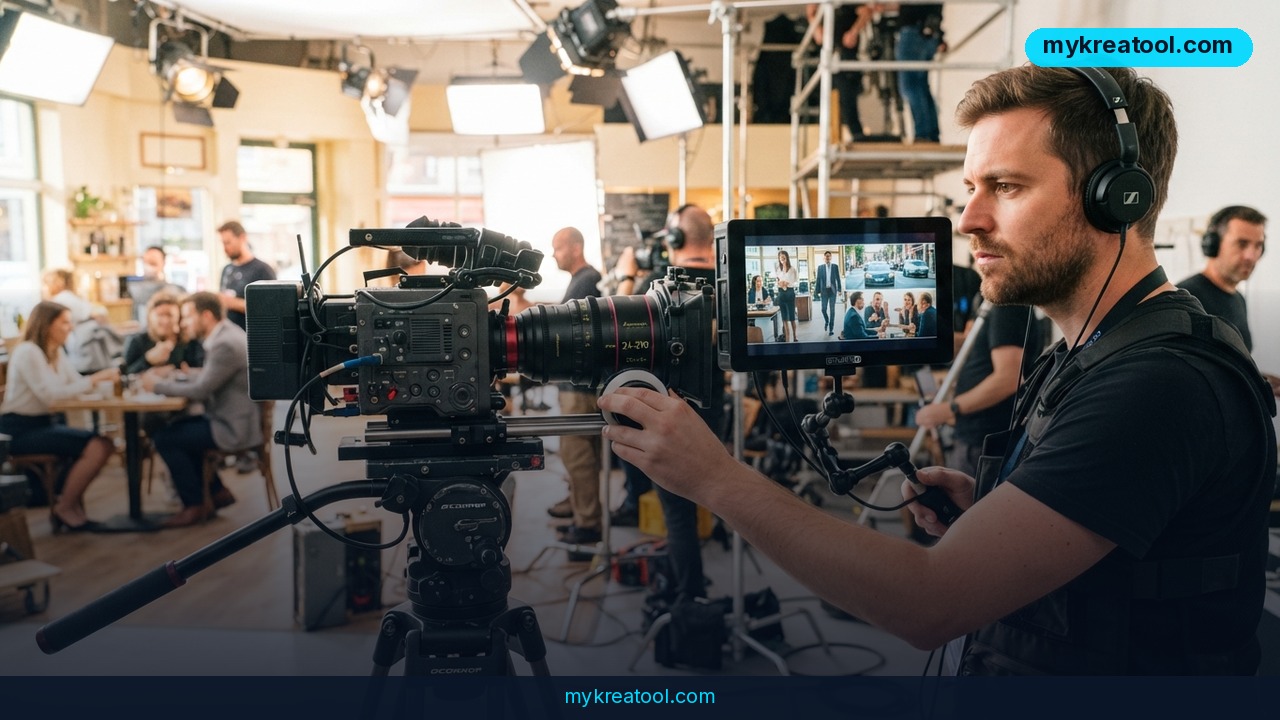
Gemini Omni 1.1 Flash cuts Google's AI video pricing to $0.03 per second in 360p draft mode, about a third of the previous rate. The update also extends scenes up to 40 seconds with a 10-second lookback window for visual consistency, adds style-reference uploads and keyframe scripting, and is live now through Google AI Studio and the developer API with no waitlist.
Gemini Omni 1.1 Flash pricing: the full per-second rate card
Google has quietly rolled out one of the most business-relevant updates to its AI video generation stack this year. The new version brings a faster, cheaper draft mode, longer scene extension, and more creative control over camera movement, changes aimed squarely at teams producing video content at scale without burning through budget.
That's a meaningfully wider range than the original Gemini Omni Flash, which only offered a flat $0.10-per-second rate at 720p.
360p draft mode: 60% faster at $0.03 per second
The headline number is the new 360p draft mode: it renders up to 60% faster than 720p generation and costs roughly a third of the price. For teams iterating on scripts, hooks, or visual concepts, that turns AI video generation cost from a per-clip expense into something closer to a sketchpad, test ten variations in 360p for less than one finished 720p clip cost before, then upscale only the winning version.
Scene extension up to 40 seconds, with a 10-second lookback
How Gemini Omni 1.1 Flash keeps longer scenes consistent
Scene extension has been overhauled. Instead of analyzing just the last second of an existing clip to predict what comes next, Omni 1.1 now reviews up to ten seconds of prior footage before extending a scene. That context window produces noticeably more consistent motion, lighting, and character continuity. Scenes can now be stretched in 10-second increments up to a maximum of 40 seconds, up from much shorter continuations previously, directly addressing the visual-consistency complaint that has followed AI-generated video so far.
Style reference uploads and keyframe scripting
New creative controls: style reference and keyframes
Developers also gain two new creative controls: uploading up to three seconds of external footage as a style reference, useful for carrying a recurring character, brand look, or motion pattern across multiple generated clips, and setting explicit start and end frames to script camera movement between two keyframes.
For teams that want to test AI video concepts before touching a paid API workflow, the AI chat at MyKreaTool is a practical starting point for scripting and prompt drafting, and the AI video prompt builder helps turn a rough idea into a structured storyboard before it's fed into Omni 1.1 for final rendering.
Gemini Omni 1.1 Flash vs. Veo 3.1: pricing compared
Google now runs three distinct video tiers side by side: Gemini Omni Flash, Gemini Omni 1.1 Flash, and the Veo 3.1 family (Lite and Fast). Veo 3.1 Lite is actually cheaper at 720p ($0.05) and 1080p ($0.08) than Omni 1.1, but it has no 360p draft tier and no 4K option. Veo 3.1 Fast matches Omni 1.1's 4K price ($0.30) but costs more at 1080p. In practice, Omni 1.1 is the only tier offering a full 360p-to-4K pricing ladder, which makes it the most flexible choice for teams that want to scale spend up or down based on the project. See Google's own Gemini API pricing documentation for the full, current rate card.
Who should switch to Gemini Omni 1.1 Flash
Small marketing teams and solo creators stand to gain the most from the new draft-mode economics: 360p iteration at $0.03 per second means testing ten concept variations costs less than a single finished 720p clip did before. Agencies producing client video at volume benefit from the longer 40-second scene extension, since it cuts the manual stitching previously needed to build longer continuous shots. E-commerce brands and app developers benefit from the style-reference upload, which makes it easier to keep a mascot, spokesperson, or product consistently rendered across a batch of ad variations.
Risks and limitations to plan around
What to budget for before you scale up
As with any generative video tool, output quality at the cheapest tier (360p) is a draft-grade result, not a finished asset, so businesses still need to budget for upscaling costs on any clip they intend to publish. There's also a growing need for clear disclosure: as AI-generated video becomes cheaper and more consistent, audiences and platforms increasingly expect labeling of synthetic content, and brands that skip this risk trust and compliance issues, particularly in regulated industries like finance, healthcare, and political advertising. Finally, per-second pricing across four quality tiers adds complexity to cost forecasting, teams running high-volume campaigns should model total spend carefully before scaling up 4K exports.
How to start using Gemini Omni 1.1 Flash today
Gemini Omni 1.1 Flash is live now through Google AI Studio and the developer API, so there's no waitlist to access the new pricing tiers or scene-extension features. Marketers and creators who want to prototype ideas without touching code can start in 360p draft mode, iterate on concept and pacing at low cost, then move to the API or AI Studio's export options once a version is locked in for upscaling to 1080p or 4K. For voiceovers or reviewing dialogue-heavy drafts, MyKreaTool's audio transcription tool can turn a generated clip's soundtrack into editable text before a final cut.
Conclusion
Gemini Omni 1.1 Flash is a practical, cost-driven upgrade rather than a flashy one: faster and cheaper draft renders, longer and more consistent scene extension, and finer creative control over camera movement and style. For businesses already using AI video generation in their marketing or product workflows, the update lowers the cost of experimentation while raising the ceiling on what a single generated clip can do. It's available now through Google AI Studio, with no special access required to start testing.



Comments 0