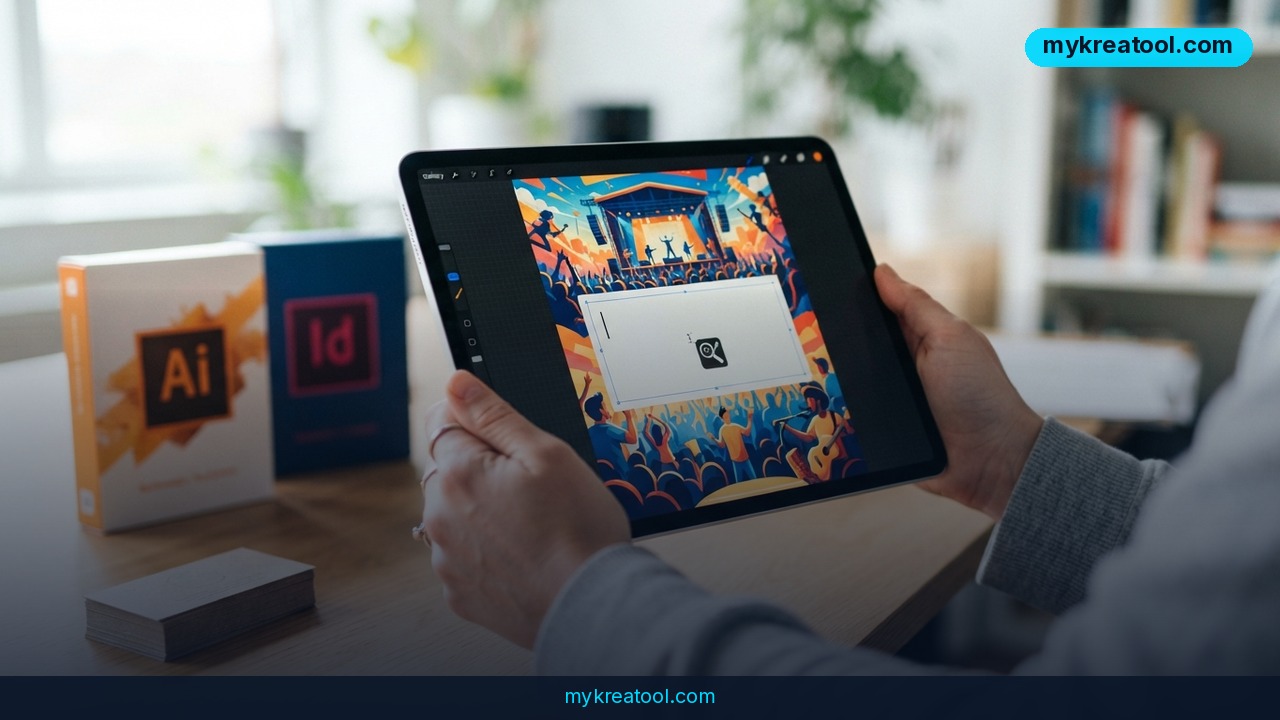
What happened
Google just launched an AI design tool called Google Pics, and it's aimed squarely at Canva and Adobe Express. Announced on September 1, 2026, Google Pics is an image-creation and editing tool that runs on Google's Nano Banana image-generation model. Instead of dragging elements onto a canvas, you type a prompt and the tool builds the visual for you.
The rollout starts inside Google Docs and Slides, with Google Drive support coming later. Google Pics will be available to most Google Workspace business customers as well as subscribers paying for Google AI Pro or Google AI Ultra. That means it's not a standalone app you download — it's a feature that shows up inside tools millions of people already use every workday.
The product also includes editing capabilities beyond pure generation: isolating and transforming objects inside an image, modifying or translating text embedded in a graphic, and generating multiple versions of a single request so you can pick the strongest one. Collaborative editing is built in too, letting teams work on the same visual in real time, the way they already do in Docs or Sheets.
A different model from Canva
The key difference from Canva isn't just the AI layer — it's the business model underneath it. Canva runs a marketplace where independent artists, illustrators, and photographers upload templates and stock assets and earn royalties when they're used. Google Pics has no equivalent marketplace. Everything it produces comes from a model trained on existing artists' work, with no royalty pipeline back to the people whose art shaped that training data.
Why it matters
This matters because Google isn't launching a niche experiment — it's embedding AI design generation directly into the productivity suite that already runs a huge share of corporate document creation. Canva and Adobe Express both built their user base by making design approachable through templates and drag-and-drop editing. Google Pics skips that step entirely: no canvas, no layers panel, just a prompt box.
For a marketer or founder who currently pays for both a Workspace subscription and a separate design subscription, that overlap is the real story. If a poster, a social post, or a slide graphic can be generated inside the same app where the deck is already being built, the incentive to keep paying for a second tool starts to shrink — especially for teams that don't need pixel-level design control.
It also signals where the whole design category is heading. Adobe Express exists to help creators produce original work. Canva exists to help people assemble work from existing templates and assets. Google Pics does neither — it exists to generate new visuals directly from a text description, positioning prompting itself as the design skill that matters now.
How to use it today
Access is gated by subscription tier, not by a separate purchase. You'll see Google Pics if you're on a qualifying Google Workspace business plan, or if you pay for Google AI Pro or Google AI Ultra. Google says the feature is rolling out over the coming weeks, so availability inside your account may lag the announcement by days or weeks depending on your plan and region.
Once it's live, the workflow is straightforward: open a request inside Docs or Slides, describe the visual you want — a poster, a social media graphic, an illustration for a slide — and Google Pics generates several versions to choose from. From there you can isolate objects, swap or translate text inside the image, and invite teammates to edit the result together before it goes into the final document.
Teams that want to compare approaches before committing to a paid workflow can also test prompt-based generation with free tools like the ones at mykreatool.com, which is a useful way to get a feel for prompt-driven design before deciding how deep to go with a paid suite like Google Pics or Canva.
Who benefits
The clearest winners are Workspace-heavy teams that need quick, decent visuals without hiring a designer for every slide deck or internal poster: marketing generalists, small business owners, HR and internal comms teams, and solo founders building pitch decks. For these users, the value isn't design sophistication — it's speed and the fact that the tool lives where the work already happens.
Agencies and freelance designers benefit less directly, but the shift still matters to them: as prompt-based generation becomes the default for everyday visuals, the paid work that remains skews toward brand identity, campaign concepts, and anything requiring genuine creative judgment rather than a quick graphic for a Tuesday meeting.
Risks
The biggest open question is compensation for the artists whose work trained Nano Banana. Canva's royalty marketplace gives creators a direct stake in usage; Google Pics currently has no comparable mechanism, which is likely to keep fueling the broader debate over AI training data and creator rights.
There's also a quality and originality risk for output-heavy teams: prompt-generated visuals can converge on generic-looking results, and businesses that lean entirely on Google Pics for external-facing brand assets risk visuals that look interchangeable with competitors using the same tool. And because Google Pics is tied to Workspace and AI Pro/Ultra subscription tiers, teams on lower-tier plans may find themselves priced into an upgrade just to get access to a feature they didn't ask for.
Conclusion
Google Pics won't replace professional design work, but it changes the default for everyday visuals inside Google Workspace — and it does so by making the prompt, not the canvas, the starting point. Businesses already paying for Workspace should test it against their current design tool before renewing anything, and creators should watch closely how Google addresses compensation as prompt-based generation becomes standard rather than novel.
Comments 0