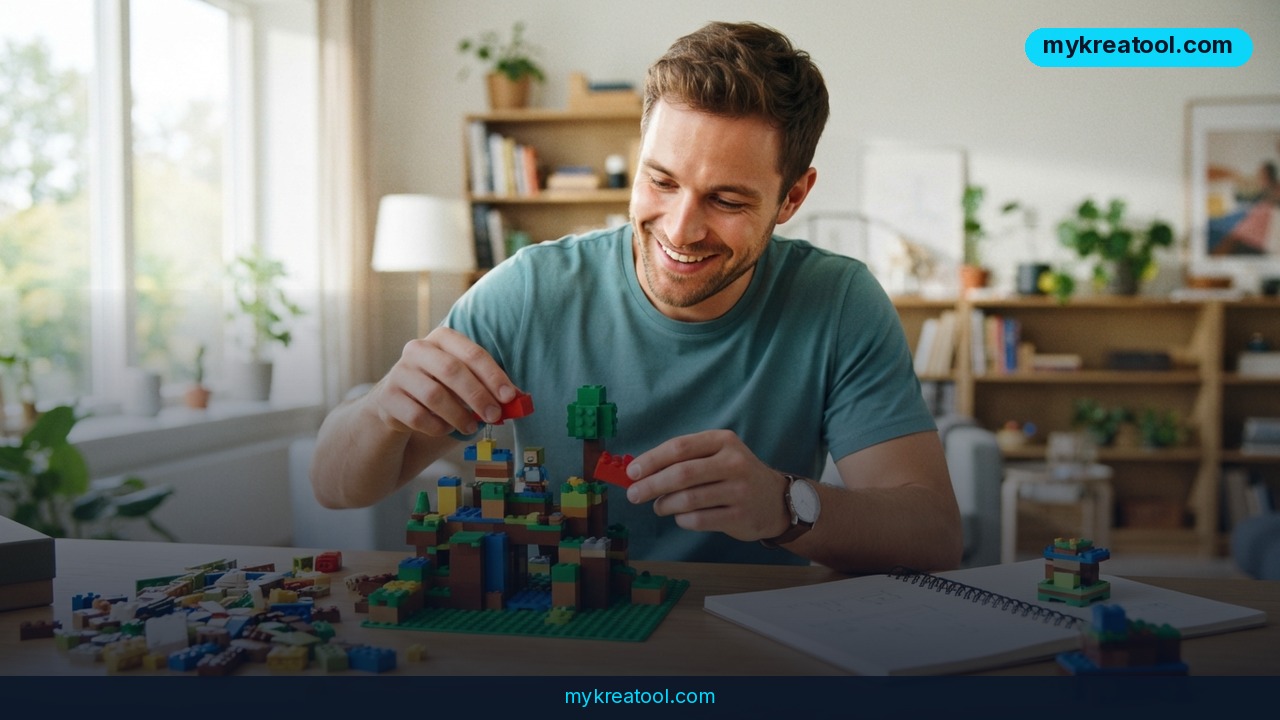
What happened
A new program for creating games without code just landed from Google, and it's called Playground. Launched on October 7, 2026, this browser-based tool lets adults in the US describe a game idea in plain text and watch Gemini, Google's AI model, turn it into something playable within minutes. No coding classes, no game engine tutorials, no technical background required.
Here's how it actually works. You type out what you want — say, a platformer where your character is a cat jumping between floating islands — and the AI builds a working prototype. You can then keep chatting with it to tweak the rules, change how physics behaves, swap out characters, or redesign the environment. Test it right away, adjust again, repeat until it feels right.
Playground isn't running on a single model. According to Google spokesperson Nia Carter, speaking to The Verge, the platform combines three systems: Gemini for understanding your instructions and generating logic, Nano Banana for visuals, and Lyria for sound and music. Once you're happy with your creation, you can share it with a simple link or publish it to a public gallery where other users can discover it. Some game genres will even support leaderboards and multiplayer modes, though Google hasn't specified exactly which ones yet.
The price tag is zero — Playground is free to use. If you're a Google One subscriber, though, you get higher weekly usage limits, with the exact caps depending on your subscription tier. Every published game also goes through a safety review based on Google's community guidelines before it's visible to others, which matters since this is open to the public, not just developers.
What it means for you
This kind of tool changes who gets to call themselves a game creator, and the use cases stretch well beyond hobbyists.
At home
Imagine a parent and their kid building a simple maze game together on a Saturday afternoon, just by describing what they want out loud or typing it in. No software to install, no manuals to read.
At work
Marketing teams could prototype a branded mini-game for a product launch or social campaign without waiting weeks for a developer's availability. A quick playable demo becomes a pitch tool instead of a slide deck.
For business
Small business owners could build a branded trivia game or interactive promo for customers — something that used to require hiring a freelance developer now takes an afternoon of prompting.
For study
Teachers could turn a history lesson into a simple quest game, or students could build a project demonstrating a concept — physics rules, cause and effect, logic puzzles — by literally describing the mechanics they're learning about.
For creativity
Writers and artists with a game idea stuck in their head for years finally have a way to see it move and react, even if they've never touched a line of code.
For income
Some creators are already testing whether published games in public galleries on similar platforms can attract an audience, which could open doors to ad revenue or community-building down the line, though Google hasn't detailed monetization specifics for Playground yet.
How to try it right now
You don't need any special setup to get started — just a browser and an idea.
1. Search for Google Playground (Google's new AI game-building tool) and sign in with your Google account to get started.
2. Type a plain-language description of the game you want — genre, characters, setting, win condition. The more specific, the better the first draft.
3. Hit generate and wait for Gemini, Nano Banana, and Lyria to build your prototype — visuals, sound, and mechanics included.
4. Play it immediately in your browser to see what works and what doesn't.
5. Chat with the AI again to adjust anything: make the character jump higher, change the background, slow down the enemies, whatever you need.
6. Repeat step 4 and 5 until you're satisfied.
7. Share your game via a direct link, or publish it to the public gallery so others can find and play it.
If you want to experiment with other no-code AI tools before or after trying Playground — for writing descriptions, generating images for your game's concept art, or testing ideas quickly — a free toolkit like mykreatool.com is worth a look, since it covers several AI tasks in one place without needing a subscription.
For anyone eyeing something more professional, Google and Unity also announced Unity Spark, a separate tool aimed at developers and artists who want deeper control and access to the Unity Asset Store. Unity CEO Matt Bromberg described it as built for people who have strong creative ideas but lack the technical chops to execute them. It's currently in closed beta, with a wider launch planned sometime in 2026.
Upsides and what changes
The biggest shift here is accessibility. Game development used to require learning a programming language, understanding a game engine like Unity or Unreal, and spending months on even a simple prototype. Playground compresses that timeline into a conversation. You describe, it builds, you refine — the loop takes minutes instead of months.
It also lowers the cost of experimentation. Because it's free (with paid tiers only affecting usage limits, not core features), anyone curious can test ten different game ideas in a single evening without financial risk. That kind of rapid iteration used to be reserved for studios with budgets and teams.
The move also fits a broader pattern: Meta and Roblox have both rolled out similar AI game-building tools recently, suggesting the industry sees casual, prompt-based creation as a genuine new category, not a gimmick. Competition between these platforms will likely push quality and features up quickly over the next year or two.
Limitations
It's worth being realistic about what this tool can and can't do. AI-generated games built from a few prompts are unlikely to match the depth, polish, or performance of titles built by experienced studios using dedicated engines — physics can feel off, complex mechanics may not translate well from text descriptions, and creative control has real limits compared to hand-coding. Safety reviews also mean not every game gets published instantly, and genre support for features like multiplayer or leaderboards is still limited to certain categories rather than available across the board. Finally, Playground is currently only available to adults in the US, so international users and anyone under 18 will need to wait for a wider rollout.
Conclusion
Google's Playground marks a real step toward letting ordinary people, not just programmers, turn game ideas into something playable using nothing more than typed descriptions. Whether you're a parent, a teacher, a small business owner, or just someone with a game idea you've never acted on, the barrier to trying it out is basically zero. Today's action: open the tool, type out one simple game idea you've been sitting on, and see what Gemini builds in the next five minutes.


Comments 0