What happened
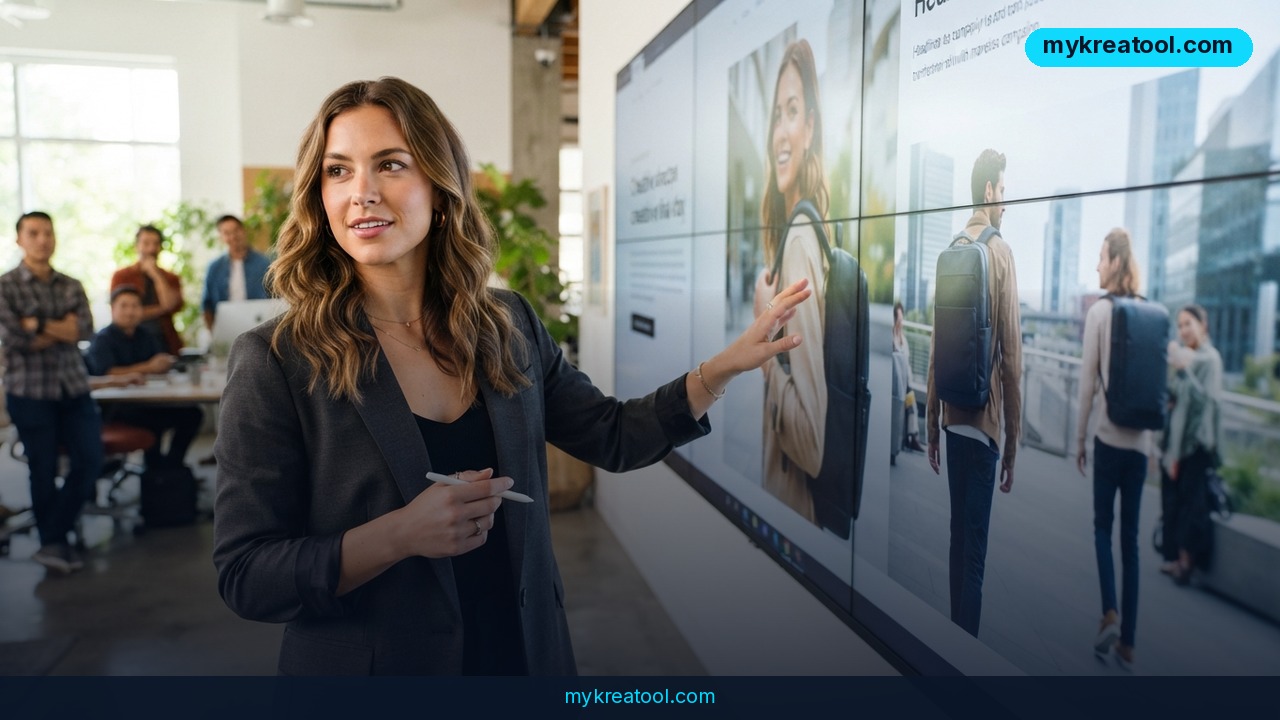
The brief lands on Monday. The campaign ships on Friday. Everything that happens between those two moments decides whether your team ships something worth running — or just ships something. Luma AI has published its guide to the best AI creative tools for content creators in 2026, and the framing is refreshingly grown-up: it isn't a list of generators, it's a list of tools that help you finish the work.
Most of us already know the alternative. You generate a hero image. The client wants a new headline. Suddenly you're rebuilding the entire layout from scratch, and your four-day window is gone.
Three shifts that changed the shortlist
Video generation has gone production-ready. Luma's Ray 3.2 turns text, images and existing footage into video with high dynamic range support (HDR — richer, more lifelike color and contrast), professional export formats, and cinematic camera control. That's the difference between handing footage to an editor and handing over an apology.
Precision editing has arrived too. Layers, powered by Luma's Uni-1 model, lets you swap the product, update the headline, or change the background without regenerating the entire image. Think repainting one wall instead of knocking down the house.
And the workspace is finally integrated. Luma pulls video, images, audio and creative planning into one place, so the decisions that took hours to get right don't evaporate the moment the brief changes.
Who made the list
Luma AI is the all-in-one option. Ray 3.2 handles video. Layers handles edits. Motion Transfer borrows the camera movement from reference footage and drops it into a generated scene. Skills saves the workflows you repeat — product photography to hero shots, campaign briefs to launch assets — and Connectors plug into the tools and asset libraries you already use.
Jasper AI plays a different game: written content at scale. Its Brand Voice training keeps tone consistent across blog posts, social captions and ad copy, and one marketing agency using Brand Voice cut content creation time by 70%. Company Knowledge keeps facts accurate across teams, and campaign planning with topic clusters stops your content pillars from drifting.
Canva AI covers the fast, low-stakes end of things — quick social concepts and presentation design.
What it means for you
You don't need to run an agency to feel this shift. Here's what actually changes, scenario by scenario.
At home: the vacation video that finally gets made
You've got 40 minutes of shaky phone footage and no editing skills. Ray 3.2 works from existing footage as well as text and images, so you can describe the mood you want and get a watchable cut with cinematic camera control. Motion Transfer lets you copy the sweeping movement from a clip you love, so your kid's birthday video stops looking like security camera footage.
At work: feedback stops resetting the clock
Your manager wants a shorter headline and the product in a different color. On the old workflow, that's a regeneration and a brand-new round of approvals. With Layers, you change one element and everything else — layout, brand assets, visual identity — stays exactly where you put it.
For a small business: swap the product, keep the campaign
You built one ad for your bestseller. Now that same ad needs to sell something else by Friday. Uni-1 understands visual identity, layouts and brand assets, so each variation looks like it came from the same campaign instead of three different freelancers.
For studying: ideas before the deadline
Free AI tools are genuinely useful for early exploration and brainstorming — exactly what you need at 11 p.m. the night before a group presentation. If you want a quick stack of free options to poke at, mykreatool collects free AI tools you can start with today. Once the idea is solid, Canva AI turns it into a clean deck.
For creative projects: reference footage becomes a language
Motion Transfer is the underrated feature here. Point at footage you love, pull its movement into a generated scene. It's the fastest way to describe a camera move without drawing a single storyboard frame.
For income: more finished work, same hours
Freelancers and small studios feel this hardest. Localized creative, social variants and launch films normally mean separate production cycles with handoffs in between. An integrated workspace collapses those handoffs — which is where the 5x-faster claim actually comes from. Not from typing faster. From not rebuilding context every time something changes.
How to try it right now
Step 1 — Start free. Use free AI tools for early exploration and brainstorming first. Don't pay for a professional platform until you know what you're actually trying to make.
Step 2 — Paste the brief, not the prompt. Open Luma AI and drop in your real campaign brief. A brief gives the tool your audience, your product and your constraints; a prompt just gives it a sentence.
Step 3 — Generate video with Ray 3.2. Feed it text, an image, or the footage you already shot. Export in a professional format so post-production doesn't have to work around you.
Step 4 — Edit with Layers. Change the product, the headline, or the background. Check that everything else survived untouched — that's the whole point.
Step 5 — Steal a camera move with Motion Transfer. Pick reference footage with the movement you want, apply it to your scene, and stop explaining camera angles in words.
Step 6 — Save it as a Skill. If you'll do this again next month, save the workflow once and reuse it forever.
Step 7 — Add written volume with Jasper AI. Train Brand Voice before you write anything. Then run your blog posts, captions, ad copy and email templates through it, and keep Company Knowledge updated so nothing goes out with last quarter's facts.
Step 8 — Fill the gaps with Canva AI. Quick social concepts and presentation design live here. Don't force a heavy platform into a five-minute job.
Upsides and what changes
The biggest win is that revisions stop being a punishment. When you can change one element without regenerating the whole image, feedback rounds cost minutes instead of days — and the creative decisions that took hours to reach survive the process.
Second, the handoff tax disappears. Video, images, audio and copy in one workspace means fewer files bouncing between disconnected tools, and fewer chances for a brand asset to go missing.
Third, professional output stops being a compromise. HDR support, professional export formats and frame-by-frame control mean AI video finally survives contact with a post-production team.
Fourth, small teams get leverage they couldn't buy before. One person with Skills and Connectors can produce the volume of localized variants that used to require a production line — and Jasper's 70% time saving on content creation is real money for an agency billing by the hour.
Limitations
Be clear-eyed about this. Jasper is a text platform, so the moment your campaign needs video, images and copy to work together, you're either adding tools or moving to something more integrated — which brings its own learning curve. Free tiers are great for brainstorming and genuinely bad for client work. And no tool saves you from a vague brief: if you can't describe the campaign, none of these platforms will guess it for you. The precision editing that makes Layers valuable still requires someone to decide what should change, and generation speed doesn't fix a weak idea — it just helps you discover it faster.
Conclusion
The 2026 shortlist isn't about who generates the most variations. It's about who gets to Friday with work they're still proud of. Luma AI wins on integration and precision editing, Jasper AI owns written content at scale, and Canva AI handles the quick stuff. Pick the one that matches where your process actually breaks — then stop shopping.
One action for today: grab the campaign you're currently stuck on and make a single revision with Layers instead of regenerating from scratch. That one habit is where the time savings actually live.
Comments 0