What happened
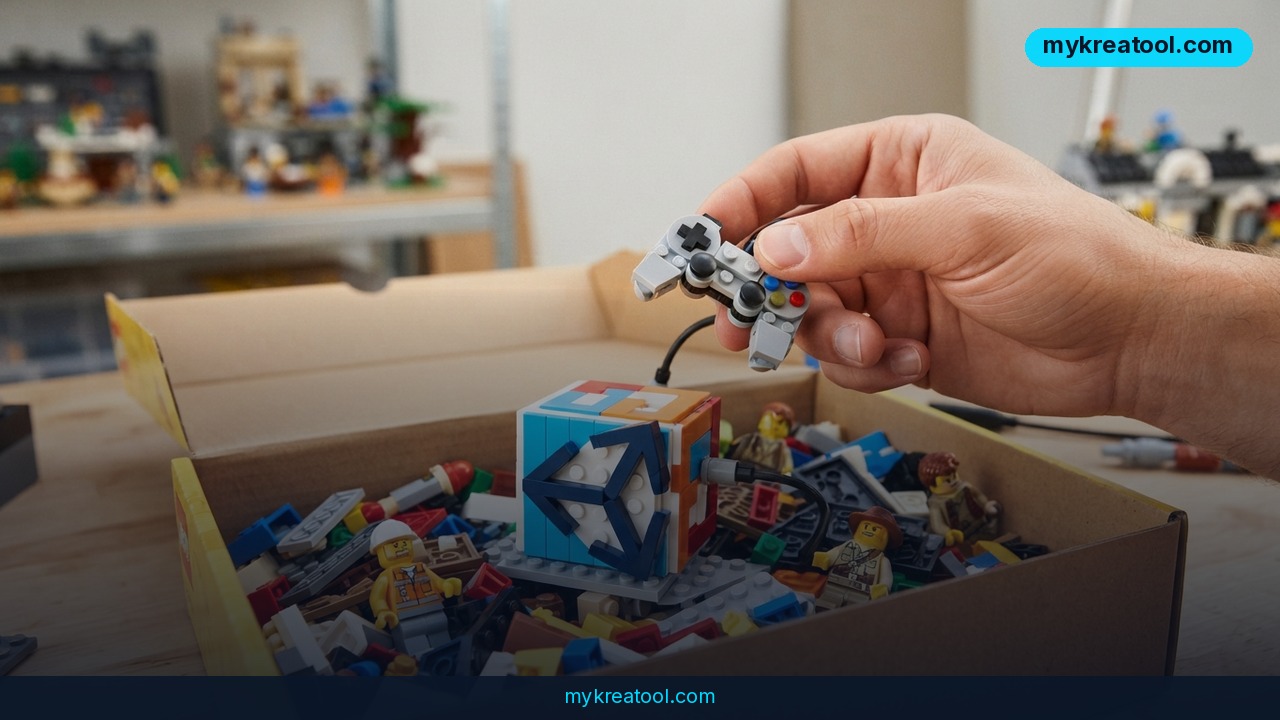
Unity, the company behind the world's most widely used game engine, just handed its toolbox over to an AI coding agent. On September 16, 2026, Unity released an official plugin for OpenAI's Codex — the AI system that writes and edits code inside tools like ChatGPT and the Codex CLI. The plugin gives Codex 31 distinct skills, meaning the AI can now reach directly into Unity's engine and use its actual tools: placing and editing 3D objects, optimizing performance, building user interfaces, working with sprites (the flat images used for characters and objects in 2D games), and more.
In plain terms: instead of just spitting out code you have to copy and paste into Unity yourself, Codex can now click the buttons, adjust the settings, and build inside the engine the way a human developer would. You install the plugin, type a request like "build me a game where you can rob supply caravans," and the AI starts working directly inside your Unity project.
This isn't a hobby project or a browser extension made by some outside developer — it's built and shipped by Unity itself, confirmed on Unity's own blog and covered by outlets like Inven Global. That matters, because official support usually means better long-term reliability than a third-party workaround.
What it means for you
At home: You don't need a computer science degree to try making a game anymore. If you've ever had an idea for a simple game — a maze runner, a card game, a physics puzzle — you can describe it in plain English and watch Codex assemble a working prototype in Unity.
At work: Studio teams can hand off repetitive tasks to the AI — optimizing a scene that's running slow, fixing broken UI layouts, batch-editing sprite properties — freeing human developers to focus on design decisions the AI can't make for them.
For business: Small studios and solo founders can prototype game concepts in days instead of months, which matters if you're pitching an idea to investors or testing whether a concept is fun before committing a real budget to it.
For study: Students learning game design can use the AI as a live tutor — asking it to build something, then reading exactly what it changed in the project to understand how Unity actually works under the hood.
For creativity: Artists and designers who aren't coders can finally build interactive experiences without waiting on a programmer to implement their ideas.
For income: Freelancers and indie developers can take on more clients or projects at once, since a chunk of the routine implementation work — object placement, UI wiring, basic optimization — can be delegated to the AI while they focus on creative direction.
How to try it right now
1. Start free. Download Unity Personal, Unity's free tier for individuals and small teams. It includes the full engine, with revenue-based limits only kicking in once you're earning from a published game.
2. Get access to Codex. OpenAI's Codex is available through a ChatGPT Plus subscription or the Codex CLI, both of which include a free usage allowance before you'd need to pay for extra API calls.
3. Install the plugin. Follow Unity's official announcement, which walks through adding the plugin to your Unity project so Codex can access the engine's tools directly.
4. Prompt it like a person, not a search bar. Instead of a vague request, describe the game clearly: "Create a 2D top-down game where the player collects coins and avoids guards." The more specific you are, the closer the first draft lands to what you imagined.
5. Review, don't rubber-stamp. Open the scene the AI built and check it yourself in the Unity editor before building on top of it — treat the AI's output as a first draft, not a finished product.
If you want to test AI-assisted creative workflows before you even open Unity, sites like mykreatool.com offer free AI tools you can use in the browser to sketch out game art, dialogue, or concept ideas first.
Upsides and what changes
The biggest shift is speed from idea to playable prototype. Tasks that used to take a developer hours — placing objects, adjusting lighting, wiring up a basic interface — can now happen in minutes, with the AI operating the engine's own tools instead of generating disconnected code snippets you have to wire in yourself. With 31 skills covering everything from 3D object manipulation to sprite handling, Codex can touch most of the surface area of a typical small game project, not just one narrow task. For non-programmers, that lowers a barrier that has kept game development a specialist's craft for decades.
Limitations
This is still an assistant, not a replacement for game design judgment — Codex can place objects and optimize scenes, but it can't decide whether your game is actually fun, balanced, or worth playing, and it will confidently build things that are technically correct but creatively off-target if your prompt is vague. Complex, polished commercial games still need human developers to catch edge cases, debug subtle physics or networking issues, and make the thousands of small design calls that separate a rough prototype from a shipped product. Treat the plugin as a fast way to get from zero to a working draft, not as an autopilot for finishing a game.
Conclusion
Unity giving Codex direct access to its own toolset is a real jump from "AI writes code" to "AI operates the engine," and 31 skills is enough ground to matter for actual prototyping work. Today's action: install Unity Personal and OpenAI Codex, add the plugin from Unity's announcement page, and give it one small, specific request — like building a single playable level — to see exactly what it can and can't do before you plan anything bigger.



Comments 0