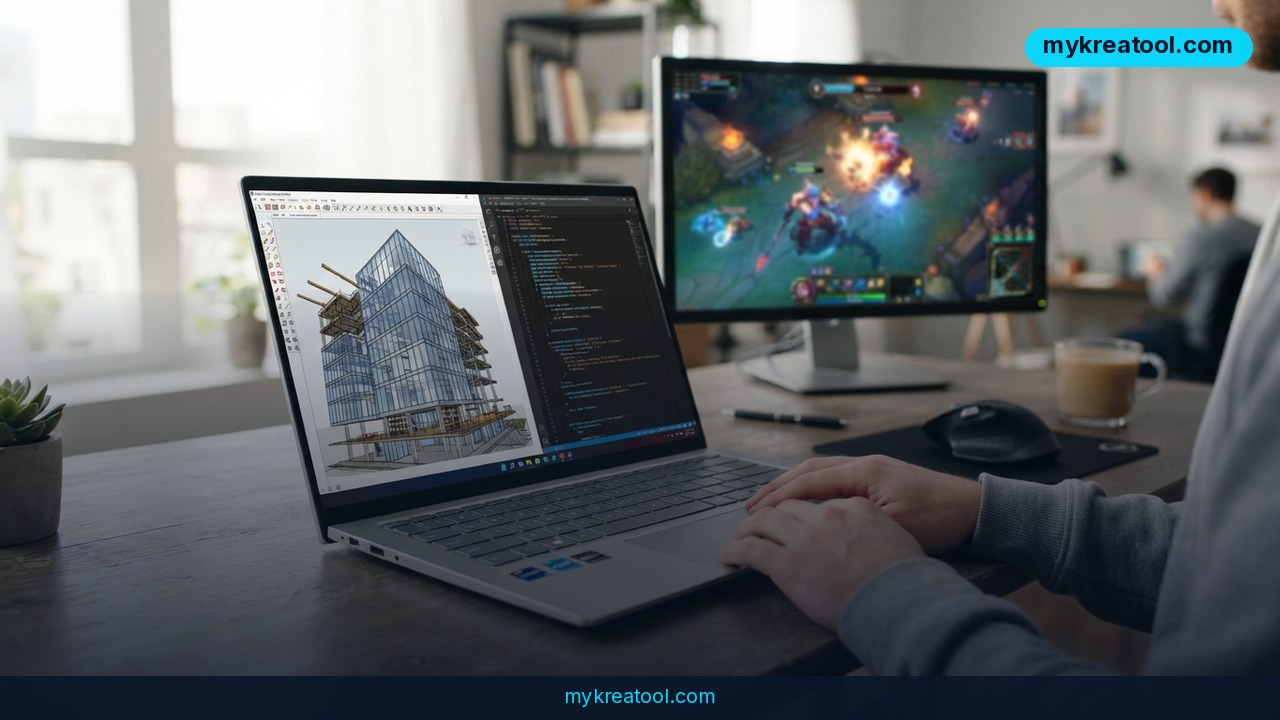
Your next Windows laptop might carry more AI muscle than a small server room did a few years ago. NVIDIA RTX Spark laptops are now available from ASUS, Dell, HP, Lenovo, Microsoft and MSI, and each one is built around a single "superchip" that fuses a Blackwell RTX GPU with a Grace CPU. That chip brings up to 128GB of unified memory and up to 1 petaflop of FP4 AI performance to a premium Windows machine you can sling in a backpack.
The hardware is only half the story. NVIDIA also announced a software bundle that makes the thing genuinely useful day to day: a new speech model, a family of small open models, a switch for splitting GPU power between your apps and background AI agents, and two games built to show off the graphics.
What "superchip" and "petaflop" actually mean
Most laptops split their memory in two — some for the processor, some for the graphics card — and data has to be shuttled back and forth between them. Think of two kitchens in the same house with separate pantries. A superchip puts the CPU and GPU on one piece of silicon and gives them one shared pantry: 128GB of unified memory. Large AI models stop bumping into a ceiling, because they can use the whole pool.
A petaflop is a thousand trillion calculations per second. FP4 is a compact way of writing numbers — like shorthand for math — so more work fits into the same silicon. The catch? FP4 numbers are less precise, which is why the figure is a peak AI number, not a gaming benchmark. And CUDA, the name you'll keep hearing, is simply NVIDIA's toolkit that developers use to make software run fast on its chips. It's the reason so much AI software already works here on day one.
The software that came with the announcement
First up is NVIDIA Nemotron 3.5 Transcribe, an open-weight speech model. Instead of juggling three separate tools for transcription, speaker labels and translation, developers get one model you can talk to in plain English. It covers 40 languages, including seven Indic languages, and it's ranked No. 1 on the Hugging Face Open ASR leaderboard and No. 2 among open-weight models on Artificial Analysis. It runs on roughly 4.3 billion active parameters — about 80% fewer than the top open-weight model — which is what makes it practical on a laptop.
Next, Liquid AI's LFM3 family — text, vision, audio, omni and decision models built on one shared backbone, shipped as open weights with day-zero support, with a compact 1.7-billion-parameter model among them. Then there's a small but clever addition to the NVIDIA App: a resource management control that lets you decide how much GPU power goes to the app in front of you versus the agent running in the background. You'll find it under System > Advanced. Finally, Phantom Blade Zero from S-GAME arrives with ray tracing and DLSS 4.5, and Minecraft now runs with path tracing and DLSS through RTX Remix 1.6 on RTX Spark.
What it means for you
At home: your meetings write their own notes
Imagine recording a two-hour family business call and then just asking: "List what decisions were made in this meeting." That's a real prompt for Nemotron 3.5 Transcribe. You can also say "Transcribe this recording and label each speaker" and get a clean, attributed transcript without touching a settings menu. For anyone who records calls, interviews or voice memos, that's hours back every week.
At work: your laptop stops waiting on the cloud
Because the weights are open, you choose where audio gets processed — on the desktop in front of you, or in the cloud. That matters if you handle client calls, HR conversations or anything under an NDA. You can also feed the model product names and formatting rules as part of the prompt, so it stops mangling industry jargon in healthcare, financial services and customer support.
For business: background agents that don't freeze your screen
Running a long AI task used to mean watching your laptop crawl. The NVIDIA App resource control lets you hand more GPU to the background agent when you're stepping away, then flip priority back to your foreground app when you need to actually work. It's the difference between one shared kitchen and a kitchen with a dimmer switch.
For students and researchers: 40 languages on a desk
Transcribe a lecture in one language, ask for the English version, then ask what the main arguments were. One model, one prompt, no subscription stack. If you're studying abroad or working with sources in several languages, that's a genuinely different workflow. And if you want to test lighter AI helpers before committing to hardware, the free tools at MyKreaTool are a sensible first stop.
For creators: ray tracing and DLSS in the same box
Phantom Blade Zero ships with ray tracing and DLSS 4.5, and Minecraft with path tracing through RTX Remix 1.6 is available now on RTX Spark. Translation: realistic lighting and smoother frame rates, on a thin laptop, without a desktop tower under the desk.
How to try it right now
You don't need to buy anything to start. Here's the order I'd go in.
Step 1 (free): try the speech model today
Nemotron 3.5 Transcribe is available now on Hugging Face. Open the model page, run a short recording through it, and use a plain-language prompt like "Transcribe this audio into English" or "Label each speaker." Zero cost, zero hardware required.
Step 2: pick your hardware path
Quantized versions are coming soon so you can run Transcribe locally on NVIDIA RTX Spark, DGX Spark, Jetson AGX Thor, or scale up on Blackwell data center GPUs. NVFP4 versions will be deployable through NeMo-Speech.cpp or vLLM. If you want the laptop, check the ASUS, Dell, HP, Lenovo, Microsoft and MSI listings.
Step 3: flip the resource switch
On an RTX Spark machine, open the NVIDIA App and go to System > Advanced. First enable hardware-accelerated GPU scheduling in Windows Settings — the feature won't work without it. Then choose whether your foreground app or your background agent gets priority.
Step 4: test the small models
The LFM3 family from Liquid AI ships with day-zero support. Load a compact model, try a task you'd normally send to the cloud, and see whether local is fast enough for your day.
Step 5: play
Launch Minecraft with path tracing and DLSS through RTX Remix 1.6, or pick up Phantom Blade Zero. It's the easiest way to see what the GPU half of the superchip can do.
Upsides and what changes
Three things shift here. First, privacy stops being a trade-off. When a 4.3-billion-parameter speech model with leading accuracy runs on your own machine, sensitive audio never has to leave the room. Second, the laptop becomes the server. One machine now handles transcription, translation, vision, agents and games, which collapses a stack of subscriptions into one purchase. Third, developers get real choice about where processing happens — desktop, edge device or data center — because the weights are open.
There's also a quieter win: the shared 128GB memory pool means you're not choosing between "fast graphics" and "big model." You get both, and you can rebalance them with a slider when your priorities change mid-afternoon.
Limitations
Be clear-eyed about a few things. NVIDIA didn't publish prices in this announcement — these are described as premium Windows laptops, and a superchip with up to 128GB of unified memory won't be cheap. The quantized builds that let Transcribe run locally on your own laptop are "coming soon," not shipping today, so the free right-now option is the Hugging Face model. The 1 petaflop figure is peak FP4 AI throughput, not real-world gaming or editing speed. The resource-management feature is gated behind a Windows setting most people have never touched. And agent-versus-app GPU sharing is still a balancing act — give the background agent too much and your foreground work slows down. Treat the leaderboard rankings as vendor-published benchmarks, not independent lab results.
Conclusion and one action for today
NVIDIA RTX Spark isn't just a faster laptop — it's a bet that the AI work you used to rent by the hour will live on your desk instead. With up to 1 petaflop of FP4 performance, 128GB of shared memory, a speech model that speaks 40 languages and a switch for dividing GPU power, the pieces are finally in one box.
Your one action today: open Hugging Face, find Nemotron 3.5 Transcribe, and run a five-minute voice memo through it with the prompt "Transcribe this recording and label each speaker." It's free, it takes ten minutes, and it'll tell you more about whether local AI belongs in your life than any spec sheet ever will.


Comments 0