What happened
OpenAI has shipped a new model, and this one does more than answer questions — it looks at your screen and then acts on what it sees. It's called GPT-6.1 Terra, and per OpenAI's changelog it's now live in ChatGPT Work and Codex for Plus, Pro, Business, Enterprise and Edu subscribers.
A quick plain-English glossary before we go further. A "model" is the engine doing the thinking inside ChatGPT. "ChatGPT Work" is the work-focused side of the app, and "Codex" is OpenAI's setup for coding jobs. A "changelog" is just release notes — the short post where a company lists what it changed.
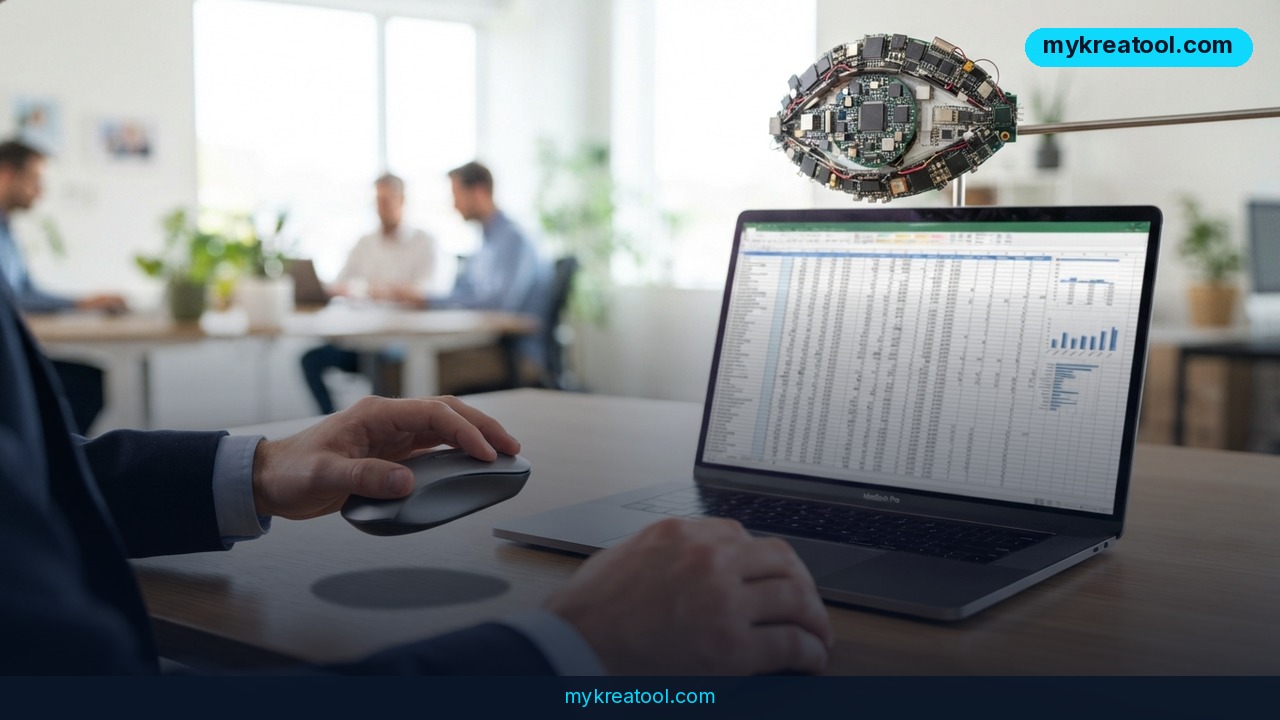
The new part isn't the chat box. It's the loop. Terra reads images and screens, works out what's on them, and then acts on what it finds across your browser, your desktop and your apps. Picture a colleague who leans over your shoulder, reads whatever's open, and starts clicking — except you stay in the driver's seat.
OpenAI calls it a fast, efficient model built for professional work, and says it's tuned to write plainly: results first, supporting detail after. You'll find it under Advanced in the model list of the ChatGPT desktop app, or in Work on the web. One catch — it isn't in regular Chat.
What it means for you
Terra matters because it closes the gap between "tell me" and "do it." Until now, most people treated AI as an advice machine: you typed, it answered, and then you copied the result somewhere else by hand. A model that can read what's on screen and act on it turns the same tool into a set of hands. Here's what that looks like in ordinary life.
At home
Think of the small digital chores that eat a Saturday morning: a photo of a paper bill, a screenshot of a delivery tracker, a folder of scanned paperwork nobody wants to open. You can show Terra the screen and ask what needs doing, and it can move through the steps in your browser instead of just describing them to you. The practical rule is simple — let it do the boring clicking, but keep an eye on the final confirmation before anything gets paid or deleted.
At work
The biggest win is the stuff that sits between real tasks. You've got a dashboard open, a status update due in ten minutes, and three tabs of context. Terra reads the screen, pulls out what matters and writes it up results-first, which is exactly the format most managers want anyway. No more screenshot, paste, retype, reformat. It's the difference between dictating a shopping list and having someone fill the cart.
For your business
Reading and shifting data between apps is where small teams quietly lose hours every week — invoices, supplier pages, order forms, CRM fields. That's the lane Terra is aimed at. Because it can act across browser, desktop and apps rather than just talk about them, a two-person operation can start looking like it has an extra pair of hands. Start with one repetitive job you hate, not your entire back office.
For studying
Screenshots are how students actually work: a textbook page, a chart from a lecture slide, a marked-up essay. Show Terra the page, ask it to lead with the answer and then explain, and you get a study note that doesn't bury the point in three paragraphs of throat-clearing. It's also handy for turning a messy photo of handwritten notes into something you can search. If you don't have a paid plan yet, free AI tools like the ones at MyKreaTool can cover the simpler versions of this job while you decide.
For creative work
Designers and writers live in feedback loops — screenshots of comments, analytics dashboards, mockups with red scribbles on them. Terra can look at what's on screen and act on it, so the jump from "client left notes" to "draft the revision" gets shorter. It won't have taste on your behalf. What it will do is clear the admin around the taste, which is where most creative time actually disappears.
For extra income
Freelance work is full of screen-shaped tasks: formatting a client's document, pulling numbers off a portal, tidying a spreadsheet before delivery. Those are exactly the jobs that pay by the hour but feel like filler. Being able to hand the reading-and-clicking part to a model is a real edge when you're juggling three clients — and because Terra is tuned to write results-first, the output needs less cleanup before it goes out under your name.
How to try it right now
Step 1 — Start with the free route. Terra itself sits behind the paid tiers listed above and isn't in regular Chat, so don't burn an afternoon hunting for it on a free account. Do the free version of the job first: free AI tools such as those at MyKreaTool will handle simple screen-reading asks, and they'll tell you fast whether the workflow is even worth upgrading for.
Step 2 — Check your plan. Open your ChatGPT account settings and confirm you're on Plus, Pro, Business, Enterprise or Edu. If you're on Business, Enterprise or Edu, you may need your admin to switch the model on for the workspace before it shows up in your list.
Step 3 — Open the right door. Use the ChatGPT desktop app or Work on the web. The mobile app and plain Chat aren't where this lives.
Step 4 — Go to Advanced. Click the model list, choose Advanced, and pick GPT-6.1 Terra by name. It won't appear as the default, so you'll be selecting it on purpose every time you want it.
Step 5 — Give it a screen. Open the tab, document or app you want it to look at, then ask something concrete: "Here's my open invoice tab — pull the totals into a table." Vague requests get vague action.
Step 6 — Ask for the format you want. Terra is tuned to lead with results and follow with detail. Lean into it: "Bottom line first, then the reasoning in three bullets."
Step 7 — Watch the first few runs. Sit with it for the first couple of tasks, especially anything that touches money, email or file deletion. Trust is earned, not assumed.
Upsides and what changes
The upside is not that AI gets smarter at chatting. It's that the copy-paste middleman disappears. Today, most AI work looks like this: you find the information, you type it in, you take the answer out, you paste it back. Every arrow in that chain is a place where people give up. When the model can see the screen and act on it, those arrows collapse into one step.
A results-first writing style matters more than it sounds. Half the friction with AI output is that you have to dig the point out of a paragraph. A model that leads with the answer and then backs it up fits how work actually gets reviewed — manager reads the first line, decides, moves on.
And the fact that it's a fast, efficient model, in OpenAI's own words, points at the real use case: not one heroic task a day, but twenty small ones. Efficiency only matters when you're using the thing constantly.
Limitations
The honest version: this is an early, plan-gated release. OpenAI's changelog gives no pricing details, no benchmarks and no list of exactly which apps and sites Terra handles well, so treat your first week as a test, not a rollout. It's not in regular Chat, which means anyone on a free account is locked out of the headline feature entirely. A model that reads your screen sees whatever is on that screen — client data, private messages, health portals — so you'll want a deliberate habit of closing what shouldn't be seen before you start. "Acts on what it finds" also means mistakes happen in the real world, not just in text: a wrong click on a live account is harder to undo than a wrong sentence. And results-first writing, while efficient, can feel clipped when you actually want nuance. Keep a human on the final step for anything that costs money or can't be reversed.
Conclusion
GPT-6.1 Terra is a small-sounding update with a big shift inside it: the assistant stops describing your screen and starts working on it. It's rolling out now to Plus, Pro, Business, Enterprise and Edu users in ChatGPT Work and Codex, it hides under Advanced in the model list, and it skips regular Chat entirely.
Your one action for today
Open the ChatGPT desktop app (or Work on the web), go to the model list, hit Advanced, and check whether GPT-6.1 Terra is there. If it is, give it one real screen — a bill, a dashboard, a messy spreadsheet — and ask for a results-first summary. If it isn't, note which plan you'd need and park it. Thirty seconds of checking beats a week of assuming.
Comments 0