If you've ever typed a sentence into an AI video generator and gotten back a four-second clip where somebody's hands melt into the table, Kling 4.0 is aimed straight at that frustration. The new model promises 30-second AI video clips from a single prompt — roughly double what most consumer tools hand you — plus a set of reference controls that used to live only in professional editing suites. That's a genuine step forward. It also arrives wrapped in a marketing mess worth untangling before you sink a whole weekend into it.
What happened
Kling announced version 4.0 on September 28 and opened early access to a lighter model called Flash the same day — but only for people on the annual Ultra plan. The full release landed on October 15. So the model is live and you can use it today; this isn't a trailer for something arriving next year.
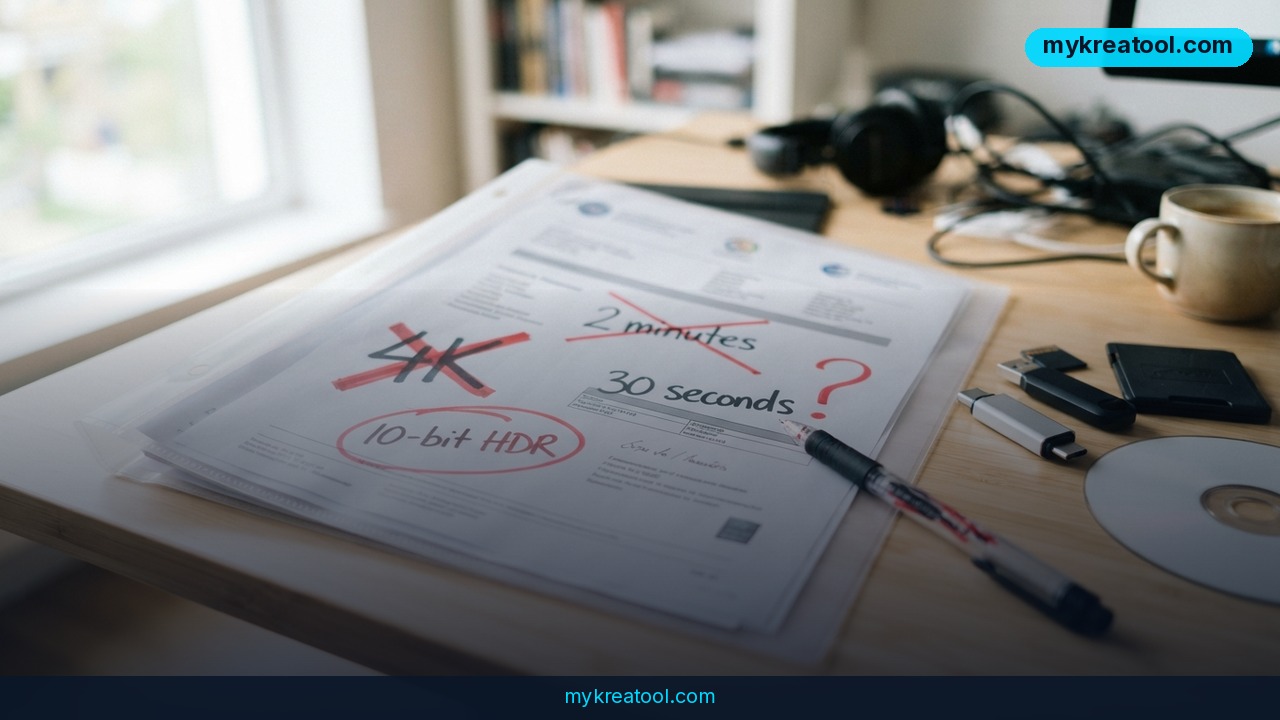
The confusion starts when you read Kling's own pages side by side. The 4.0 promo video runs almost two minutes, and at the 85-second mark three resolution labels appear on screen: 4K, Full HD and 720P. A few seconds earlier the video promises "10-bit HDR." Then you open Kling's feature page and the exact same 4K and HDR are marked "coming soon." The October 14 user guide puts 10-bit HDR in a table labeled "New" while the paragraph right underneath calls the feature "coming soon." The 4K line is just as strange: Kling's own comparison chart lists 4K for both 3.0 and 4.0, even though 4K is precisely what fell out of the new release.
Until Kling picks one story, the safe assumption is that 4.0 is a Full HD SDR model. In the settings the tester actually worked with, that's all there was: 720p and Full HD. No 4K in sight.
What's confirmed in the settings
• Clip length: 3 to 30 seconds, adjustable in 1-second steps, with 10 seconds as the default. Kling 3.0 topped out at 15.
• References: up to 10 images plus 5 videos. That's what Kling means by Omni mode and its 15 references.
• Prompt room: the box takes up to 24,000 characters. Kling's blog describes the same upgrade as 8,000 tokens, up from 1,500 characters in 3.0.
• Aspect ratios: 16:9, 1:1 and a vertical, phone-shaped frame, plus a new ultra-wide cinema option — the letterbox shape you see in movie trailers.
• Audio: stereo instead of a single channel, plus the option to upload a voice as a profile. That last one shows up in Kling's guide, though.
What to be skeptical about
Up to 10 keyframes — the still images you pin down to control how a shot begins, ends, or lands on a beat — appears only in Kling's own guide. Nothing outside the company has confirmed it. Same story with voice uploads.
The two-minute extension is the murkiest item of all. Ask the guide and it's "coming soon." Ask the feature page and it's sitting in the list of things you can already do. Meanwhile, no frame-rate figure has been published for either version, so you can't even compare smoothness on paper.
Kling Flash, in plain English
Flash is the budget option: up to 20 seconds, 720p, 8-bit SDR, no first-and-last-frame control and no keyframes. Kling calls it faster and cheaper, but hasn't published numbers behind either claim. Think of it as the express lane — great for rough drafts, not for anything you'd put in front of a paying client.
One honest first impression
There's no independent quality testing of 4.0 anywhere yet. So instead of trusting the promo reel, the person who covered this news ran the exact prompt that Kling 3.0 had scored 8 out of 10 on five days earlier. Same 8 seconds, same 16:9, same 720p, one single generation. That makes it a first impression, not a benchmark. For context, the original test that produced that 8/10 ran 12 different video models on one prompt, one generation each, scored by eye on a 10-point scale.
What it means for you
At home. Thirty seconds is the difference between a moving photo and an actual moment. A birthday clip where the candles get lit, the wish happens and the slice gets cut is something you'd send to family. Four seconds is a GIF.
At work. If your job touches social media, this changes your Monday. Drop a product shot in as a reference, ask for a vertical, phone-shaped frame, and you've got a Reel-sized draft before your coffee goes cold. The new ultra-wide cinema ratio gives you the widescreen version for a website banner — no reshoot, no second shoot day.
In business. Ad testing gets cheap. One idea, three aspect ratios, one prompt. Instead of commissioning a single polished video and praying, you spin up variants and find out which shape your audience actually reacts to.
For studying. Turn an abstract idea into something you can watch. A 30-second animation of how a bill becomes law beats three paragraphs of text, and you can feed in up to 10 reference images to keep the visuals consistent across a whole series.
For creative work. Thirty seconds is long enough for a real scene — a setup, a turn, a payoff. Storyboard roughs become motion tests, and if the 10-keyframe feature holds up, you can pin the beats you care about instead of rolling the dice.
As income. Thirty seconds is long enough to sell. A four-second clip was a toy; a 30-second clip is a service you can charge a local business for. Cafés, gyms and realtors all want Reels, and now you can hand them something that isn't a slideshow. If you want to stack Kling next to other tools without paying for five subscriptions, MyKreaTool keeps a directory of free AI tools worth pairing with it.
How to try it right now
1. Open Kling AI and check the model picker. Make sure it says 4.0. If it still says 3.0, nothing you make will reflect any of this.
2. Lock your settings before you write a word. 16:9, Full HD if it's offered, 8 to 10 seconds, one generation. Give yourself a clean baseline you can compare later.
3. Write the prompt. You've got up to 24,000 characters, but short beats long. One shot, one camera move, one action.
4. Add references if consistency matters. Up to 10 images and 5 videos. If the same face or product has to show up twice, this is the feature that does it.
5. If you're just kicking the tires, start with Flash. It's the lightest and cheapest way in — Kling itself calls it faster and cheaper. Just remember the ceiling: 20 seconds, 720p, no keyframes, no first-and-last-frame control.
6. Run the same prompt in Kling 3.0. That side-by-side is the only comparison that means anything right now, since nobody has published independent quality tests.
7. Ignore 4K, 10-bit HDR and the two-minute extension for now. If they show up in your account, wonderful. Don't plan a project around them.
Upsides and what changes
The clip length jump from 15 to 30 seconds is the headline, and it's not cosmetic. Doubling the runtime is what turns a loop into a scene. Prompt room went from 1,500 characters to 24,000 — enough to describe lighting, wardrobe, camera movement and pacing in one go. References went from up to 7 images or a single 15-second video to 10 images plus 5 videos, which is the difference between a lucky one-off and a character who looks the same in every shot. Add an ultra-wide cinema ratio for cinematic framing and stereo audio instead of mono, and 4.0 starts to feel less like a toy and more like a junior production assistant.
Limitations
Here's the honest version. Kling's own pages contradict each other on the three features people care about most — 4K, 10-bit HDR and the two-minute extension — so you should assume you're working in Full HD SDR with a 30-second ceiling until the company says otherwise. There are zero independent quality reviews, and the only hands-on test available is a single generation on a single prompt, which is an anecdote, not evidence. Flash is capped at 20 seconds, 720p, 8-bit SDR and no keyframes, and Kling won't say how much cheaper or faster it actually is. No frame rate has been published at all. And "coming soon" on a feature page is not a date — it's a promise with no clock attached.
Conclusion
Kling 4.0 is a real upgrade where it counts: 30-second clips, a far bigger prompt box, and up to 15 references for keeping things consistent. The flashy stuff — 4K, 10-bit HDR, two-minute clips — is still up in the air, and Kling's own pages can't agree on whether it's shipped or shipping.
Your one action for today: open Kling AI, generate a single 10-second clip at Full HD with one reference image, then run the identical prompt on Kling 3.0. Ten minutes, one generation each, and you'll know more about 4.0 than any promo video will tell you.

Comments 0