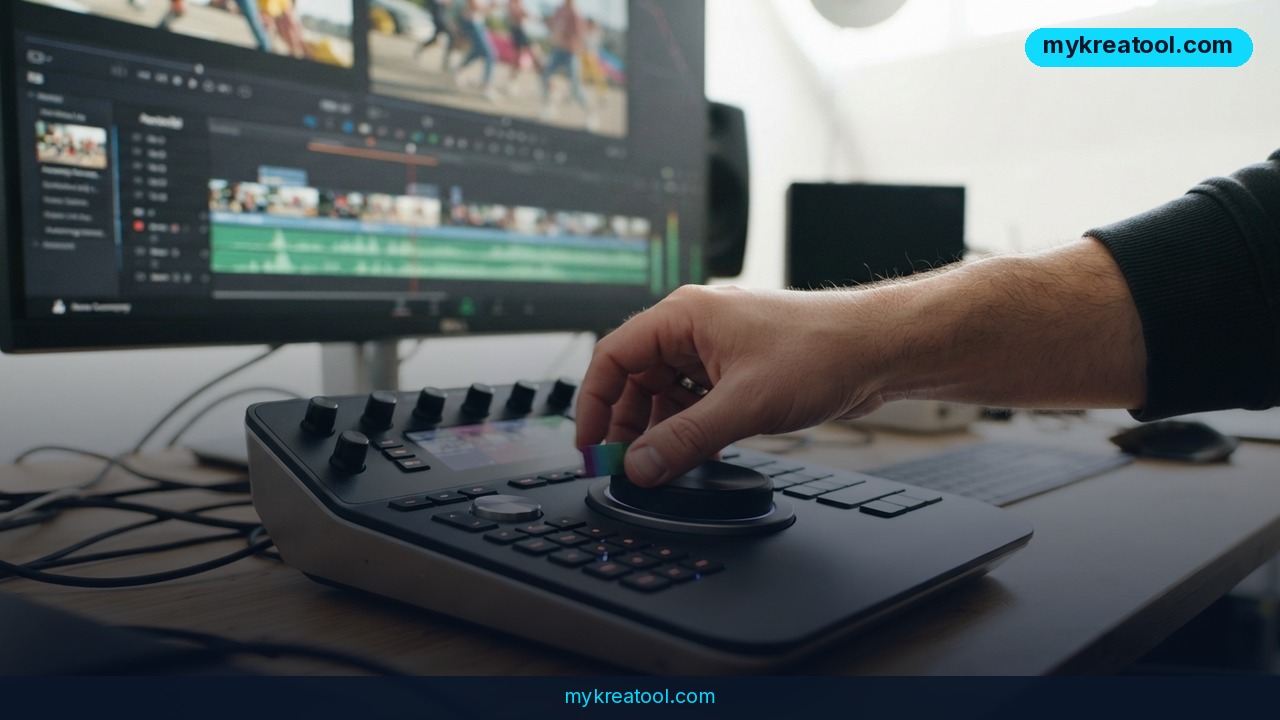
An AI video generator used to be a novelty you tried once and forgot. Kling AI, built by Kuaishou Technology, now outputs 4K footage at 60 frames per second, clips that run up to 10 seconds, and — the part that actually changes how you work — up to six connected camera angles in a single pass.
What happened
Kling 3.0 is the version everyone's talking about in 2026, and the headline specs hold up: 4K resolution, 60fps, 10-second clips, and multi-shot generation that strings together as many as six connected scenes in one go. The company behind it, Kuaishou Technology, runs social platforms with more than 700 million users, so this isn't a weekend side project.
Under the hood it's a diffusion-based transformer working with a proprietary 3D variational autoencoder. In plain English: the model has learned how light falls, how bodies move and how depth reads on screen, then it paints brand-new frames that obey those rules. That's the difference between sliding a photo around on a screen and actually filming something.
The numbers that matter
• 4K at 60fps — sharp enough for client delivery, smooth enough that fast motion doesn't strobe.
• 10-second clips — room for a hook, a product beat or a reaction shot, not for a whole ad.
• 6 connected shots per generation — one prompt, one visual thread, less stitching later.
• $6.99/month for 660 credits — the entry paid plan. Professional mode spends credits twice as fast on complex prompts.
• 66 free credits a day at 1080p — the testing tier, with 5 to 10-second clips.
• Lip-sync in 5 languages — audio and mouth movement line up without a separate pass.
Why "multi-shot" is the real story
Anyone can generate a pretty five-second clip. The headache starts when shot two has to look like shot one — same face, same jacket, same kitchen counter. Traditionally that meant generating scraps, dumping them into an editor, and losing a day to match-fixing.
Multi-shot generation in Kling 3.0 asks for up to six connected camera angles in one pass, with smooth transitions between them. The Element Library does the same job for characters and objects across separate generations. It's like hiring one camera crew for the whole shoot instead of six freelancers who've never met.
What it means for you
At home
Birthday videos, school projects, the garden reveal you've been putting off. You type what you want, drop in a photo, and get motion back. No tripod, no lighting rig, no cousin with a camera. Your 1080p free clips are plenty for a family group chat.
At work
Marketing teams get the biggest jolt. A product launch film, six social variants, localized cuts for three markets — that workload is exactly where 4K output and multi-shot scenes pay off. You're still editing, but you're editing six good options instead of hunting for one usable frame. If you want free helpers alongside it — upscalers, caption tools, background removers — MyKreaTool keeps them in one place.
Running a small business
You can put your real product into a moving scene without booking a shoot. Photograph the item, animate it, add a lip-synced voiceover in one of the five supported languages, post it. The $6.99 entry plan is roughly the cost of two coffees, which makes testing a new ad angle far less scary.
Studying
History, biology and physics explanations land harder as motion. Turn a diagram into a clip, narrate it, and you've got a study aid you'll actually rewatch. Keep clips short — 10 seconds forces you to be clear about the one idea you're showing.
Creative projects
Storyboarders and indie filmmakers use Kling as a moving mood board. You can pitch a scene you've only described in words, and the client finally sees the camera move instead of imagining it. Motion Control adds another lever: feed it a reference video and it transfers that movement onto a new subject.
Earning from it
Freelancers are selling the output as short-form content, explainer inserts and social ads. The honest math: 10-second clips mean you're assembling, not generating a finished film. Sell the assembly, the concept and the editing speed — that's where the money actually sits.
How to try it right now
1. Start free. Open Kling AI in your browser, create an account and claim the 66 daily credits. Stay in Standard mode and 1080p — you're testing, not delivering.
2. Write a prompt like a shot list. Subject, action, camera, light. "A ceramic mug on a wooden desk, steam rising, slow push in, warm morning light" beats "nice coffee video" every time.
3. Try image-to-video. Upload a still of your actual product and describe the motion. This is the fastest route to something client-safe.
4. Test multi-shot. Ask for two or three connected scenes in one generation and see how well the look holds between them.
5. Lean on the Element Library. Lock in a character or object before you branch out into new scenes, so your lead doesn't grow a new face.
6. Add audio. Try the native lip-sync in one of the five languages rather than bolting sound on later.
7. Upgrade only when the free tier blocks you. $6.99/month unlocks 660 credits. If your prompts are complex, remember Professional mode burns credits twice as fast, so budget accordingly.
Upsides and what changes
Speed is the obvious win. Work that used to eat weeks of pre-production, casting and shooting can be prototyped in an afternoon, and a client can react to a moving concept instead of a paragraph of description.
Human motion is Kling's strongest suit. Faces, gestures and multi-character scenes hold together with fewer of the warped hands and melting limbs that made early AI video a punchline. For product demos, tutorials and anything with a person in frame, that reliability is the whole game.
And the floor is low. A free daily allowance plus a $6.99 entry price means a solo creator can experiment at the same technical ceiling — 4K, 60fps — that used to require a budget meeting.
Limitations
Be clear-eyed about the edges. Clips top out at 10 seconds, so long-form still means editing. The free tier caps you at 1080p, which is fine for tests and thin for delivery. There's no HDR output, so anything destined for a high-dynamic-range pipeline needs another tool in the chain, and extended keyframe control is limited — if you need frame-level precision, Kling won't replace your editor, it'll feed it. Professional mode also doubles the credit cost on complex prompts, which quietly changes the real price of ambitious work. Treat Kling as a very fast camera and a very patient assistant, not as a post-production house.
Conclusion
Kling 3.0 doesn't replace a production crew — it collapses the gap between having an idea and seeing it move. 4K at 60fps, six connected shots per pass and a $6.99 entry point mean the bottleneck is no longer gear or budget. It's the quality of your brief.
One action for today: sign up for Kling AI, spend a few of your 66 free credits, and generate a single 10-second clip of something you actually sell. If that clip makes you want to write shot two, you've found your new pre-production tool.
Comments 0