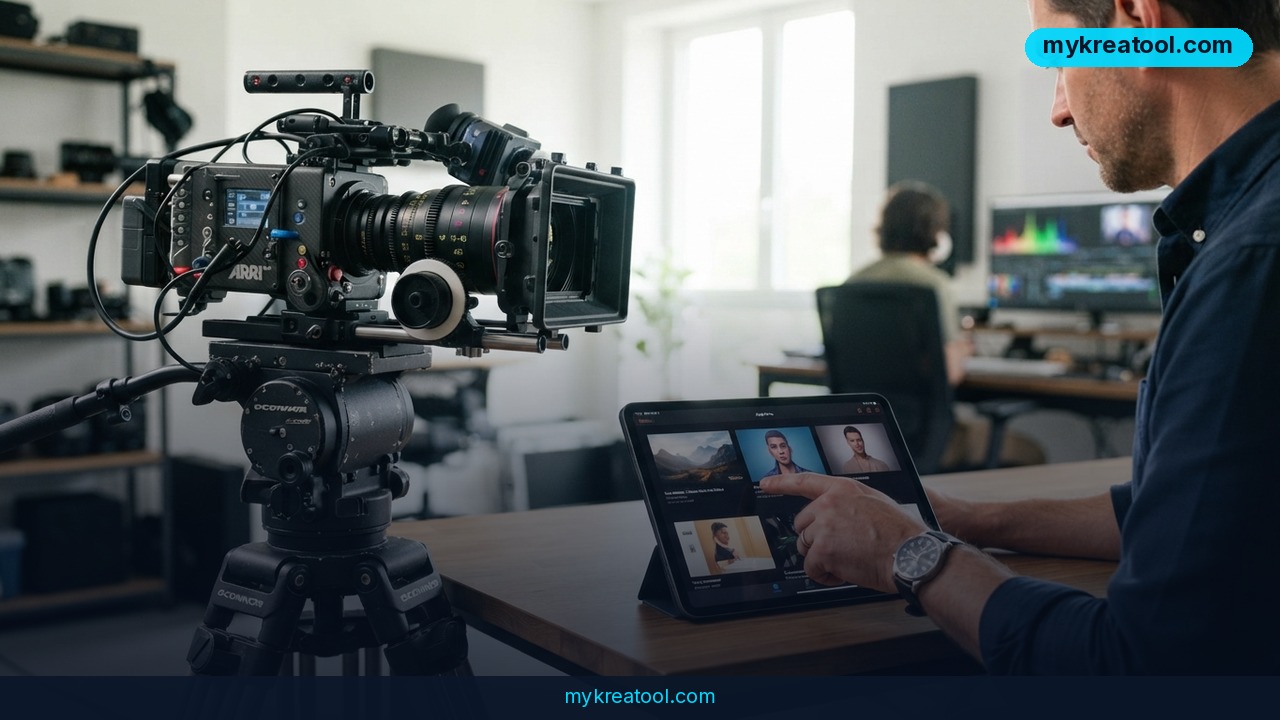
What happened
A new ranking of 12 AI video generators just came out, and the winners aren't the ones with the flashiest specs. The review looked at tools for cinematic generation, avatar creation, social content, and editing workflows. The goal: figure out which platform actually helps you finish a project, not just start one.
The top three picks
Luma Labs Ray 3.2 took the top spot for artistic, atmospheric work. It's built for campaigns where mood matters as much as realism. You get multi-keyframe sequencing (set a few key moments, and the AI fills in the motion), HDR workflows with EXR export (a file format for professional color grading), motion transfer (copy movement from a reference clip), and cinematic camera controls like dolly, crane, and tracking. It outputs 1080p with native HDR and 16-bit EXR.
Google Veo 3.1 is the realism champ. It does text-to-video with 4K upscaling and native audio — dialogue, music, and sound effects all generated with the clip. That's a big deal if you don't want to hunt for separate sound files.
Runway Gen-4.5 focuses on camera motion control. If you're a director who needs precise choreography across multiple shots, this is your tool. It lets you direct camera moves with more precision than most competitors.
Avatar platforms, meanwhile, are dominating enterprise training and localization. These are tools that create a digital person to deliver your script — perfect for onboarding videos or internal communications that need to be translated into ten languages.
Why this ranking matters
The takeaway isn't that one tool beats all others. It's that the "best" AI video generator depends on where it fits in your workflow. A quick social clip has different needs than a product launch film. The review makes that clear by separating tools into categories instead of crowning a single winner.
What it means for you
At home
You don't need a film degree to make a birthday slideshow that looks like a movie trailer. With Luma Labs Ray 3.2, you can type a description like "a child blowing out candles in warm evening light" and get a polished clip in minutes. The free tier lets you experiment, though you'll see a watermark.
At work
Imagine you need a training video for a new software rollout. Instead of booking a studio, you can use an avatar platform to generate a presenter who reads your script. The review notes these tools are built for internal communications and onboarding — exactly the kind of repetitive video work that eats up hours.
For business
Product launches and brand campaigns are where Luma Ray 3.2 shines. Its motion transfer and layered editing mean you can tweak one element — say, the background — without re-rendering the whole scene. That's like editing a photo's sky without changing the person's face. For a marketing team on a tight deadline, that's huge.
For study
Teachers and students can turn text into explainer videos. Google Veo 3.1's native audio is a game-changer here: you can generate a short clip with narration and background music in one go. No more piecing together stock footage and voiceovers.
For creativity
Filmmakers and artists get a sandbox. Runway Gen-4.5's camera controls let you choreograph a multi-shot sequence — a dolly-in here, a crane shot there — without renting a physical rig. It's like having a virtual camera crew that follows your exact instructions.
For income
Freelancers can add AI video to their service menu. A social media manager could pump out 20 variations of a product teaser in an afternoon. The review notes that free tiers exist, but professional work requires a subscription. Still, the cost is a fraction of hiring actors and a crew.
How to try it right now
Ready to test the waters? Here's a simple path, starting with the free option.
1. Start with Luma Labs Ray 3.2. Go to Luma's website and create a free account. The free tier gives you limited credits, and outputs may have a watermark. Type a short prompt — "a coffee cup steaming on a windowsill, morning light" — and generate a 5-second clip. Play with the camera controls to see how dolly and tracking change the feel.
2. Try Google Veo 3.1 for audio. If you have access through Google's AI tools, generate a clip with dialogue. Write a two-line script, paste it as a prompt, and see if the native audio matches the lip movements. (Generation times vary by settings and clip length.)
3. Experiment with Runway Gen-4.5 for camera motion. Sign up for a free trial if available. Create a three-shot sequence where the camera moves differently in each shot. Use the motion control panel to set a dolly-in for shot one and a crane-up for shot two.
4. Check avatar platforms for training videos. If you work in HR or corporate communications, look for avatar tools that offer a free demo. Upload a script and a photo, and see if the digital presenter looks natural enough for your onboarding video.
Before you commit to a paid plan, explore free AI tools to sharpen your prompts. MyKreaTool has a free library of AI utilities that can help you write better video descriptions and scripts.
Upsides and what changes
The biggest upside is speed. A task that used to take a week — storyboarding, shooting, editing — can now happen in an afternoon. That means more iterations, more creative risks, and faster feedback loops.
For small businesses, it's a leveling effect. You don't need a Hollywood budget to produce a polished product video. A solo entrepreneur can compete with bigger brands on visual quality.
For creative teams, the tools handle the grunt work. You can generate ten variations of a scene and pick the best one, instead of committing to a single expensive shoot. The review emphasizes that these platforms are designed to keep your creative momentum through revision cycles.
And for enterprise training, avatar platforms solve a real pain point: localization. Instead of hiring actors in every language, you generate one avatar and swap the script. That's a massive cost and time saver.
Limitations
Let's be honest: AI video generators still have rough edges. Free tiers come with watermarks, resolution limits, and credit caps — fine for testing, not for client work. Professional output typically requires a paid subscription, and pricing varies widely. The tools can struggle with complex physics (think splashing water or fabric folds) and long, coherent narratives; you'll often need to generate short clips and stitch them together. Native audio, while impressive, may need editing for timing and clarity. Avatar platforms are mostly enterprise-focused, which means they can be expensive and less flexible for solo creators. And none of these tools replace human creative direction — you still need to know what story you're telling and why.
Conclusion
The best AI video generator in 2026 isn't a single winner — it's the one that fits your workflow. Luma Labs Ray 3.2 leads for artistic, atmospheric work. Google Veo 3.1 wins on realism and native audio. Runway Gen-4.5 gives you precise camera control. And avatar platforms are quietly revolutionizing corporate training.
Your one action for today: open Luma Labs Ray 3.2 and generate a 5-second clip from a single sentence. Don't worry about perfection. Just see how it feels to direct a scene with words instead of a camera.
Comments 0