What happened
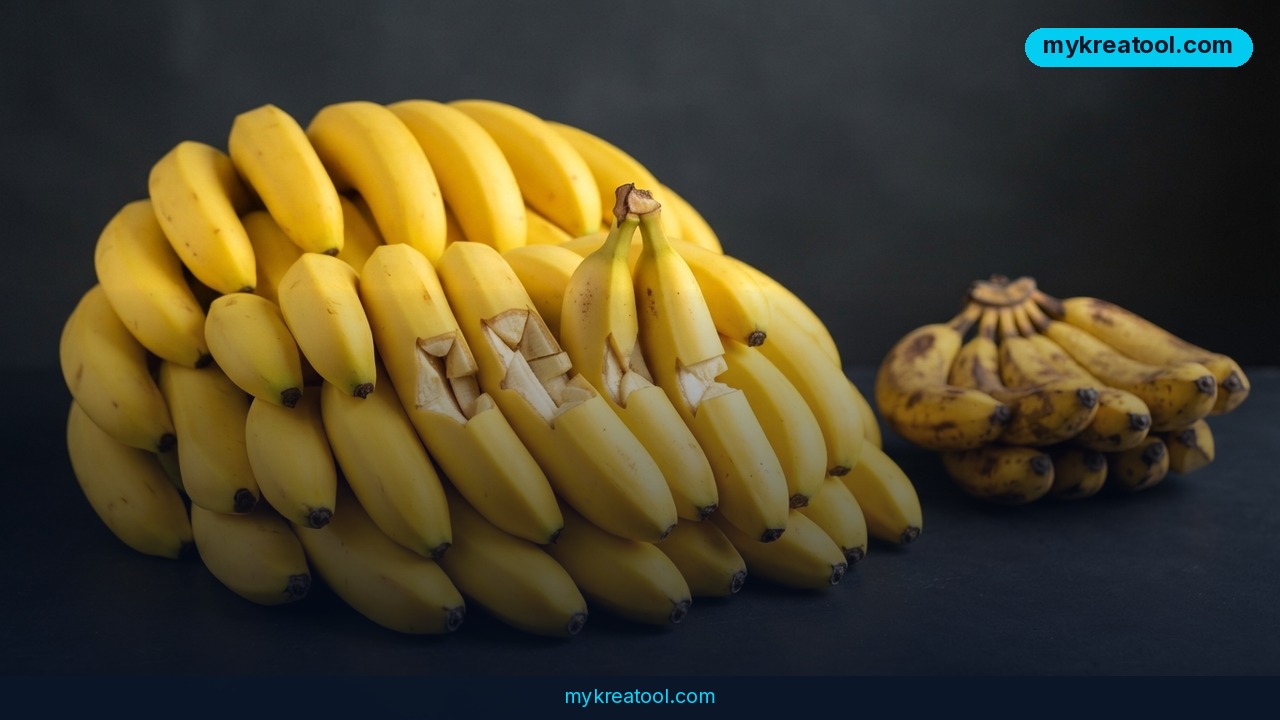
Google just rolled out a new version of its image-generation AI, and the headline number is hard to ignore: Nano Banana 2.1 costs roughly four times less to run than its predecessor while producing sharper, more accurate images. If you've been priced out of AI image tools for serious work, this update is worth a second look.
The model comes from Google DeepMind, and according to the official model card, it now outperforms earlier Nano Banana versions in almost every test scenario — especially in visual quality, mask-based editing (more on that below), and keeping a character's face and look consistent across multiple images. That last point matters a lot if you've ever tried generating a comic strip or a brand mascot and watched the character's face subtly morph with every new image.
Nano Banana 2.1 also supports native 4K output, meaning images sharp enough for print, large banners, or close-up zooming without turning into a blurry mess. On pricing, Google dropped the cost to $30 per 1 million output tokens, compared to $120 for the earlier Nano Banana Pro model. Output tokens are basically the "units" the AI uses to build an image — think of them like ink and paper costs for a printer. Less cost per token means cheaper images at scale, which is a big deal for anyone generating images in bulk. Coverage of the release from The Decoder confirms both the price cut and the quality jump, and the model is already listed on platforms like fal.ai and Google's own developer docs.
What it means for you
This isn't just a technical upgrade — it changes what's realistic to do with AI images in everyday life.
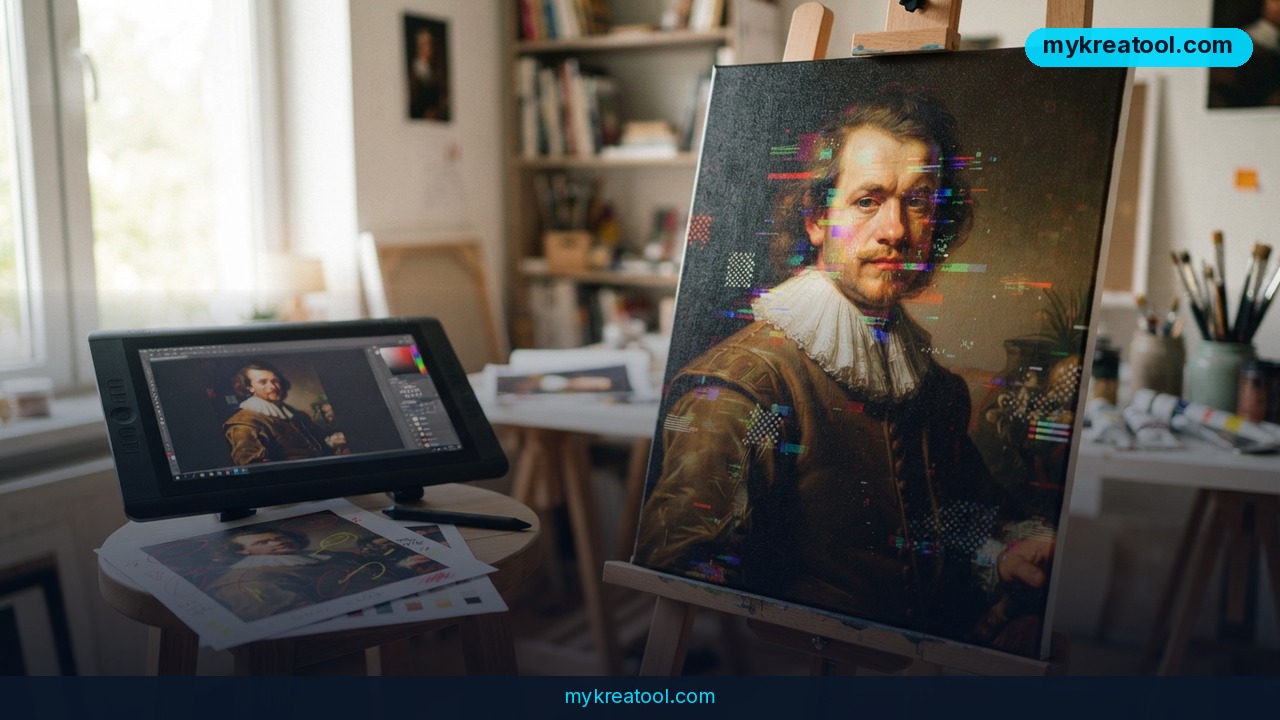
At home: Want a custom birthday poster, a themed invitation, or a quirky avatar for your family group chat? Mask-based editing means you can select just one part of an image — say, a background or an outfit — and change only that, without redrawing the whole picture. No design software needed.
At work: Marketing teams can generate product mockups, ad variations, and social media graphics in 4K resolution without hiring a designer for every small tweak. Lower token pricing means teams running hundreds of image variations for A/B testing can do it without blowing the budget.
For business: If you sell products online, you can create consistent product photography across different backgrounds and angles, or generate a mascot/character that stays recognizable across your entire catalog — something earlier models struggled with.
For study: Students and teachers can turn dense concepts into visual diagrams, infographics, or illustrated flashcards in minutes, which is genuinely useful for visual learners.
For creativity: Illustrators and hobbyists can prototype book covers, character designs, or concept art at high resolution, then refine specific details with masking instead of starting over.
For income: Freelancers offering AI-assisted design services can now deliver 4K-ready files at a lower cost per image, making it realistic to take on print-quality jobs — posters, packaging, merchandise — that older, lower-res models couldn't handle well.
How to try it right now
You don't need to be technical to test this. Here's the simplest path:
1. Start free — before paying for anything, try a free AI image tool to get comfortable with prompts and editing basics. mykreatool.com offers free AI tools you can use right in your browser, no account or coding needed, which is a good warm-up before jumping into a paid model.
2. Access the model directly — Nano Banana 2.1 is available through fal.ai, a platform that lets you run AI models without installing anything.
3. Or use Google's developer platform — if you want more control, check the official Gemini API docs for Nano Banana 2.1, which includes setup instructions and pricing details.
4. Write a clear prompt — describe what you want in plain language: subject, style, lighting, and resolution (ask for 4K if you need print quality).
5. Use masking for edits — instead of regenerating a whole image, select the specific area you want changed (a background, an object, a face) and describe only that change.
6. Check the output tokens used — if you're on a paid plan, keep an eye on token usage so you understand your actual cost per image.
Upsides and what changes
The biggest shift here is accessibility. A 4x price drop means tasks that used to be expensive at scale — like generating hundreds of product images or testing dozens of ad creatives — are suddenly affordable for small businesses and solo creators, not just big companies with marketing budgets. Native 4K support also removes a common workaround where people had to upscale lower-resolution AI images using separate tools, which often introduced artifacts or lost detail. And better character consistency means fewer frustrating retries when you need the same face, outfit, or mascot across multiple images — a problem that's plagued AI image generation since the beginning.
Limitations
It's worth being honest about what this update doesn't fix. Pricing and performance details come from Google's own model card and early third-party coverage, so broader independent testing across different use cases is still catching up. "Better in almost all scenarios" doesn't mean perfect — complex scenes with many small details, unusual lighting, or very specific text in images can still trip up AI models like this one. And while the price per token dropped, heavy, high-resolution 4K generation at scale can still add up, so it pays to check actual usage costs before committing to a big project.
Conclusion
Nano Banana 2.1 makes high-quality, high-resolution AI image generation meaningfully cheaper and more reliable than before, especially for anyone who needs consistent characters or crisp 4K output. If you've been curious but held off because of cost, today's a good day to test it: start with a free tool to get your prompts right, then try Nano Banana 2.1 on a small project and see the difference for yourself.
Comments 0