What happened
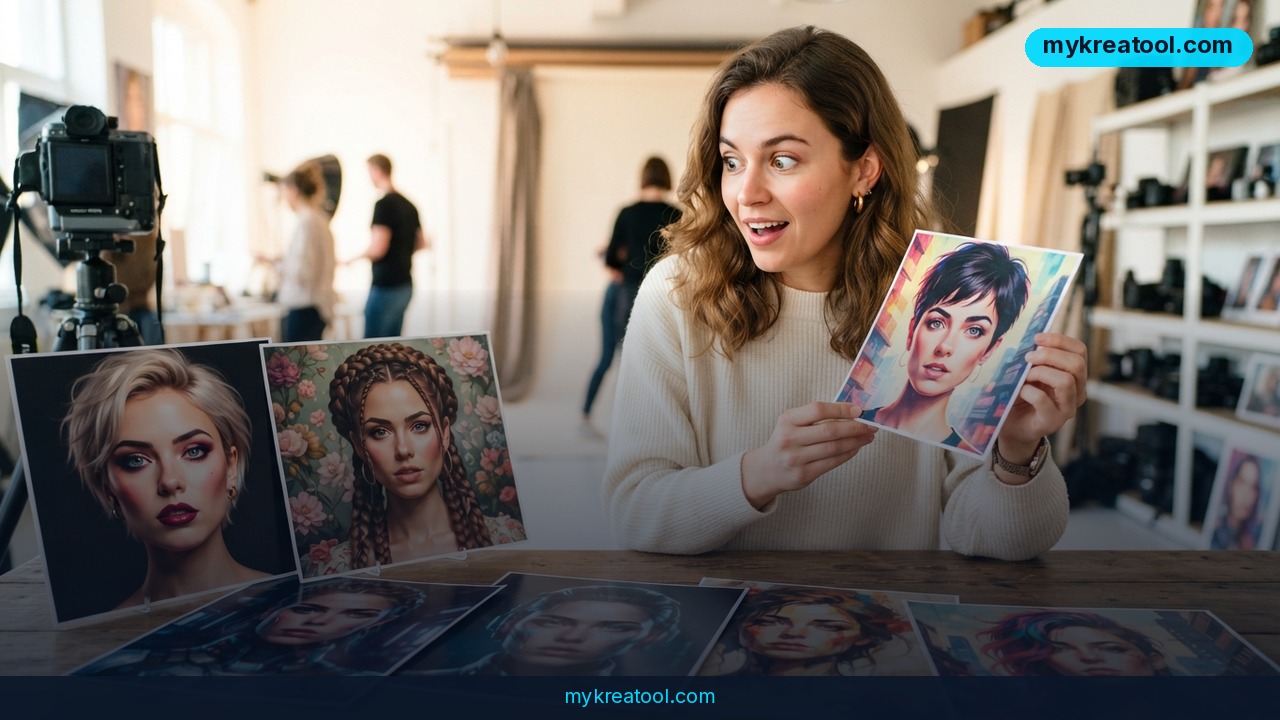
An AI photo session can save you a studio booking and a lot of hassle, but it can also hand you back a picture of a stranger. The source article compares two common workflows for turning your selfies into professional-looking shots, and the big question in both is whether the tool preserves your face. It's a real problem: the AI might produce a beautiful frame while quietly changing your features, age, eye shape, or hairstyle until the person in the image is someone else.
The first workflow is the automatic one. You upload several photos, choose a style, and the service generates a whole series of shots for you. Think of it like a passport-photo booth that also does editorial headshots: you feed it a few pictures, pick a look, and wait for the batch.
Workflow 1: Upload a batch, pick a style
This is the set-it-and-forget-it route. You're not writing descriptions or placing lights. The service does the heavy lifting and returns a set of images in one go. The trade-off is control. If the AI decides your jawline should be a little sharper or your eyes a little wider, you might not notice until you've already downloaded the whole set.
Workflow 2: One prompt at a time
The second workflow uses your original photo as a reference, and you build each new shot separately with a text prompt. A prompt is just a plain-English description of what you want — soft window light, gray backdrop, looking left. Your photo acts like a reference sheet the AI glances at while drawing. This gives you more control per image, but it also means more actions: you'll write, generate, review, and repeat for every single shot.
Why faces drift
The source pinpoints the main difficulty: keeping the person's appearance intact. The AI can nail the mood, the lighting, and the outfit, then miss the one thing that matters — you. The article lists four common drift points: facial features, age, eye shape, and hairstyle. Any one of those shifting is enough to make the result feel off, even if the image looks polished at first glance.
What it means for you
The practical takeaway is simple: neither workflow is best in a vacuum. The right choice depends on what you're making and how much time you're willing to spend checking the result. Here's how the two approaches map to everyday situations.
Home and work
For a family photo or a quick profile picture, the automatic batch workflow is usually the easiest. You upload a few photos, pick a style, and get a set to choose from. For a work headshot you'll use on LinkedIn or a company page, the prompt-based route can be better because you can specify the background and lighting, then regenerate a single shot if your face drifts. The catch is that you'll need to compare each result to your original photo before you hit save.
Business and study
If you run a small business, consistent team photos matter. The batch workflow can produce a series quickly, but you'll want to check that every person still looks like themselves. For a student project, a presentation, or a research poster, the prompt-based approach is handy when you need one specific image — say, a portrait against a plain wall — rather than a whole gallery. It's slower, but you're not burning through a pile of generations to get one usable frame.
Creativity and income
Creators and freelancers often need a steady stream of visuals: thumbnails, author bios, course pages, social posts. The batch workflow is great for volume, especially when you want a consistent style across a set. The prompt-based workflow is better when you're selling a specific look or building a character. If you're using AI photos for client work, always disclose what you used and keep a copy of the original reference. That's not just polite — it's how you avoid delivering a portrait that doesn't match the person who paid for it.
How to try it right now
You don't need to install anything heavy. Both workflows run in a browser, and many services offer a free trial or a limited free tier. Start with the free option first so you can test likeness before you pay.
1. Find a free tool to test. Go to MyKreato, a free AI tools library, and shortlist a photoshoot service that offers a free trial. The link is a directory, not a single app, so you can compare a couple of options without signing up for a paid plan.
2. Pick your workflow. If you want a whole set fast, choose the batch style. If you need one precise image, choose the prompt-based style.
3. Upload clear reference photos. Use well-lit shots where your face is visible and not covered by sunglasses or a heavy filter. The source doesn't prescribe an exact number — several is the operative word — so start small and add more only if the results need help.
4. For batch: choose a style and generate. Review the series side by side with your original. Look specifically at the four drift points: facial features, age, eye shape, and hairstyle.
5. For prompt-based: write one plain-English prompt per shot. Keep it specific but not overloaded. Generate one image, compare, then adjust the prompt or the reference photo before trying again.
6. Keep the best result and note what worked. If a tool preserves your face well, save the settings or the prompt you used. If it doesn't, move on — the source's whole point is that likeness is the make-or-break feature.
Upsides and what changes
The obvious upside is time. You can get a usable portrait without booking a studio or hiring a photographer. The batch workflow is especially good for volume: one upload, one style choice, a whole series back. The prompt-based workflow gives you finer control, which matters when you need a specific background or mood.
What changes is your review process. You're not just picking the prettiest image anymore. You're checking whether the person in the image is still you. That means a side-by-side comparison becomes part of the job. It also means you'll likely try more than one tool before you find one that holds your likeness. The source frames this as a comparison between automatic generation and manual prompting, and the honest answer is that both can work — but only if you test them on your own face.
Limitations
The biggest limitation is the one the source hammers on: face drift. An AI photo session can return a polished image that changes your features, age, eye shape, or hairstyle enough that it's no longer a reliable likeness. Automatic batch tools are fast but give you less control per shot, so a bad batch can waste your time. Prompt-based tools give you more control but require more actions — you'll write, generate, and review each image separately. Neither approach is a magic fix, and results vary by service, photo quality, and style. If you need a guaranteed match for an official document, a real photo is still the safer bet.
Conclusion
The source's comparison comes down to a simple trade-off: batch generation gives you speed and volume, while prompt-based generation gives you control and precision. Both can preserve your face, but neither does it automatically well enough that you can skip the check. Your one action for today: pick one free trial from a directory like MyKreato, upload a single clear selfie, and generate one test image in each workflow. Compare both to your original before you spend a cent.
Comments 0