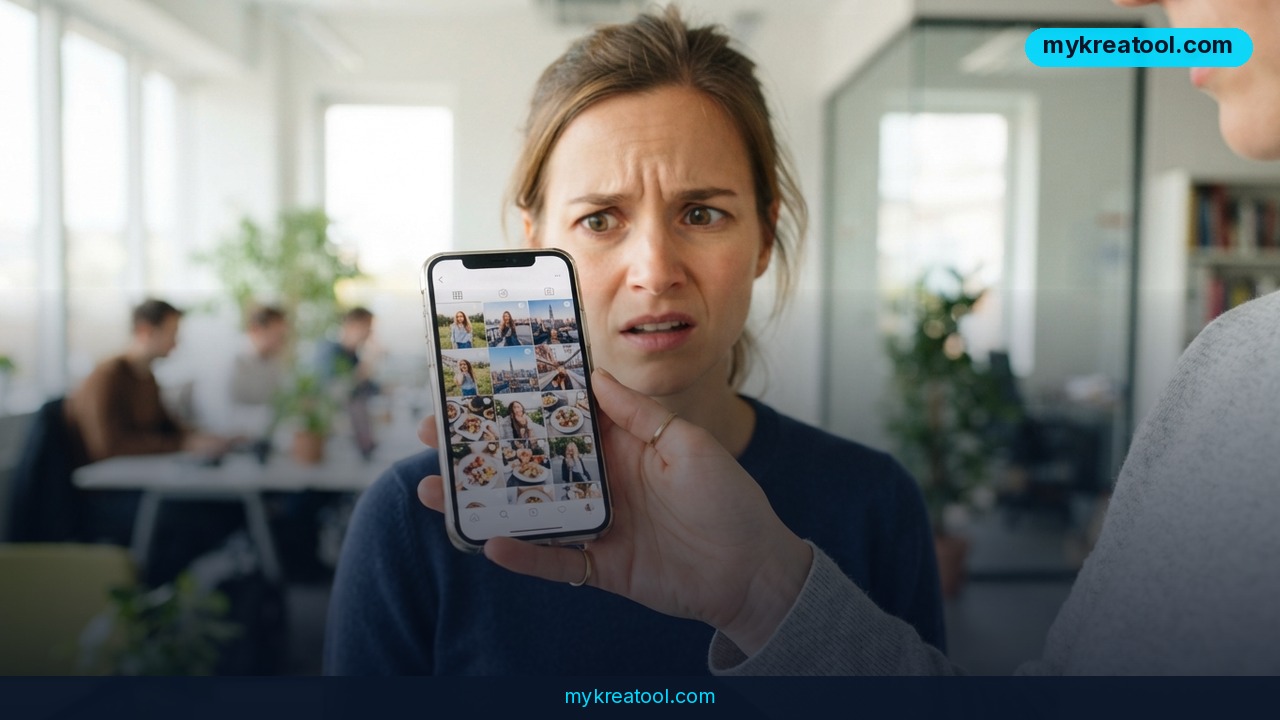
Meta Muse Image is the first image model to come out of Meta's Superintelligence Labs, and it does something no mainstream AI image generator has done at this scale: type @ inside a prompt and it will pull a real person's public Instagram photos into a brand-new picture they never agreed to appear in. The model went live on July 8, 2026 — and the consent fight kicked off almost immediately.
What happened
Two things shipped at once, and only one of them is about how good the pictures look.
The first: Muse Image is the debut image model from Meta Superintelligence Labs, the first release of any kind since Meta restructured its AI lab under Chief AI Officer Alexandr Wang, backed by billions in fresh investment. It's available right now in the Meta AI app, on meta.ai, in Instagram Stories for US users, and in WhatsApp. Facebook and advertisers are next in line.
The second: anyone can @-mention a public Instagram account in a prompt, and Meta's AI will build a fresh image of that person using photos that are already publicly visible on their profile. No permission required. A username is all it takes.
It works like an agent, not a vending machine
Most image generators are vending machines: prompt in, picture out, hope for the best. Muse Image behaves more like an assistant who checks their own work. It calls tools — writing and running code to produce things like correct diagrams, scannable QR codes, animated GIFs, websites, even small interactive games. A web search tool lets it ground images in current facts instead of guessing. It also fixes its own output along the way, either with small local edits or by regenerating from scratch.
Meta says that self-correction wasn't hard-coded. It emerged on its own during reinforcement learning because it produced better images and higher reward scores. As with language models, quality scales with the compute the model burns at inference time — and reasoning scales far better than the brute-force approach of generating a pile of images and keeping the best one.
Where it actually ranks
On Image Arena, the human-preference leaderboard, Muse Image sits second for text-to-image and second for both single-image and multi-image editing. It trails OpenAI's GPT Image 2 in every one of those categories and beats models like Nano Banana and Grok Imagine. A preview of Muse Video landed third for text-to-video, with Meta openly admitting weak spots in audio-video sync and fast motion.
The opt-out that barely counts as an opt-out
The @-mention feature is on by default for public accounts. To get out of it, you have to go into your Instagram settings and turn off reuse of posts and Reels. Images that were already generated stay exactly where they are — they don't get deleted. In Europe, where data protection rules bite harder, regulators are expected to take a close look under GDPR, plus questions around biometric data. Meta hasn't announced any GDPR-specific changes for launch, and the EU AI Act adds another layer: Article 50's transparency rules, which kick in on August 2, 2026, require clear labeling of AI-generated content that resembles real people. Meta points to an invisible watermarking system as its answer.
What it means for you
Strip away the product news and here's the practical part: a photo you posted years ago can now become raw material for someone else's prompt. That cuts both ways, depending on who you are.
At home: your face is one username away
If your Instagram is public, a stranger, an ex, or a bored teenager can @-mention you and get an AI image of you in a setting you've never been in. It's not a deepfake video and it doesn't need Photoshop skills — just your handle and thirty seconds. Worth a conversation with your family about which accounts are public and which aren't.
At work: mockups that finally hold a real face
Say you're putting together a pitch deck and you need a consistent character across six slides. Muse Image keeps everything else steady while you change one thing, which is exactly what design teams have been begging image models to do. The catch: if that "character" is a real colleague's public profile, you've crossed from design tool into consent problem. Use it with stock or generated faces and you're fine.
For a small business: product shots with borrowed people
An Etsy seller or a local gym can now mock up a campaign fast. Put a jacket from one reference image onto a person from another, drop in a new background, keep the product identical. That's real money saved on photography. Just don't @-mention your customers to do it — the brand risk isn't worth the saved shoot day.
For students: diagrams, QR codes, and posters
This is the underrated use. Because Muse Image can write and run code as a tool, it can output a diagram that's actually correct or a QR code that actually scans instead of a pixel soup that looks like one. For a class poster, a club flyer, or a lab report, that turns an AI image tool into something closer to a layout assistant.
For creators and side income: thumbnails at speed
The agent loop means fewer throwaway generations and more usable first drafts, which is the difference between a thumbnail grind that eats an hour and one that takes ten minutes. If you want to stress-test prompts or clean up assets before you commit, there's a stack of free AI tools worth keeping in your bookmarks — cheap way to find out what a model is good at before you build a workflow around it.
For anyone with a public profile: the settings decision
This one's for you, not your audience. Open Instagram, find the reuse-of-posts setting, and decide. Opting out costs you nothing except the chance someone tags you into a cool AI image. Leaving it on means you're the product.
How to try it right now
1. Start free in a browser. Open meta.ai on your phone or laptop. There's no install, no app-store detour, and nothing to configure — sign in with your existing Meta, Facebook, or Instagram account.
2. Write a plain-English prompt. Say what you want and where things go. Don't try to speak prompt-engineer; the model handles normal sentences better than keyword soup.
3. Test the agent side. Ask for a QR code pointing at your website, or a simple flowchart. Then scan the code with your phone. That's the fastest way to see why this model is different.
4. Try a targeted edit. Ask it to change one thing — "swap the background to a brick wall" — and check that the face, the clothes, and the lighting stay put. That consistency is the headline feature.
5. Go mobile if you live there. The Meta AI app, WhatsApp, and Instagram Stories (US only) all run Muse Image.
6. Check your own exposure. Before you @-mention anyone else, look at your own Instagram settings and turn off reuse of posts and Reels if you'd rather not be a prompt.
Upsides and what changes
For everyday users, the big win is accuracy. Models that can search the web and run code stop hallucinating QR codes and start producing diagrams you can drop straight into a document. Self-correction means fewer rerolls, and rerolls are where most people give up on AI image tools.
For businesses, the editing consistency is the real unlock. Changing one element across five steps without the face drifting is a workflow change, not a novelty. Meta pushing next into Facebook and ad tools tells you where this is headed: ad creative generated on the fly, at scale.
And the ranking matters. Second place behind GPT Image 2 on Image Arena, ahead of Nano Banana and Grok Imagine, puts Meta in the top tier on day one of its restructured lab. That's a strong signal for anyone building a content pipeline on top of it.
Limitations
Be honest about the trade-offs. Muse Image is second, not first — it loses to OpenAI's GPT Image 2 in text-to-image and in both editing categories on human preference, so if you need the absolute best output, you're paying someone else. Muse Video is a preview at third place with admitted problems in audio-video sync and fast motion, so don't plan a video campaign on it yet. The consent feature is a reputational minefield: opt-out by default for public accounts, no deletion of images already made, and an approach that likely won't survive GDPR scrutiny if it ever ships in the EU. The EU AI Act's labeling rules under Article 50 don't even take effect until August 2, 2026, which means the rules of the road are still forming while the product is already in people's hands. And invisible watermarks are a mitigation, not a fix — they don't stop the image from existing, they just tag it.
Conclusion
Muse Image is a genuinely capable agent-style image model that landed in the top two on human preference — and it arrived wrapped in a consent decision most people never agreed to make. The technology is the easy part to admire. The default setting is the part to watch.
One action for today: open Instagram, find the setting for reuse of posts and Reels, and make a conscious choice about it. It takes two minutes, and it's the only part of this story you fully control.
Comments 0