What happened
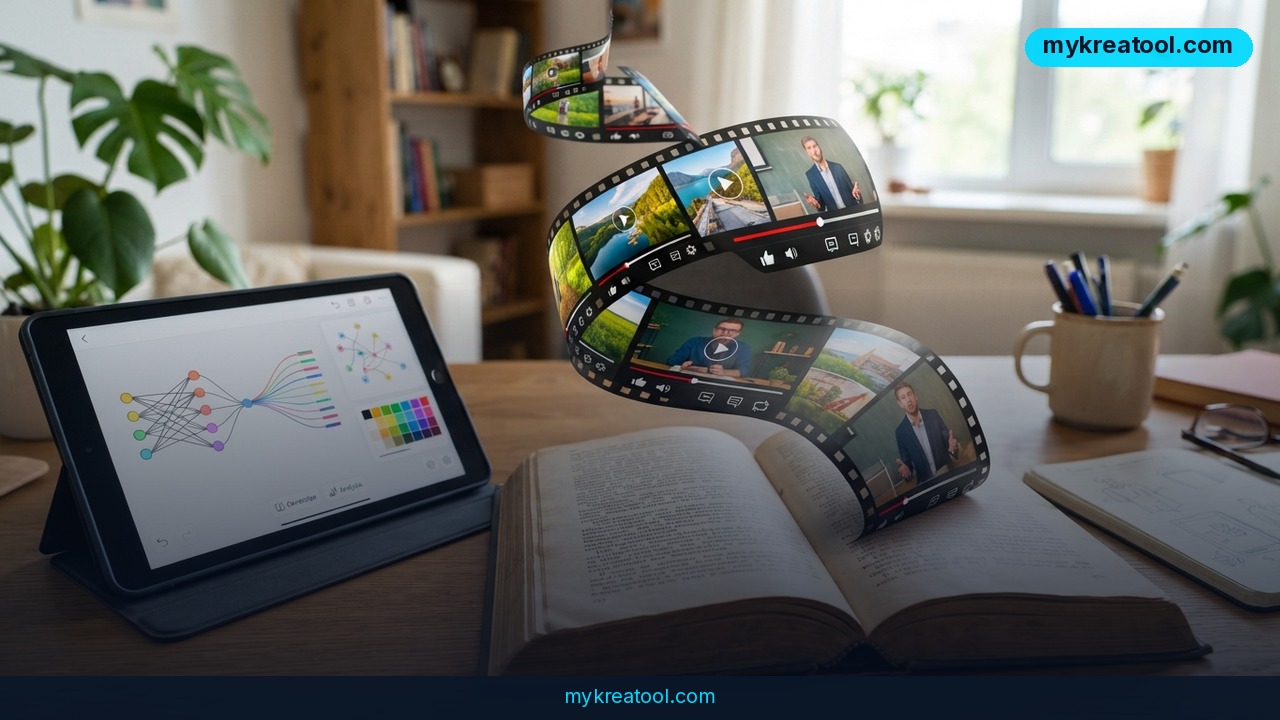
A new free AI tool can turn any article into a YouTube video without you touching a camera, a microphone, or an editing timeline. It's called Anything2Explainer, and it's built as a skill for Claude Code and Codex — the AI coding assistants that, until recently, mostly wrote software rather than videos. You hand it a topic or paste in an article, and it does the rest: research, script, storyboard, animation, voiceover, and subtitles, all wrapped up into one finished MP4 file.
That's a real shift. A few years ago, making an explainer video meant hiring a scriptwriter, a voice actor, and a motion graphics designer, or spending a weekend learning software like After Effects. Now a single free tool handles the whole pipeline end to end. According to listings on AIFinderz, LVRuan, and AgentFilter, the tool is free for non-commercial use, and a full video — animation, narration, and captions included — takes roughly 1 to 3 hours to generate, depending on how long and complex the source material is.
How it actually works, in plain terms
Think of it like handing a very fast, very literate assistant a magazine article and saying "turn this into a video explainer, and don't bother me until it's done." The AI reads the material, figures out the key points, writes a script that explains them clearly, sketches out a storyboard (which is just a shot-by-shot plan for what appears on screen), generates the animations to match, records an AI voiceover reading the script, and burns in subtitles. You get back a standard MP4 file you could upload to YouTube, drop into a course, or send to a client.
What it means for you
This isn't just a novelty for video professionals. Because it runs on code you already have access to (Claude Code or Codex) rather than a specialized studio app, it opens video production up to people who never thought of themselves as video creators.
• At home: Turn a recipe blog post, a DIY tutorial, or a long Wikipedia-style explainer into a short video for your kids, a family group chat, or your own YouTube channel — no filming, no editing software.
• At work: Product managers and HR teams can turn a written policy update, onboarding doc, or internal memo into a video briefing that people are far more likely to actually watch than read.
• Running a business: A small business owner can convert a blog post about their service into a YouTube explainer or a landing-page video without paying a video agency thousands of dollars.
• Studying: Students can convert dense textbook chapters or lecture notes into narrated, captioned video summaries — useful for revision, and genuinely helpful for anyone who learns better by watching and listening than by reading.
• Creative projects: Writers, bloggers, and newsletter authors can repurpose an existing article into a video version for YouTube or TikTok, reaching an audience that would never have clicked the original link.
• Extra income: Freelancers can offer "article to video" conversion as a cheap add-on service, since the heavy lifting is automated and the main cost is their own time reviewing the output.
How to try it right now
You don't need a production budget or a video background to test this today. Here's the free path first, exactly as the tool is set up.
1. Install the skill. Anything2Explainer works as a skill inside Claude Code or Codex — both are free AI coding assistants that also handle tasks like this one. Follow the setup instructions on the GitHub page.
2. Give it a topic or an article. You can either type a subject you want explained ("how compound interest works," for example) or paste in a full article you already have.
3. Let it run. The AI researches the topic if needed, writes the script, builds the storyboard, generates the animation, records the voiceover, and adds subtitles automatically. Expect to wait somewhere between 1 and 3 hours for a finished video, so this is a "start it and check back later" job, not an instant result.
4. Review the MP4. Watch the finished video before publishing anything. Automated tools are good, but they're not perfect — check facts, pacing, and pronunciation before it goes live.
5. Publish or reuse it. Upload straight to YouTube, embed it on a website, or cut it down for shorter social clips.
If you want to experiment with other free AI tools before or alongside this one — for writing, image generation, or quick automation — a solid starting point is mykreatool.com, which collects several no-cost AI tools in one place.
Upsides and what changes
The biggest upside is cost and speed. A one-hour explainer video from a freelance creator or small agency can easily run several hundred dollars and take days to turn around. Here, the whole process is free for non-commercial use and finishes in about the time it takes to watch a couple of movies. That changes the math for anyone who publishes content regularly: a blog post no longer has to "stay" a blog post — it can become a YouTube video, a course clip, or a social explainer with almost no extra effort. For small businesses and solo creators especially, this removes one of the biggest barriers to showing up on video: not having the time, budget, or skills to produce it.
Limitations
This is still an early-stage, code-based tool, not a polished consumer app — you need to set up Claude Code or Codex first, which is an extra technical step compared to a simple website or mobile app, and the free tier is explicitly for non-commercial use, so businesses planning to monetize the output should check licensing terms carefully. Generation also takes real time (1 to 3 hours), it isn't instant, and like any AI-generated content, the script, facts, and voiceover pronunciation deserve a human review pass before publishing, since automated research can occasionally get details wrong or phrase things awkwardly.
Conclusion
Anything2Explainer turns the old, expensive process of making an explainer video into something closer to running a script: give it an article or a topic, wait an hour or two, and get back a finished MP4 with animation, voiceover, and subtitles. Today's action: pick one article or blog post you've already written, set up Claude Code or Codex, and run it through Anything2Explainer to see your first AI-generated video before the day is over.

Comments 0