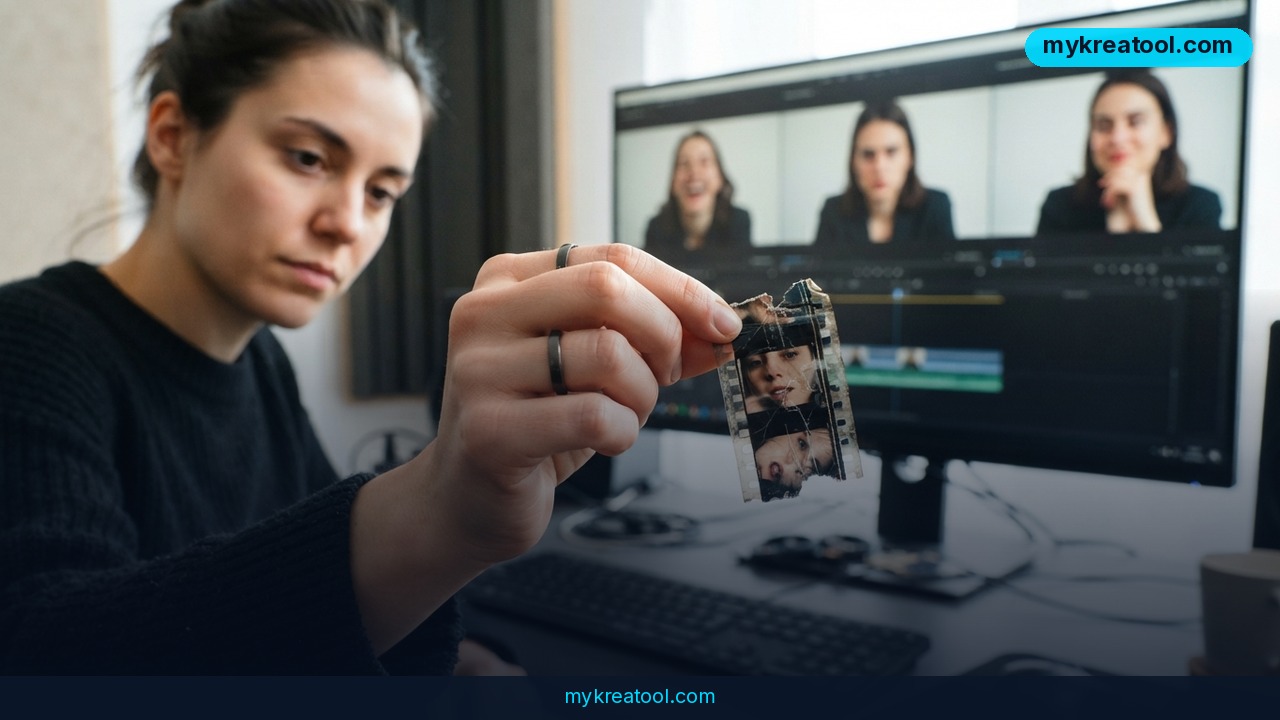
If you've ever had a client ask for video by Friday, you've probably typed "AI video generator" into Google and quietly hoped for a miracle. Pika keeps showing up near the top of those searches, and in 2026 it's still doing the thing it's known for: turning a sentence into a moving clip in roughly the time it takes to make coffee. The catch is that fast and finished aren't the same thing, and knowing where Pika lands between the two is the whole game.
What happened
Pika's 2026 release runs on the Pika 2.5 model. It takes three kinds of input — a written prompt, a still image, or footage you already own — and turns them into short animated clips. Generation usually finishes in 60 to 90 seconds, so you can iterate fast during the messy early stage of a project.
The clips themselves stay short: 5 to 10 seconds each. The free tier gives you that same speed but caps output at 480p and leaves a watermark on your video. Paid plans remove the watermark. Pika also ships a library of preset effects called Pikaffects, which restyle footage or slap a stylized look on it without you writing an elaborate prompt.
This isn't a niche hobby anymore. The AI video generator market was valued at $716.8 million in 2025, with text-to-video driving most of the growth. Pika is one of the names pulling that number upward — and one of the ones that shows its limits fastest.
Text-to-video and image-to-video, in plain English
Text-to-video is like describing a scene to an illustrator and getting back a two-second sketch of it. Image-to-video is like handing that illustrator a photo you already have and asking them to make it breathe — a portrait gains a slight expression shift, a landscape picks up wind and moving light, a product shot gets a slow rotation.
That second trick is where Pika earns its keep. The platform reads your source image and adds plausible motion while keeping the original composition, so photoshoot hero images translate into social clips without a re-shoot.
What it means for you
Whether Pika helps or hurts you depends entirely on what you're shipping. Here's how it plays out in real situations.
At home
Want a 5-second clip for a birthday invite or a family group chat? Pika handles it. Just don't expect a two-minute holiday recap — the 5 to 10 second ceiling means each clip is basically a GIF with ambitions, and you'll be stitching them together yourself.
At work
Say a product launch lands on your desk: hero video, social cutdowns, localized variants across four markets, three weeks. Pika is genuinely useful on day one, when your team is pitching three creative directions and needs rough visual references fast. It's less useful on day fifteen, when the client has approved a direction, wants a delivery-ready high-resolution file, and asks for a revision.
Running a small shop or online store
This is Pika's sweet spot. Take the product photo you already paid for, run it through image-to-video, and you've got a subtle, scroll-stopping clip for a product page or a Reels post. No studio, no crew, no reshoot budget.
For students
A 5-second animated visual can carry a whole slide in a class presentation. The watermark is the thing to check first — fine for a discussion, awkward if the work is graded on polish.
For creators and anyone earning from video
Speed lets you test five hooks before lunch instead of one. Pikaffects gives you stylized looks without learning a color-grading suite. But character consistency is still shaky — faces can morph between generations — which quietly rules out multi-shot storytelling with a recurring person on screen. If you want to test ideas before spending on credits, MyKreaTool rounds up free AI tools you can poke at first.
How to try it right now
Start with the free tier. It exists for exactly one reason: to let you find out whether Pika fits your workflow before you pay.
1. Open Pika and sign up for the free plan. No card needed to test the basics.
2. Write one simple prompt. Straightforward descriptions work best: "a coffee cup steaming on a wooden table, morning light through a window." Skip the cinematic jargon on your first try.
3. Upload a reference image. Take a photo you already own and run it through image-to-video. This is where Pika looks strongest.
4. Try one Pikaffect. Pick a preset effect and see how far it gets you without any prompt writing.
5. Check the output honestly. Free clips land at 480p with a watermark. Look at them on a laptop screen, not just your phone, and ask whether you'd put that in front of a paying client.
6. Only then consider a paid plan. You're buying watermark removal and higher-resolution delivery — decide once you know the free version's speed is worth it to you.
Upsides and what changes
Pika's real gift is a shorter distance between "what if" and "here, look." A 60 to 90 second generation time means a creative block that used to cost a day now costs a coffee break. The interface assumes no technical skill, prompts are conversational, and image-to-video means existing brand photography suddenly works harder for you.
What changes is the job itself. The first draft of a video is now nearly free and nearly instant. The value moves to the parts a generator can't do: choosing the right idea, cutting clips into a story, and making sure what you deliver is something a client can legally and technically use.
Limitations
The honest version: Pika makes 5 to 10 second clips, and that ceiling shapes everything else. Long narrative sequences are out. Character consistency is unreliable — faces can shift or morph between generations, which wrecks any multi-shot campaign with a recurring person. The free tier's 480p output and watermark rule it out for client-facing delivery, and there's no deep editing toolkit for detailed refinement, localization across markets, or the third round of client revisions. None of that makes Pika a bad tool. It makes it a fast, affordable first-draft tool, and professional campaigns that need polish will usually pair it with something that offers stronger editing controls.
Conclusion
Pika in 2026 is a genuinely useful, genuinely limited tool — brilliant for exploring ideas in minutes, not built to carry a campaign from brief to client approval on its own.
One thing to do today: open Pika's free tier, run one still image you already own through image-to-video, and judge the 480p result against the smallest thing you'd actually ship. Ten minutes, zero cost, and a clear answer about whether it belongs in your workflow.

Comments 0