What happened
Alibaba just released Qwen-Image 2.1, a free AI image editor that can cut an object out of a photo and hand you back a clean, see-through layer in a matter of seconds — no Photoshop, no manual masking. The company put the model's weights up for anyone to download, and the AI community has been picking it apart ever since.
What makes this release different from the usual "new image generator dropped" news is that it's one model doing two jobs. Most AI image tools force you to pick a lane: either you generate pictures from a text prompt, or you edit existing ones. Qwen-Image 2.1 does both in a single system, according to Alibaba's official announcement and confirmed by independent coverage from The Decoder.
The specs that matter
Strip away the jargon and here's what you're actually getting:
• Sharper images by default. The model generates at 2048x2048 pixels natively — think of "native resolution" as the size a photo prints crisp at, versus a phone photo you zoom into until it turns blurry. It also handles wide (2752x1536) and tall (1536x2752) formats out of the box.
• Up to 10 reference photos at once. You can feed it a person's face, a product shot, and a background style together, and it'll blend them into one consistent image instead of forcing you to combine references one at a time.
• Editing by scribble. Draw a rough circle or a squiggle over the part of a photo you want changed, and the model edits just that area — similar to how you'd point at a spot on a printed photo and say "fix this bit."
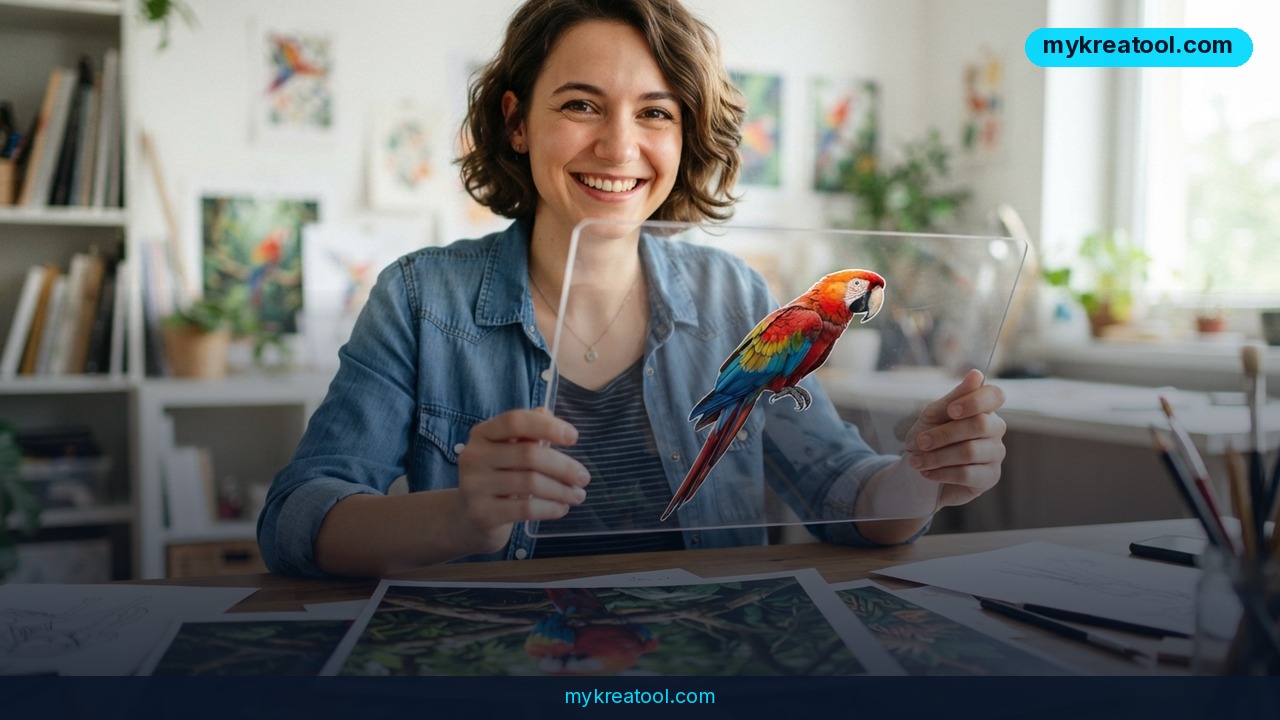
• Built-in transparency (RGBA). Most AI generators only output flat, opaque images. This one can generate a subject with a transparent background baked in, and — this is the headline trick — take an ordinary photo and pull one object out of it onto its own see-through layer, the same way a professional designer cuts out a product shot for an e-commerce listing.
• 7 billion parameters, 32 processing blocks. In plain terms, "parameters" are the tunable settings the model learned during training; more isn't always better, but 7B keeps this model small enough to run on a decent home graphics card rather than a data-center server.
What it means for you
At home
Got a group photo where one person shows up wearing sunglasses they didn't want in the shot? Feed the photo in, scribble over the sunglasses, and Qwen-Image 2.1 edits just that region while keeping the rest of the picture untouched — including skin tone and lighting, which the update specifically improved.
At work
Marketing and design teams that currently pay for background-removal tools or burn an hour in Photoshop per product photo can automate that step. Pulling a product into a transparent RGBA layer is exactly the workflow online stores need for catalog images.
Running a small business
If you sell on Etsy, Shopify, or a marketplace app, clean product cutouts are non-negotiable for professional-looking listings. This model does that extraction locally, without uploading customer photos to a random cloud service — worth noting if you handle client images under any kind of confidentiality agreement.
Studying or learning design
Students learning photo editing or UI design can experiment with compositing techniques (layering a cutout subject over a new background) without needing to master masking tools first. It's a fast way to see the end result and reverse-engineer how it was done.
Creative projects
Because it takes up to 10 reference images, you can combine a character design, a color palette, and a pose reference into one generation — useful for concept art, mood boards, or comic panels where consistency across images has always been the hard part with AI tools.
Side income
Freelancers offering "remove background" or "product photo cleanup" gigs on marketplaces like Fiverr can cut turnaround time from minutes to seconds per image, handling more orders in the same window. If you don't want to install anything locally, free browser-based AI tools like the ones at MyKreaTool let you run similar image tasks without touching code or a GPU.
How to try it right now
You don't need to be technical to test this, but running the actual model does take some setup. Here's the realistic path:
1. Easiest, no install: Use a free online AI image tool such as MyKreaTool for quick background removal and image editing tasks in your browser — no download, no GPU required.
2. If you want the real model, use ComfyUI. Comfy Org has already packaged Qwen-Image 2.1 for its ComfyUI app, which is the standard free, open-source interface for running image AI models locally. Comfy said it was building day-one support before the model even launched.
3. Download the weights. The model files are published on Hugging Face, the standard hosting site for open AI models. Search "Qwen-Image 2.1" there once you have ComfyUI installed.
4. Pick a quantized version if your graphics card is modest. "Quantization" just means compressing the model so it takes up less memory, trading a small amount of quality for a much smaller file. Early Reddit testing suggests it runs on cards with as little as 12GB of video memory, and possibly on an RTX 3060 with aggressive compression — though that lower end isn't confirmed yet.
5. Set inference steps to 40. This is the recommended default in Alibaba's own documentation — the number of passes the model makes while generating an image. Higher isn't always better; 40 is the tested sweet spot.
Upsides and what changes
The biggest shift is that background/object removal — normally a paid tool or a skilled hand with a lasso tool — is now a feature baked into a free, downloadable model. The native transparency support is genuinely new: most competing open models fake it by generating a flat image and running a separate background-removal step afterward, which loses detail around hair, fur, or fine edges. Doing it in one pass should, in theory, keep those edges cleaner. Hardware requirements are also lower than people expected for a model this capable — early reports put total memory use around 13GB when compressed, well under the 24-32GB usually associated with high-end image AI.
Limitations
Be honest with yourself about two things before you rely on this. First, the license is research-oriented rather than a permissive open license — read the terms on the official model page before using outputs commercially, since restrictions can affect resale or client work. Second, the RGBA object-extraction feature is brand new and largely untested at scale: early Reddit reactions are split, with some users praising the editing consistency and others complaining about overly smoothed, "plastic" skin texture on portraits. Treat early claims about extraction quality as unverified until you've tested it on your own images.
Conclusion
Qwen-Image 2.1 packs professional-grade background removal and photo editing into a free, downloadable model that runs on consumer hardware — a real step down in cost and complexity for a task that used to need paid software or manual skill. For today: pick one photo you'd normally pay to have edited or cut out, and run it through MyKreaTool or a ComfyUI setup with Qwen-Image 2.1 to see the real output for yourself before trusting it with client work.
Comments 0