What happened
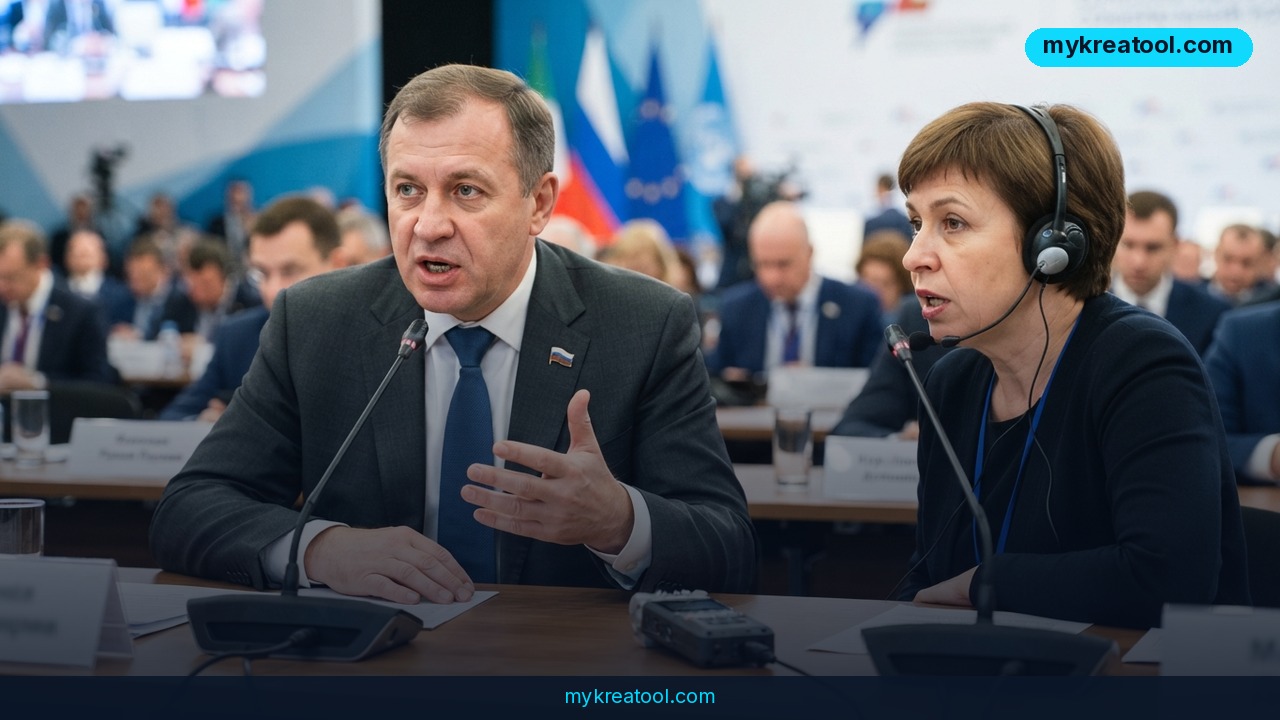
Alibaba's Qwen team just rolled out real-time AI translation that does something most translation tools can't: it tells speakers apart and keeps track of what was said earlier in the conversation. In plain terms, if two or three people are talking over each other on a call, the AI translation model can tag who said what and carry that context forward, instead of spitting out a jumbled, context-free transcript sentence by sentence.
This matters because live interpretation has always been the hardest problem in AI translation. Translating a written document is easy — the whole text is sitting right there, and the AI can take its time. Translating speech as it happens is a different game entirely. The system has to listen, understand, and speak a translation back out, all while the person is still talking, and it has to do it without losing track of pronouns, tone, or who's actually speaking. Qwen's update targets exactly that gap.
Why voice separation is the hard part
Most speech-to-text and translation tools treat audio as one continuous stream. Drop two people into a video call and the transcript often reads like one person having a very confusing monologue. Qwen's model adds what's called speaker diarization — a technical term for "figuring out who's talking" — directly into the translation pipeline, so the output stays attached to the right voice.
Why memory matters more than people think
A translator that forgets the first half of a sentence by the time it reaches the end will mistranslate names, numbers, and references like "he" or "that one." Qwen's model holds onto context across the conversation, which is the difference between a translation that sounds like a script and one that sounds like an actual conversation between two people.
What it means for you
You don't need to run a company or speak three languages for this to be useful. Here's where it actually shows up in daily life:
• At home: Video-calling relatives abroad who don't speak your language becomes a real conversation instead of a stilted, one-line-at-a-time exchange with long pauses.
• At work: A remote meeting with a client in Tokyo or a supplier in Mexico City can run in near-real time, with the AI tagging which colleague said what — no more "wait, who said that?" in the meeting notes.
• Running a business: Customer support teams can take calls in languages they don't speak and get a live, speaker-labeled translation, cutting the need for a dedicated human interpreter on every call.
• Studying: Watching a lecture or webinar in another language, the AI can translate live while keeping track of which speaker (professor vs. student) is talking, so the notes actually make sense afterward.
• Creative work: Interviewing a foreign-language subject for a podcast or documentary gets easier — you get a workable live translation and a cleaner transcript to edit from later.
• Income: Freelancers who do international client calls (consulting, coaching, sales) can take on clients outside their language zone without hiring a translator for every session.
How to try it right now
You don't need a developer account or a company budget to test this. Start with the free, no-code version:
1. Go to Qwen Chat and sign in — it's free to create an account.
2. Look for the voice or speech input option and start a conversation in one language while asking for translation into another.
3. If you're on a call with someone else, test it with two speakers if the interface supports multi-speaker input, to see the voice-separation feature in action.
4. For quick text-based translation and other everyday AI tasks without any signup at all, you can also run a fast check through MyKreaTool's free AI tools before deciding if you need something more specialized.
5. If it works well for your use case, look into whether Qwen's developer API fits into whatever app or workflow you're already using — that's the step for people who want this running automatically, not just tested by hand.
Upsides and what changes
The biggest upside is simple: fewer awkward pauses. Real-time translation that actually tracks who's speaking and what was already said removes the two biggest complaints people have about AI interpretation — mixed-up speakers and answers that ignore earlier context. For businesses, this can mean fewer support calls escalated for lack of a translator, and for individuals, it means video calls with family or international friends that feel like actual conversations rather than a game of telephone. It also lowers the cost of going global — a small business doesn't need to hire interpreters for every market it wants to reach.
Limitations
This isn't a replacement for a professional human interpreter in high-stakes settings like legal proceedings, medical consultations, or contract negotiations, where a single mistranslated word has real consequences — AI translation, including Qwen's, still makes mistakes with slang, regional accents, sarcasm, and fast overlapping speech, and it can struggle when background noise is heavy or when more than a couple of people talk at once. Treat it as a very capable assistant for everyday and business conversations, not a certified interpreter, and double-check anything translated where money, legal terms, or medical details are involved.
Conclusion and one action for today
Qwen's move brings AI translation a step closer to how humans actually talk — messy, overlapping, and full of context that needs remembering. It won't replace professional interpreters for critical situations, but for everyday calls, meetings, and conversations across languages, it removes a real friction point. Your one action for today: open a translation tool — Qwen Chat or a free option like MyKreaTool — and test it on one real conversation you'd normally avoid because of a language barrier. See for yourself how close it gets.
Comments 0