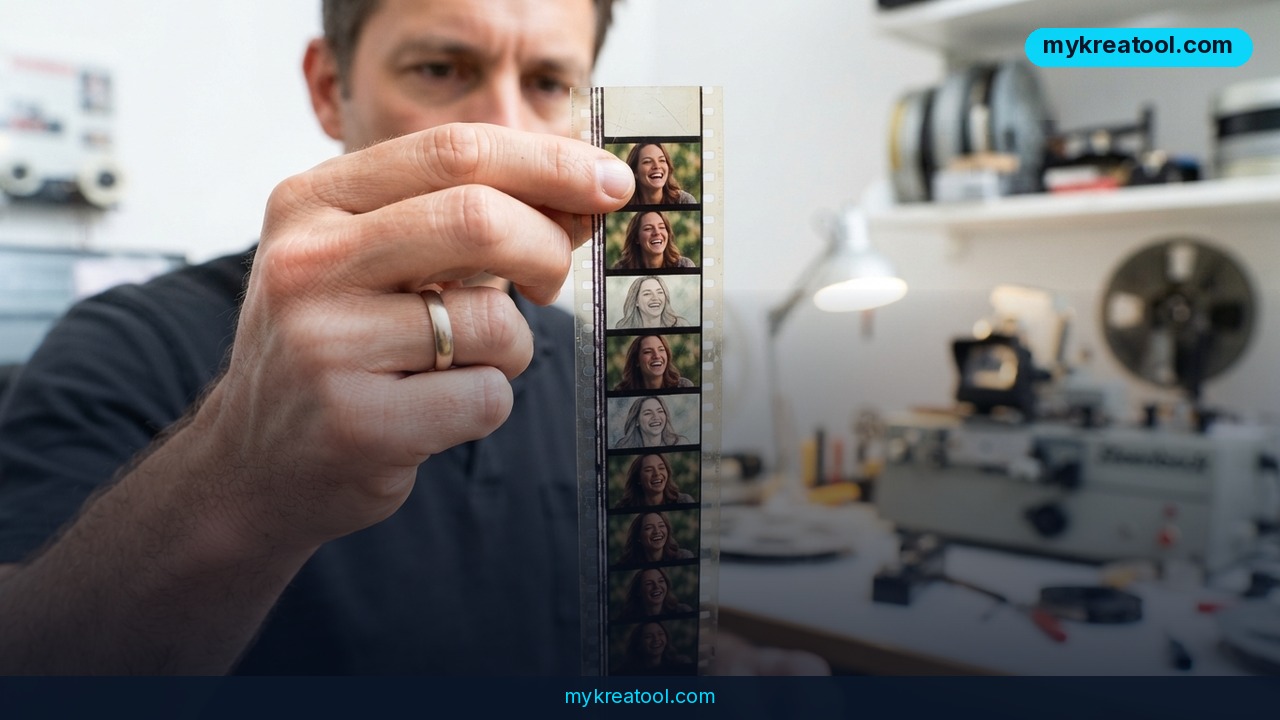
Runway has added a new standalone AI model called Enhance Frame Rate, and it does exactly one thing: it takes a video you already have and makes the motion inside it smoother.
If you're not a video person, here's the short version — it fills in the frames that were never shot. Editors call this job "retiming." Everyone else can just call it smoothing.
What Happened
Runway shipped Enhance Frame Rate as its own model, separate from the text-to-video and image-to-video tools the company is known for. Nothing gets generated and nothing gets restyled. You upload a finished clip, the model draws the in-between frames, and it hands back the same video at a higher frame rate — without the jerky, duplicated-frame look you get from the cheap method of simply copying existing frames.
Frame rate, explained without jargon
Frame rate is how many still pictures go past your eyes every second. Film has traditionally run at 24 frames per second (fps). Your phone probably shoots 30. Sports and action cameras push to 60, and slow-motion modes go to 120. Higher numbers mean smoother fast movement.
The catch is that you can't just order a 24 fps file to become 120 fps. Something has to invent the frames in between, and that's what interpolation means. Picture a flipbook with every fifth page torn out — the cartoon jumps. Interpolation redraws those missing pages so the motion flows instead.
What the model supports
Runway lists a wide spread of rates: 24, 25, 30, 48, 50, 60 and 120 fps, along with the fractional broadcast variants that sit right next to those whole numbers. If you've ever delivered to TV, you know the odd ones — the NTSC rates that never divide evenly, and the 25/50 PAL pair on the other side of the Atlantic. Those numbers only matter if you deliver to TV or a streaming pipeline — which tells you Runway isn't only chasing hobbyists here.
Also on the spec sheet: up to 4K resolution, clips up to 5 minutes long, original resolution preserved, and it works on footage you shot yourself, not just video made inside Runway.
The price, in plain figures
Everything runs on credits: 1 credit per 2 seconds of video. That's 30 credits for a one-minute clip and 150 credits for a five-minute one. Through the API, Runway puts it at roughly $0.30 per minute, or $1.50 for five minutes.
Runway also claims up to 7x faster processing and up to 3x lower cost than other interpolation solutions. It doesn't name which ones — AI models or old desktop retimers — so treat that as a marketing claim until you've run your own footage through it.
What It Means for You
At home: old clips that look cheap on a big TV
You know the feeling. A birthday video from a few years back looks fine on your phone and like a slideshow on the living room TV. Smoothing a panning shot or a kid running across the yard is exactly the kind of job this handles, and at 4K you're not losing the detail you paid for when you shot it.
At work: marketing videos that have to pass platform checks
Plenty of ad platforms, stock libraries and brand guidelines want delivery at 60 fps, and a lot of perfectly good footage arrives at 30. Instead of reshooting or re-editing the timeline, you run the finished file through once and hand over a version that meets spec. That's an afternoon saved, not a creative decision.
For business: product demos that need to feel premium
A rotating sneaker, a machine part turning on a line, a screen recording of your app — all of these benefit from smoother motion. Smooth footage reads as expensive footage. And since original resolution is preserved up to 4K, you can put the result straight into a product page or a pitch deck without an extra upscale step.
If you need free utilities for trimming, converting or prepping those files before they go in, the free tools at MyKreaTool cover the boring parts so you're only paying Runway for the frames that actually matter.
For students and teachers: presentations that don't stutter
Screen recordings, lab footage, a phone video of a whiteboard — smoothing makes all of it easier to watch on a projector. It won't fix bad lighting or shaky hands, but it does fix that weird stutter when the camera moves sideways.
For creators: slow motion out of ordinary footage
This is the trick worth knowing. Shoot at 24 fps, interpolate up to 120 fps, then play that file back at 24 fps and you get a 5x slow-motion shot where the in-between frames actually exist. Normally you'd need a high-speed camera or a much bigger budget to pull that off.
As income: a service you can sell cheaply
Freelancers, take note. At roughly $0.30 per minute of output, you can offer frame-rate conversion as an add-on and still make a healthy margin. Five minutes of footage costs about $1.50 in processing, which is less than a coffee in most cities.
How to Try It Right Now
Start free. Don't spend anything to find out whether smoothing helps your footage. Grab a 10-second clip that you already own and use whatever free credits your Runway account gives you before you top up. If you have none, your first paid test is tiny — a 10-second clip is 5 credits.
1. Pick the worst clip you own. Hair, hands, water, smoke, fast pans. If the model survives that, it'll survive anything you throw at it.
2. Check your source frame rate. On a phone, it's in the camera settings; on a computer, right-click the file and open properties. 24 and 30 are the usual suspects.
3. Open Runway's Enhance Frame Rate. It's documented on the announcement page: Introducing Enhance Frame Rate.
4. Upload your file and pick a target rate. The classic upgrade is 24 → 60. Going 24 → 120 is where the slow-motion trick lives.
5. Watch the result frame by frame around faces, fingers and background edges. That's where interpolation either holds up or falls apart.
6. Run the numbers before you commit to a long project. Per-minute API pricing is published here: Runway API pricing. One minute is 30 credits, five minutes is 150.
Upsides and What Changes
• Real 4K output at the original resolution. No downscale, no re-edit, no round trip through an editing suite.
• It works on your footage. You aren't locked into video made inside Runway, which matters if you've been shooting on a phone or a mirrorless camera for years.
• The price is genuinely small. $1.50 for a five-minute clip means you can iterate three times on a client deliverable and still be under lunch money.
• Broadcast formats are covered. Support for the fractional NTSC rates and the 25/50 PAL pair means this fits real delivery pipelines instead of just social media.
• One less reason to shoot at 120 fps. If you can convert after the fact, the camera you already own gets a longer shelf life.
Limitations
Interpolation is a guess, and guesses fail in predictable places. Strands of hair, fingers crossing each other, splashing water, drifting smoke and whip-fast camera moves are where these models usually smear, ghost or invent something that was never there — so test before you deliver, not after. The 5-minute clip cap means anything longer gets chopped into pieces and stitched, which costs extra credits. Runway's claim of up to 7x faster and up to 3x cheaper than other interpolation tools is unverified because the company doesn't name the competition, and there are no independent benchmarks yet. And smoothing won't rescue a badly shot source: soft focus and bad lighting stay soft and badly lit, just smoother.
Conclusion and One Action for Today
Enhance Frame Rate isn't the flashiest thing Runway has ever shipped, but it might be the most practical. It's cheap, it handles 4K, it takes your own files, and it solves a problem most people just live with: footage that stutters on a big screen.
Your one action today: pick the hardest 10-second clip on your hard drive — the one with hair, hands or water — and run it through once. If the result holds up, you've got a new trick; if it doesn't, you've spent 5 credits finding out.

Comments 0