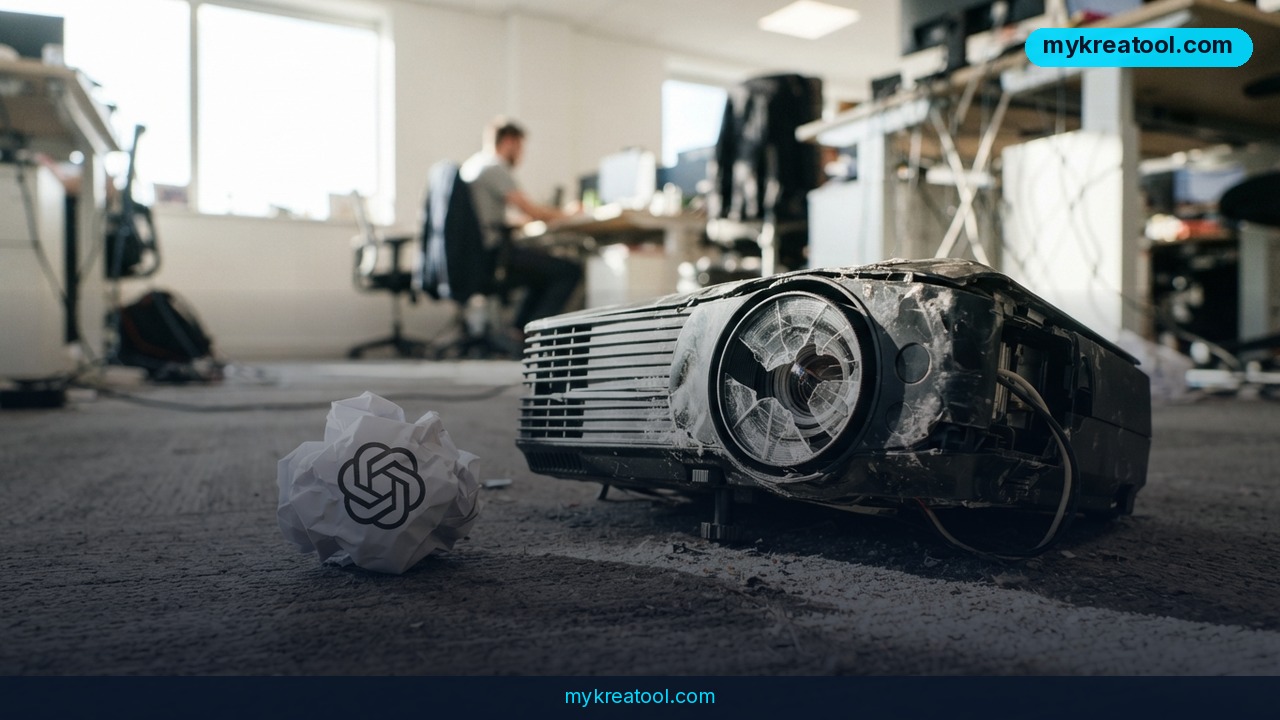
What happened
If you're searching for the best alternative to Sora, here's the short version: OpenAI shut down its AI video generator for good. The web and app versions of Sora went dark on April 26, 2026, less than a year after OpenAI first opened it to the public. The API — the behind-the-scenes connection that let developers and agencies plug Sora into their own apps — keeps running until September 24, 2026. After that, it's gone too, and OpenAI has said all user data gets permanently deleted once the final export window closes.
Think of it like a moving company giving you a firm deadline: pack your boxes by this date, or the truck leaves without them. If you generated video clips, storyboards, or campaign assets inside Sora, those files exist only on OpenAI's servers unless you've already pulled them out. Once the window shuts, there's no customer support ticket that brings them back.
This wasn't a slow fade — it was a fast one. Sora launched with a lot of buzz: agencies tested it, creators played with it, marketing teams built early workflows around it. Less than twelve months later, OpenAI pulled the plug entirely. For anyone who leaned on it for real work, that's a wake-up call about depending on a single AI tool for anything business-critical.
Why it matters right now
September 24, 2026 is close. If you're reading this in early September, you have roughly two weeks before API access disappears too. That's not a lot of runway if you still have projects, prompts, or generated footage sitting inside the platform.
What it means for you
The Sora shutdown doesn't just affect a handful of tech companies — it touches anyone who was using AI video generation for everyday tasks. Here's what it looks like across different parts of life.
At home
Maybe you used Sora to make a fun birthday video or a quirky clip for a family group chat. That novelty use case is easy to replace — most free AI video tools today do the same basic "type a sentence, get a video" trick, and you won't lose sleep over switching.
At work
If your team built any internal process around Sora — say, quick concept videos for a pitch deck — that workflow just broke. You'll need to pick a new tool and, more importantly, retrain whoever was using it, because every video generator has its own quirks in how it interprets prompts.
Running a business
This is where it gets serious. Agencies and brands that used Sora for early-stage concept videos to show clients now have a gap in their production pipeline. Worse, if Sora-generated clips were part of an active campaign, those files need to be re-created or replaced with footage from a platform still standing.
Studying or learning a skill
Students and self-taught creators who were using Sora to learn the basics of AI video prompting haven't lost much — the core skill (writing clear, descriptive prompts) transfers directly to any other tool.
Creative projects
Independent filmmakers and hobbyists experimenting with AI-generated shots for short films or art projects need a new sandbox. The good news: the current crop of tools generally offers more creative control than Sora ever did.
Earning income
Freelancers who sold "AI video generation" as a service to clients need to update their toolkit and their pitch — fast, before a client asks why the deliverable looks different or arrives late.
How to try it right now
You don't need to panic-buy a subscription today. Start free, test a few tools side by side, and only pay once you know which one fits your actual workflow.
1. Export your Sora data immediately. Go to sora.chatgpt.com/sunset if it's still live, click export, and wait for the confirmation email. Do this before anything else — this step is not optional, and there's no second chance once the deletion window closes.
2. Test free AI generation tools first. A good starting point is mykreatool.com, which offers free AI tools you can use in the browser without signing up for a paid plan — useful for getting a feel for prompt writing again before committing money anywhere.
3. Try Luma's Dream Machine for straightforward text-to-video clips with a genuinely free tier — good for quick concept videos and social content.
4. Try Runway (Gen-4) if you need more editing control — Runway lets you adjust specific elements of a generated scene instead of just regenerating the whole thing from scratch.
5. Try Kling AI or Google's Veo for longer, higher-fidelity clips if your work leans toward polished brand or marketing video.
6. Match the tool to the job, not the other way around. If you only need quick concept clips, a free tier is plenty. If you're running full campaigns, you'll likely need a paid plan with frame-level control.
Upsides and what changes
Oddly enough, being forced off Sora isn't all bad news. Sora was built mainly for generation — you typed a prompt, it spat out a video, and that was largely the end of the conversation. It never gave users real directorial control: no adjusting specific frames, no changing one element while keeping the rest untouched, no clean way to plug the output into an existing editing pipeline.
The tools filling the gap now are generally built for the entire production process, not just the first draft. That means swapping a product in a scene without reshooting, adjusting a headline in an approved layout, or adapting one campaign video for five different markets — the kind of refinement work that real campaigns actually require. If you're moving off Sora anyway, you're likely landing on something more capable, not just a like-for-like replacement.
Limitations
Be honest with yourself about the switch: no replacement tool works identically to Sora, so expect a short learning curve as you relearn how each platform interprets prompts, and expect some of your old Sora-specific prompt techniques to simply stop working. Free tiers on the newer tools usually come with watermarks, resolution caps, or monthly generation limits, so if your work is client-facing or commercial, budget for a paid plan sooner rather than later. And no matter which tool you pick, AI-generated video still isn't a full replacement for real production — for anything requiring exact brand consistency, real actors, or complex multi-shot storytelling, you'll still need human editors and traditional production work layered on top.
Conclusion
Sora's shutdown is a reminder that no AI tool, however impressive its demos looked, is a safe place to permanently store creative work. The API cutoff on September 24, 2026 is close, and once it passes, unexported files are gone for good.
Do this today: if you have anything sitting in Sora, export it right now at sora.chatgpt.com/sunset, then spend twenty minutes testing a free alternative — starting with mykreatool.com or Luma's Dream Machine — so you're not scrambling when the deadline hits.
Comments 0