What happened
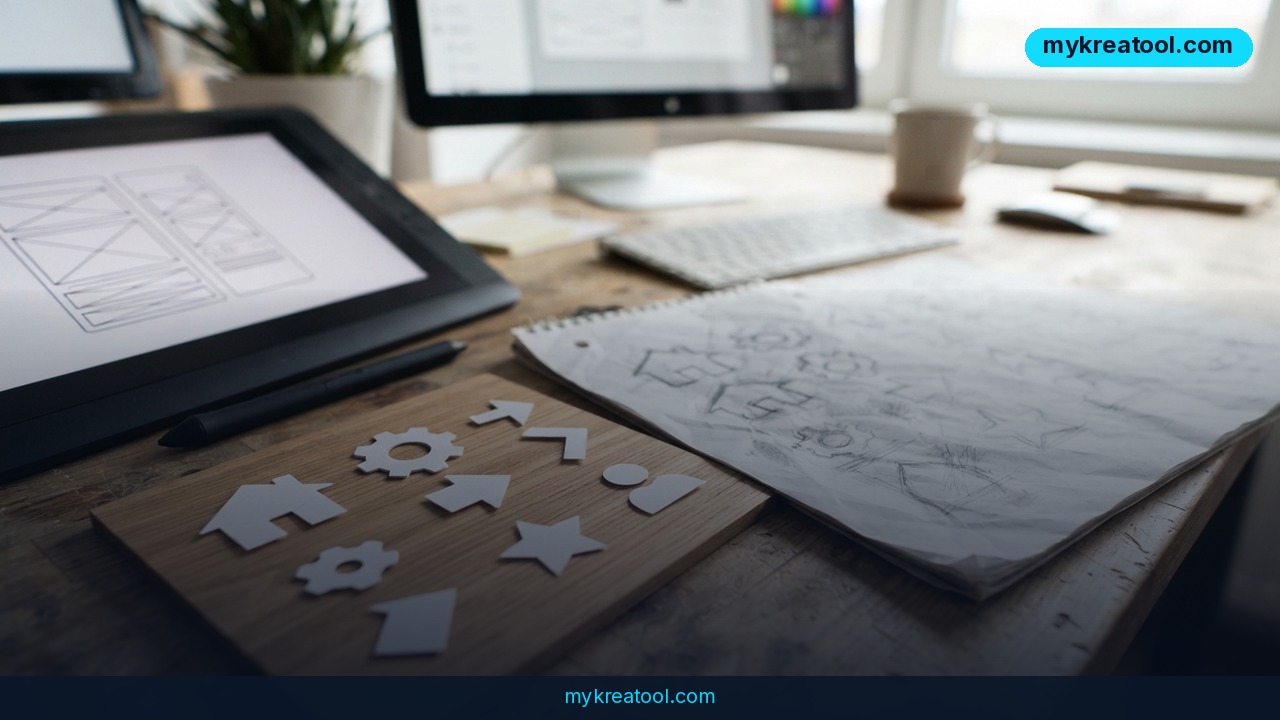
A new AI SVG generator just made vector design a lot less painful. QuiverAI released two models, Arrow 2 and a more powerful Arrow 2 Telos, that generate ready-to-edit SVG files directly from a text prompt or a rough sketch — no separate "draw pixels, then trace them into vectors" step. That second part matters more than it sounds: most AI image tools still hand you a flat picture (a PNG or JPG made of colored dots) that you then have to run through an auto-trace tool to turn into a vector file, and the result is usually a mess of extra points and jagged curves that no designer wants to touch. Arrow 2 skips that step and writes the vector math itself.
An SVG, or Scalable Vector Graphic, is a type of image file described with shapes, paths, and coordinates instead of a grid of colored dots. That's why it can be blown up to billboard size without going blurry, and why every line, color, and shape inside it can be selected and edited individually in a program like Adobe Illustrator, Figma, or even a code editor. Photos and most AI-generated art are the opposite: raster images, locked into a fixed pixel grid.
According to QuiverAI's own announcement, the second-generation models tightened up the underlying geometry: cleaner node placement, fewer overlapping curves, more consistent spacing, and alignment that behaves the way a human designer would expect, without needing a carefully engineered prompt to get there. The company also says the new models hold a consistent style and color palette across a whole set of graphics when you feed them a reference image, which is the detail that usually breaks AI-generated icon sets and illustration packs.
What it means for you
• At work: Need a set of ten matching icons for a product dashboard by tomorrow? Instead of briefing a freelancer and waiting two days, you describe the icon style once, feed in a reference, and generate a consistent set in minutes — each icon already editable if you need to nudge a color or line weight.
• Running a business: A small e-commerce or SaaS company without an in-house designer can produce logo variations, packaging mockups, or UI elements for a landing page without hiring out every single graphic.
• Freelancing and income: A freelance designer can use Arrow 2 to generate a first-pass layout or icon set, then spend billable hours on refinement instead of the tedious first draft — meaning more projects finished per week.
• Studying: Students working on design, engineering, or science projects can turn a rough hand-drawn diagram into a clean, presentation-ready technical illustration for a report or thesis.
• Creative projects: Hobbyists making stickers, print-on-demand designs, or simple animations get a usable vector file straight away instead of fighting with trace software.
• Home projects: Planning a home renovation or a kid's birthday banner? Turn a napkin sketch into a clean vector you can resize for printing at any size, from a name tag to a poster.
How to try it right now
1. Go to the QuiverAI Arrow 2 announcement page to see example outputs and understand what the model can and can't do before you start.
2. Check current plans on the QuiverAI pricing page — subscriptions start at $8 a month, with the API billed separately for developers who want to plug SVG generation into their own app or website.
3. Sign up and start with a simple prompt: describe a single icon or illustration first rather than a complex multi-element scene, since simpler prompts currently produce the cleanest, least cluttered files.
4. If your brief is complicated — a detailed technical diagram, or a set of graphics that all need to match a specific brand style — switch to the Telos version, which is built to handle harder briefs at the cost of a bit more time per generation.
5. Download the SVG and open it in any vector editor to confirm every shape is actually selectable and editable, not just a flattened image with an .svg extension.
If you want to experiment with AI generation tools without committing to a paid plan first, MyKreaTool offers a set of free AI tools where you can test prompt ideas and get a feel for what works before you take a specific brief to a paid vector generator like Arrow 2.
Upsides and what changes
The biggest shift is speed and cost for anything that used to require a vector artist starting from scratch: icon sets, simple technical diagrams, UI elements, and loading animations. QuiverAI's own positioning claims Arrow 2 can produce work roughly five times faster than a human designer working the same brief by hand, which — if it holds up on real projects — turns a same-week deliverable into a same-hour one. Because the file is editable from the moment it's generated, designers aren't starting from a locked image; they're starting from a real working file, which is the part that previously made AI graphics tools frustrating to use professionally. Small teams without a dedicated designer get access to consistent-looking visual assets they simply couldn't produce affordably before.
Limitations
This isn't a replacement for a skilled illustrator on complex or highly custom work — the tool is strongest on cleaner, more geometric graphics like icons, UI elements, and technical diagrams, and independent write-ups of the tool note it can still struggle with intricate scenes or very specific brand guidelines that need pixel-perfect judgment calls. Pricing details and exact feature limits (generation caps, resolution, commercial usage rights) should be checked directly on QuiverAI's pricing page before committing a project or client budget to it, since terms on AI tools change often. And as with any AI-generated asset, it's worth a quick manual check for stray anchor points or messy paths before sending a file to print or production.
Conclusion
QuiverAI's Arrow 2 and Arrow 2 Telos close a real gap in AI graphics: getting a genuinely editable vector file instead of a picture pretending to be one. For today, pick one real task — an icon, a logo variant, a simple diagram — and run it through Arrow 2 to see how close the output gets to something you could actually ship.

Comments 0