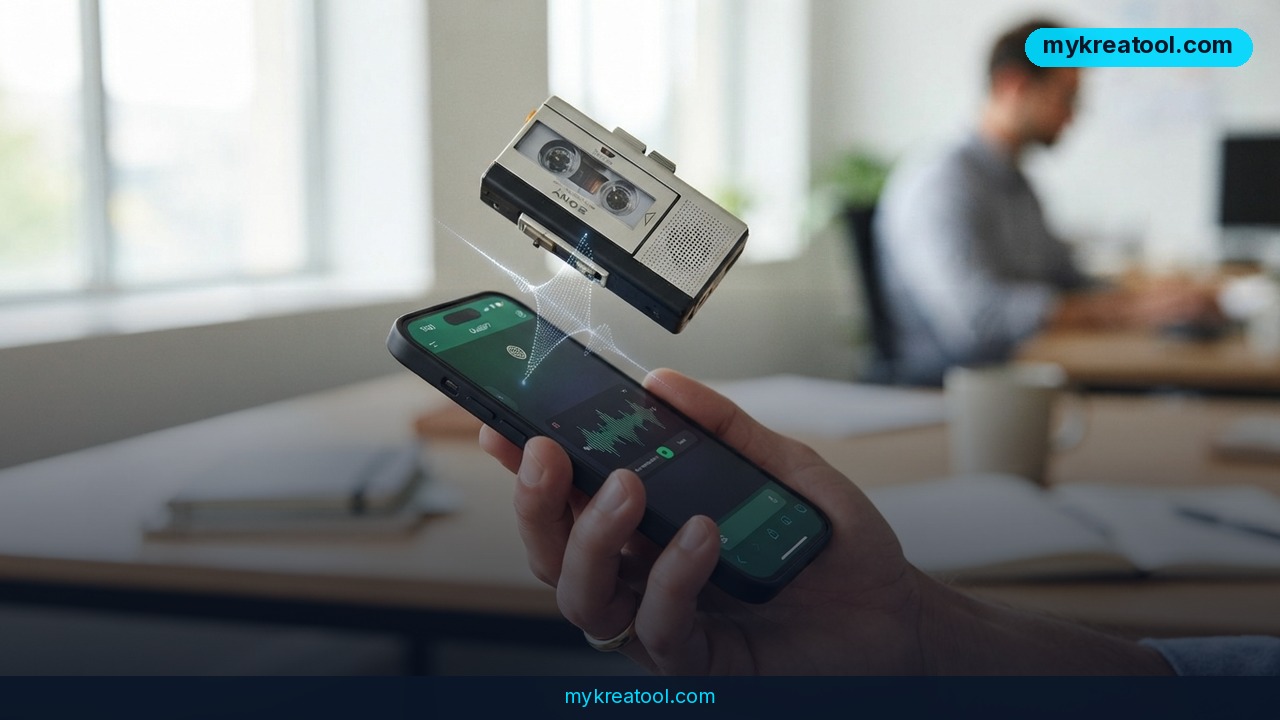
The new chatgpt audio upload feature means ChatGPT now accepts audio files, quietly turning the chatbot you already open every day into a working audio-to-text tool. Instead of typing out what someone said, you hand over the recording and ask for a transcript, a summary, or direct answers about the conversation inside it. It handles MP3, WAV and M4A files, the cap is 512 MB per file, and for now it's paid users only.
What happened
OpenAI's help center and several independent write-ups confirm the same thing: ChatGPT now takes audio uploads. On a paid plan, you attach a recording the same way you'd attach a PDF, then talk to it like any other document. Free accounts don't have it yet.
There's no new app to download and no plugin to install. The upload button that already sits in your chat window now swallows sound. That sounds minor until you notice how much of your life arrives as audio — voice notes, meetings, interviews, lectures, customer calls.
Transcription used to be a two-step chore. You'd pay a separate service, wait, then paste the text into ChatGPT to actually do something with it. Now the same tool listens and thinks in one pass. Drop in a 40-minute sales call and ask “what objections came up?” without reading a single line of the transcript yourself.
The format list and the 512 MB ceiling are confirmed in this overview, which pulls from OpenAI's own documentation.
What it means for you
Here's what this looks like in ordinary hands — no engineering degree required.
Around the house: boring recordings, finally skimmed
Think of it as a patient friend who'll sit through a recording you'd rather not hear twice. Family voice-note chains, a long call with an insurance company, a message from a contractor explaining what's wrong with your boiler. Upload the file, ask “what did they ask me to do next?”, and you've got a checklist instead of a headache.
At work: meeting notes without the panic-typing
If your team records its meetings, nobody has to type frantically while half-listening anymore. Upload the file and ask for decisions, owners and deadlines. Or go narrow — “did anyone push back on the timeline?” — and get a real answer with context. That's the gap between a transcript and a colleague who was actually in the room.
In business: customer calls become searchable
Sales calls, support calls, user interviews. Upload one and ask what almost stopped the customer from buying. Upload a batch and ask what keeps coming up. This is the kind of research that used to mean paying someone to listen and tag everything by hand. If you want to tidy the raw text first, the free AI tools at MyKreaTool can help before you turn it into a report, a landing page or a script.
For students: lectures you can search
Recorded a lecture? Upload it and ask, “explain the part about the second law in plain English.” Then ask for flashcards, a one-page outline, or the three questions most likely to show up on the exam. Same recording, three different study aids, zero re-listening.
For creators: podcasts and video, cut into clips
A two-hour podcast becomes show notes, episode titles, five pull quotes and a rough blog draft. A long interview becomes a script outline. If you've ever paid someone to write timestamps, you already know what this saves.
For income: faster turnaround on paid work
Freelancers who do transcription, subtitling or content repurposing can now turn a job around in minutes instead of hours. That cuts both ways — clients will notice too — but the people who adapt first get the work.
How to try it right now
Free option first. If you're on ChatGPT's free plan, you can't upload audio yet. The feature is paid-only, full stop. So the free workaround is a different tool: Vomo's walkthrough covers the upload process step by step, and Voicescriber is a good pick if you'd rather keep recordings off the cloud and run transcription offline on your own machine.
On a paid plan, here's the whole process:
1. Open ChatGPT — web or mobile, either works.
2. Click the upload icon (the paperclip or plus sign) and pick your audio file. MP3, WAV and M4A are supported.
3. Keep each file at 512 MB or under. Bigger than that, split it into pieces.
4. Type what you want in plain words: “Transcribe this,” “Summarize this and list action items,” or “What did the client say about pricing?”
5. Skim the output before you trust it. Names, numbers and industry jargon are where transcription usually trips.
Upsides and what changes
The real shift isn't transcription — it's that transcription and analysis now live in the same box. You stop exporting text between apps, and you stop losing the context of a recording the moment you convert it.
• One tool instead of three. No separate transcriber, no copy-paste, no second subscription.
• You can ask follow-up questions. A transcript is a wall of text. A conversation with your recording is an actual tool.
• The formats cover everyday gear. MP3, WAV and M4A are what phones, voice recorders and video editors spit out, so you probably won't need to convert anything.
• 512 MB per file is roomy. Voice notes, hour-long calls, single-session lectures — all comfortably under the limit.
• No extra charge if you already pay. If your team is on a paid plan, the feature simply shows up.
Limitations
Be clear-eyed about this one. Audio uploads are paid-only, so free users get nothing here today. The 512 MB cap is per file, not per day — a long recording still has to be split. There's no promise of speaker labels, so a four-person meeting comes back as one undifferentiated stream unless you ask ChatGPT to guess who said what. Accuracy drops with heavy accents, people talking over each other, bad microphones and niche jargon. And the biggest one: you're uploading real conversations to a cloud service. Doctor's visits, confidential client calls, HR recordings — check your company policy, get consent where it's needed, and don't send anything you wouldn't be comfortable storing off-site.
Conclusion
ChatGPT's audio upload is a small feature with a big side effect: the boring part of working with recordings — the listening, the typing, the hunting for one sentence — mostly disappears. The catch is that it's locked to paid plans, and accuracy still needs a human eye.
One action for today: find the recording you've been avoiding — the rambling voice note, that 50-minute call, the lecture you never re-listened to — upload it, and ask for a summary plus a list of action items. You'll know in about two minutes whether this belongs in your weekly routine.

Comments 0