What happened
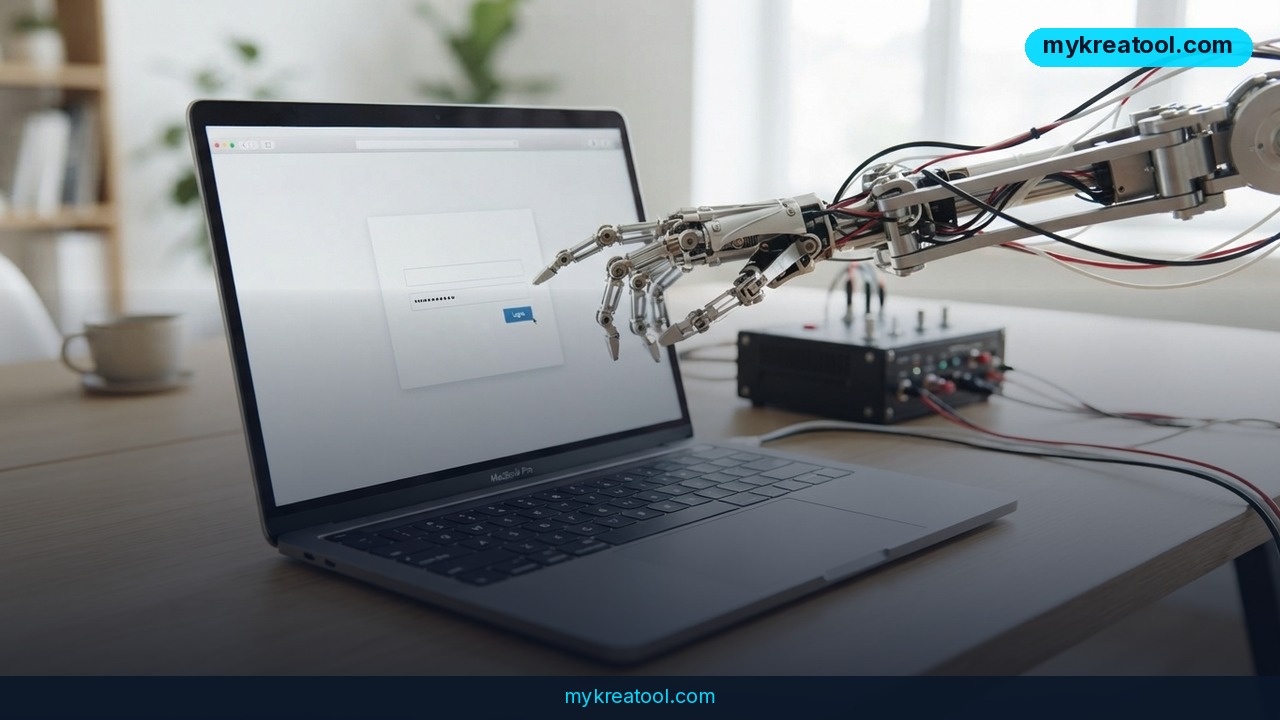
On July 30, 2026, Google connected its cloud-based AI agent, Gemini Spark, directly to desktop Chrome — a move that quietly turns everyday browser automation into a conversation about account access, saved passwords, and internal company pages. Chrome Auto Browse itself isn't new; it has existed since January 28, 2026, quietly running Spark's tasks inside its own cloud environment. What changed on July 30 is the bridge: Spark can now reach into your local Chrome, open sites where you're already logged in, and, with permission, use your saved credentials to keep working.
Google's own examples make the pitch obvious. Spark can pull a list of saved apartment listings and schedule viewings on your behalf. It can also search for a flight, log into your airline account, fill in passenger details, and carry the process all the way to the booking screen — then hand control back to you before payment. The task starts with a plan: you see which sites and information Spark expects to need, approve it, and only then does the agent start moving. The first time Spark touches your Chrome, it separately asks for permission to link your device to the agent, and every subsequent web-navigation task requires its own confirmation.
Why it matters
The headline framing is convenience — an agent that handles tedious multi-step browsing while you do something else. But the mechanism underneath is a fairly broad grant of authority for a single job. Spark doesn't just read data; it chooses which sites to visit and in what order, and it can use the same authenticated sessions you're already logged into. That's a meaningfully bigger surface than a chatbot that summarizes a webpage.
Google has actually built in more visibility than typical background automation: Chrome shows the agent's progress in real time, and you can stop the task or take over the tab at any moment. That's a reasonable middle ground, but it doesn't remove the underlying shift — a remote AI system now has a documented, permissioned path to your logged-in accounts, not just your search history.
There's also a structural detail worth understanding: Spark actually operates on two separate surfaces. One is your local machine, where it borrows your existing Chrome sessions. The other is a freshly spun-up remote browser instance on Google's infrastructure — Google is explicit that your local Chrome is never copied to the cloud. The remote browser handles research, comparisons, and steps that don't need an authenticated session, and it can keep working even after you close your laptop.
How to use it today
In practice, the two environments split the work by what they need access to. The local browser is required whenever a task depends on an account you're already signed into — for that, your device has to stay powered on and Chrome has to remain open. The remote instance takes over anything that doesn't need your live session, like comparing flight prices or gathering apartment listings, and it keeps running in the background regardless of what your laptop is doing.
Google also built in mid-task flexibility. If your local Chrome goes offline, Spark can shift the task to the remote browser and keep going. If you hit Stop, the agent will try to find another available browser or tool rather than simply dying — full cancellation has to happen inside the Spark task interface itself, not just by closing a tab. Whenever a site demands a login it doesn't already have, the agent pauses and asks you to step in manually.
If you want to get a feel for AI-driven browser workflows before linking your main Google account, it's worth testing lighter, sandboxed AI automation first — the free utilities at https://mykreatool.com are a low-stakes way to experiment with AI-assisted research and content tasks before handing an agent access to accounts that matter.
Who benefits
The clearest winners are people doing repetitive, multi-step browsing that still requires an authenticated account — apartment hunters comparing listings and booking viewings, travelers pricing and holding flights, or anyone running errands across several logged-in services at once. For entrepreneurs and marketers, the more interesting use case is research and competitive monitoring: letting Spark's remote browser gather and compare information across dozens of sites overnight, without tying up a personal device, then reviewing the results in the morning.
Small teams without dedicated automation engineers also stand to benefit, since this removes the need to build custom scrapers or scripts for routine account-based tasks — the trade-off is accepting that an AI agent now has a supervised but real path into those accounts.
Risks
The part of the announcement that's easy to skim past is the one Google's own enterprise documentation treats far more cautiously than the consumer-facing demo: this is credential access, not just automation. Spark can use saved logins to authenticated sites, which means anyone deploying it — especially in a company setting — is effectively extending trust to a remote agent that can act inside real accounts. Google explicitly recommends that administrators review their threat model before rolling this out broadly, which is a strong signal about how seriously the access should be taken.
There's also a practical forensics problem: a single Spark task now leaves two separate trails. The local portion of the browsing history lives inside your regular Chrome history, while the remote portion is stored separately on Google's virtual machine. Clearing your local history, or auditing where an agent actually went, no longer covers the whole picture — you have to check both. For anyone handling sensitive logins, financial accounts, or internal company systems, that split history and the broad per-task permission grant are exactly the kind of details worth reading past the launch blog post for.
Conclusion
Gemini Spark's Chrome integration is a genuine step up in what AI browser agents can do — moving from passive research to actually acting inside your logged-in accounts, with a plan, visible progress, and a stop button. That's useful, but it's also a bigger trust decision than typical browser automation, and Google's own guidance to check your threat model first is worth taking literally, whether you're an individual linking a personal account or an admin rolling this out across a team.


Comments 0