What happened
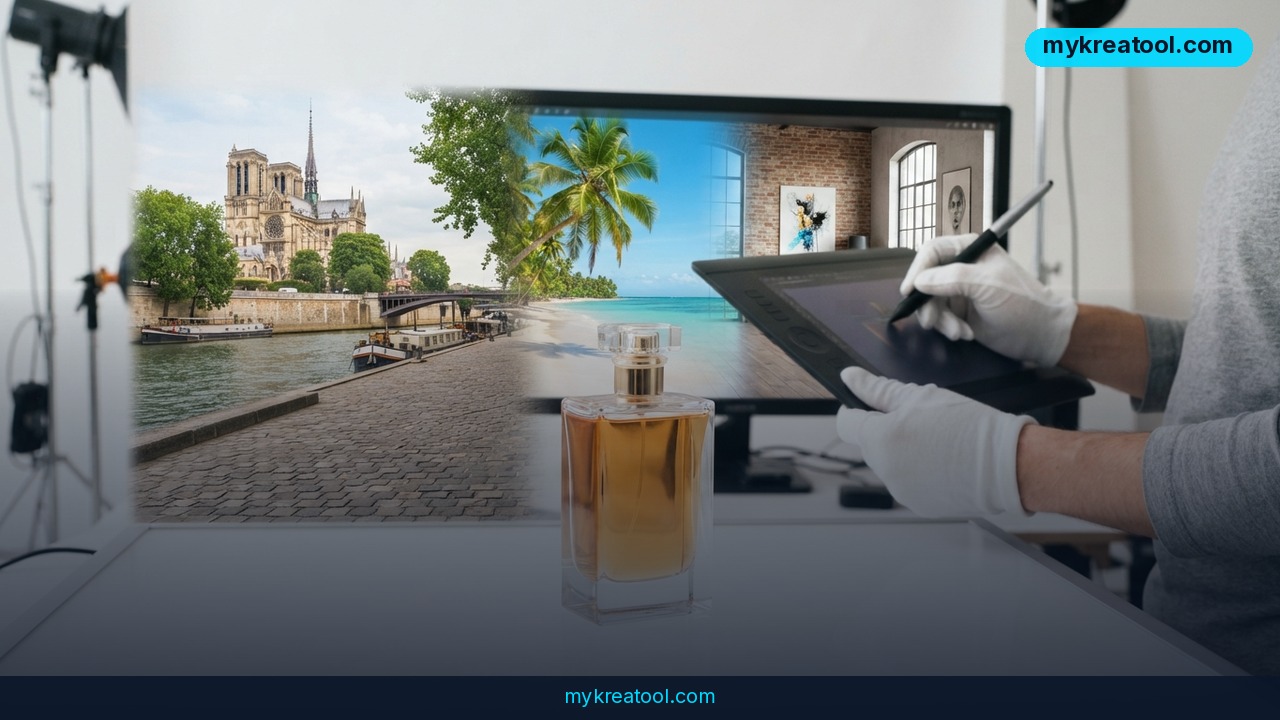
A new comparison of 15 AI product photography tools lands on a point that's easy to miss: the interesting part isn't the pretty picture. AI product photography tools have grown past background swaps and moved into the messy middle of campaign work — the stage where one approved hero shot has to become 47 variations for Instagram Stories, European markets, the homepage, and a TikTok teaser.
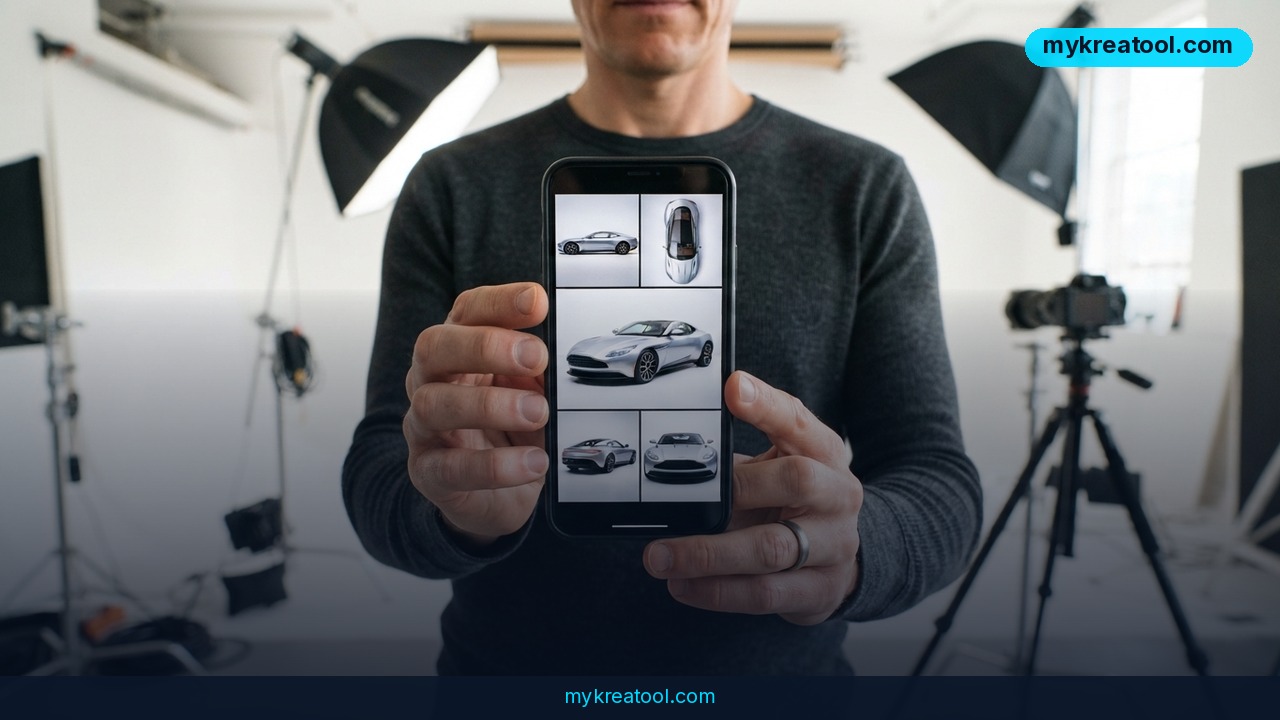
Two numbers explain why e-commerce teams are paying attention. 56% of shoppers look at product images before anything else, so your visuals are doing most of the selling. And 3D capture — building a full 3D model of a product from a single capture so you can pull any angle you like — cuts returns by nearly 30% for footwear and accessories. That's not a design nicety. That's money back in the business.
The hard part was never the first photo
Ask anyone who runs an online store and they'll tell you: the studio day isn't the problem. The problem is everything after it. The product team changes the colorway. Marketing needs French and German versions. Social wants the same layout in four aspect ratios. Everyone needs it by Friday. In the old workflow that means rebooking the studio or parking a designer in Photoshop for two days.
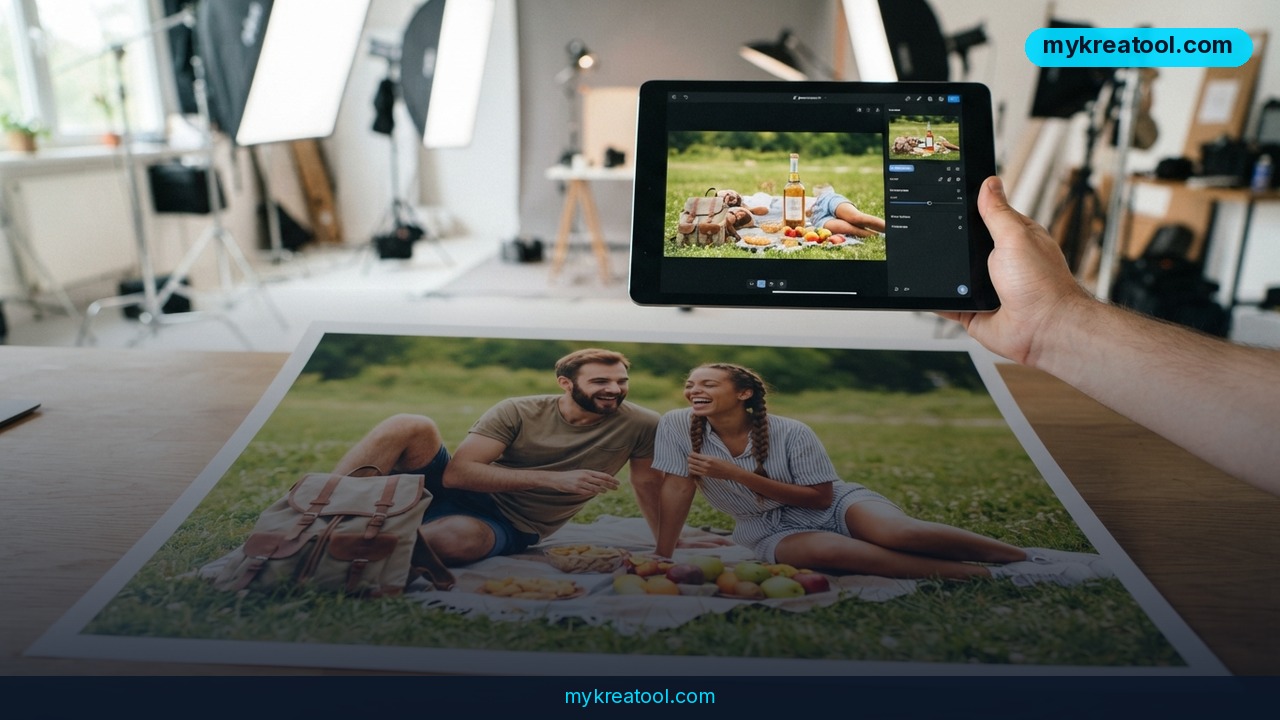
AI squeezes that into hours — but most tools still treat every image as a finished output. Change one thing and you regenerate the whole scene, then send it back through approvals. Luma AI's Layers approach treats the image as a working file instead, with backgrounds, objects, and text as independent layers you can edit one at a time while the approved layout stays put. It's the difference between editing a document and retyping the whole thing because someone fixed a typo.
Stills that turn into video
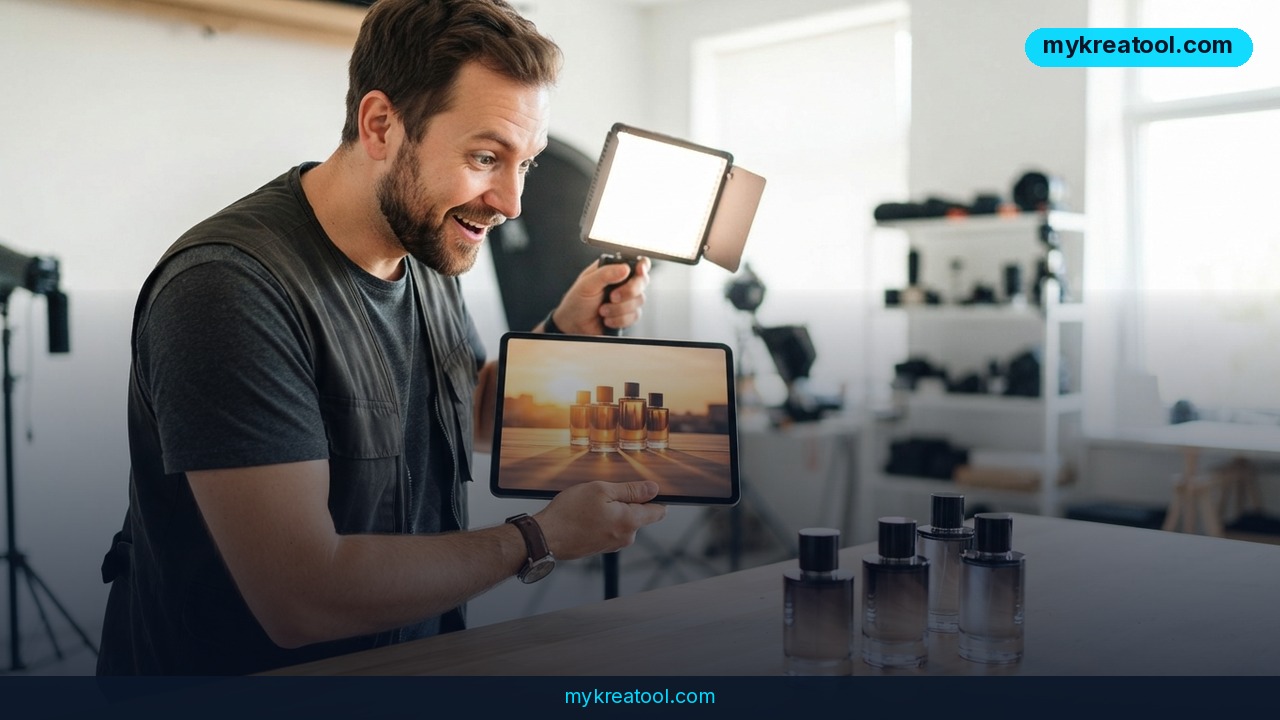
The second shift is motion. Luma's Product Shots generates three editorial-style images per run and matches each product to the scene's lighting and shadows, so the item doesn't look pasted on. Ray 3.2 then turns approved stills into launch films with frame-by-frame control. You stay in one place from photography to motion instead of exporting into a video tool and starting over.
What it means for you
You don't have to be a big brand for any of this to matter. Here's how it plays out in real life.
If you sell products online
Returns are the quiet killer of margin. A shopper who can spin a shoe around and see the heel, the sole, and the stitching is far less likely to send it back — which is exactly where that nearly 30% figure for footwear and accessories comes from. With 3D capture you build the model once and generate unlimited angles from that single asset. No re-shoot per angle, no arguing about whether the studio light was right.
If you work in marketing
Picture the Monday: the hero shot was signed off on Friday, and now the colorway has changed. With layer-based editing you swap the product and keep the headline, background, and layout exactly as approved. That's one round of approvals instead of a full restart — and localization becomes a text-layer edit rather than a new photoshoot in another language.
If you're freelancing or building extra income
Clients don't really pay for images. They pay for speed and options. Being able to hand over ten on-brand variations instead of three, in a day instead of a week, is a genuine edge. Before you spend anything on subscriptions, it's worth testing free AI tools like the ones at MyKreaTool so you can see what the output looks like on your own products.
If you're a creator or a small maker
Selling prints, candles, or handmade jewelry from your kitchen table? You don't need a studio. One clean phone photo plus a generated scene gets you a seasonal set — summer, holiday, sale — without shooting everything again. Layering matters most here: you keep your brand's look and just change the backdrop.
If you're a student or learning marketing
You can build a full portfolio campaign for a fictional brand — hero shot, social variants, a short teaser — without a photographer, a model, or a budget. That's a far stronger portfolio piece than a deck of screenshots, and it teaches you the workflow agencies actually use.
If you're just shopping
You're one of the 56%. Better product visuals mean fewer 'that's not what the photo showed' moments, less packaging to deal with, and fewer trips to the post office. The technology is quietly on your side.
How to try it right now
Start free, prove the workflow, then pay only when you hit a wall.
1. Use what you already have. If you sell on Shopify, Shopify Magic is built into the platform you're already paying for. If you're not on Shopify, Google Product Studio is a free entry point for testing AI product imagery. Neither one costs you a new subscription.
2. Pick one product, not your whole catalog. Choose something with a simple shape and a clean source photo. You're testing a workflow, not overhauling your store.
3. Take one decent source shot. Even, flat lighting, product in focus, no heavy shadows. AI can add a scene — it can't invent detail that was never in the photo.
4. Generate three versions and compare. Look at shadows and edges first. If the product looks like a sticker floating on a background, the problem is the source photo or the scene lighting.
5. Move up to Luma AI when you need layers. This is where the real time saving kicks in: change the product, keep the layout, and push out localized versions without re-approving everything from scratch.
6. Run the change-one-thing test. Take an approved image, swap a single element, and check that everything else stayed identical. That test tells you more about a tool than any feature list.
7. Only then try motion. Turn your best still into a short launch clip with Ray 3.2 and compare it to whatever you'd normally pay for video.
Upsides and what changes
The obvious win is cost and speed: no studio rebooking for every variation, no designer locked in Photoshop for two days. The bigger shift is workflow. When images behave like layered working files, campaigns become editable instead of disposable, and a colorway change stops being a crisis.
There's a quieter benefit too: consistency. Localized versions, seasonal refreshes, and social crops all keep the same look because you're editing one approved layout rather than rebuilding it five times. And once stills connect to video inside the same tool, you're not losing a day exporting between platforms during launch week.
Limitations
Be clear-eyed about this. AI can't rescue a bad photo — blur, harsh shadows, and a cluttered background will still show up in the output. The nearly 30% returns reduction is specifically about 3D capture for footwear and accessories, where fit and how a product looks from other angles drive most returns; don't assume that number lands on every category. Layer-based editing still needs a human eye on the final check, because a swapped product can land with lighting that doesn't match the scene. 3D capture also needs the physical product in hand to build the model, so it won't help with pre-production concepts. And more tools means more places for versions to get lost — without a naming convention and one owner for approvals, you'll generate variations faster than you can track them.
Conclusion
The takeaway isn't that AI replaces photographers. It's that the work between the shoot and the campaign — the 47 variations, the localized versions, the teaser — is now editable instead of expensive. The teams that win treat product images as working files, not finished artwork.
One action for today: grab one product photo you already have, run it through a free tool like Google Product Studio or Shopify Magic, and generate three variations. You'll know within an hour whether this workflow fits how you work.
Comments 0