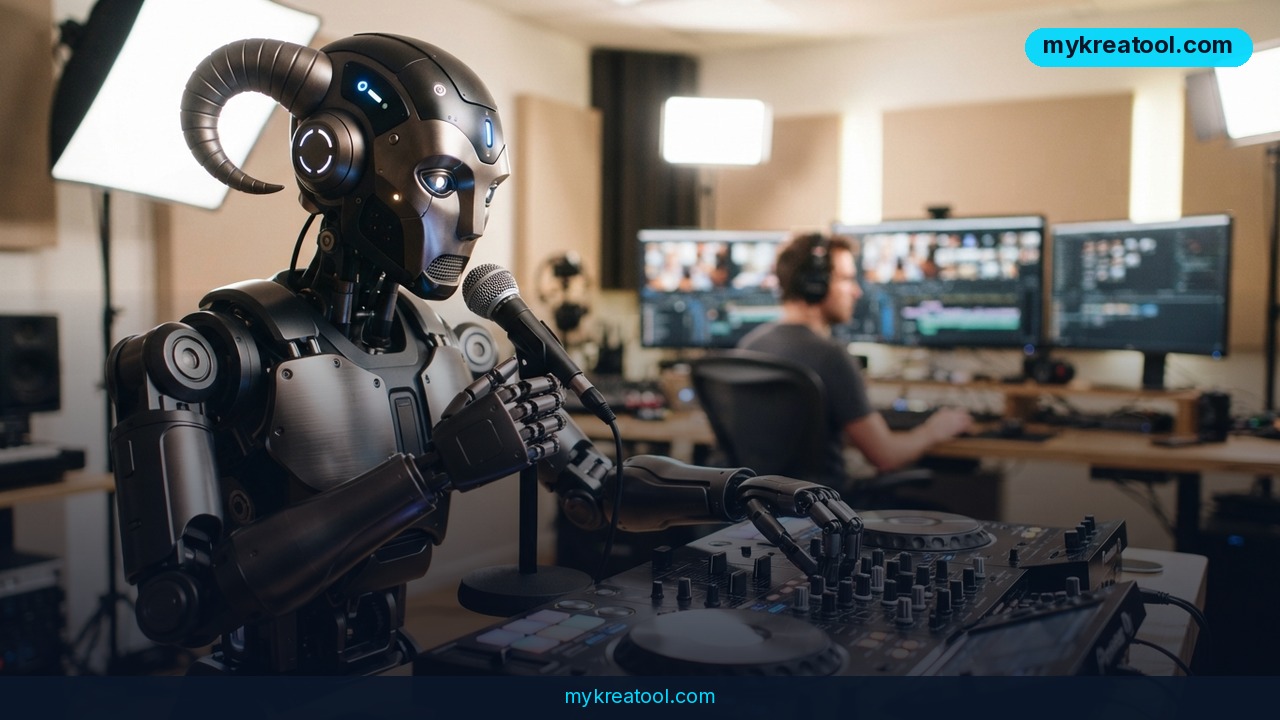
Grok music generation just became a practical tool for anyone who publishes video, not a novelty you play with once and forget. A short post from the @aipost Telegram channel sums up the shift: Grok Imagine now creates songs you can drop straight into your videos, edit yourself, and even write your own prompts for the tracks. The channel's verdict on quality was blunt — "impressive."
That's the headline version. The accurate version is a little more interesting, and it matters a lot if you're planning to use this for real work.
What happened
xAI's Grok line is best known as a chatbot inside the X app. Grok Imagine is the creative branch of it — the part that makes pictures and video from a written request. This update pushes it into audio: Grok Imagine Video 1.5 can generate music videos with synchronized audio, matching visuals and lip-sync, and it can lay a "music-style atmosphere" over your footage.
In plain English: you type a sentence like "warm lo-fi beat, 90 bpm, mellow piano," and you get a track back. You can drop it under your video, trim it, and swap it out until the mood fits.
The @aipost post itself was small — 227 views, 8 reposts and 3 reactions at the time it was captured — but the claim inside it is the one worth checking, because it's easy to over-promise on music.
The catch worth knowing before you plan a project
Here's the part the announcement blurs. Grok Imagine doesn't sit there composing full songs with a singer and a band. What it does natively is generate video with audio baked in: synced sound, mouth movements that match speech, and ambient atmosphere music.
Full, polished songs — the kind you'd hear on a Suno track — come from Grok Bot's integration with Suno. Think of it this way: Suno is the recording studio, Grok Bot is the booking agent who walks your request through the door, and Grok Imagine is the video editor who drops the finished track onto your timeline. Three rooms, one workflow — but not one machine.
Once you know which room does what, the whole thing stops being confusing and starts being useful.
What it means for you
At home: the birthday video that finally has a soundtrack
You've got 40 phone clips from a family party and no idea what to do with them. Ask for "bright acoustic guitar, mid tempo, feel-good," lay it under the montage, and the whole thing suddenly reads as intentional instead of chaotic. No licensing form, no "this track is blocked in your country" message halfway through uploading.
At work: demos that don't sound like a stock library
Most product demos use the same three corporate tracks everybody else uses. A short, specific prompt — "clean synth pulse, no drums, low energy" — gives you something that sounds like it was made for your slide deck, because it was. And since Grok Imagine handles lip-sync, a talking-head explainer can carry both the voice and the visuals in one pass.
In business: ad variations without a composer on retainer
You need five versions of a 15-second ad for five audiences. Same footage, different music, different feel. That's an afternoon of prompting instead of a week of back-and-forth with a sound designer. Small teams get the kind of variety that used to require a budget line.
For study: explainer projects people actually finish watching
A student building a presentation on the water cycle doesn't need a symphony — they need 40 seconds of something calm that doesn't fight the narration. A prompt gets them there in about a minute, and the atmosphere setting keeps the music from drowning out the voiceover.
For creativity: a demo tape before the demo tape
Songwriters usually hum ideas into their phones and lose them forever. Here you can type the arrangement you hear in your head — "dusty drum break, minor chords, spacey reverb" — and hear it back. It's not your band. It's a sketch you can play for your band, which is often the harder problem.
For income: faster turnaround on client work
If you edit video for clients, background music is the bottleneck that quietly eats your margin. Generating tracks in the same place you cut the video shortens the loop considerably. Same story for faceless YouTube channels, where every upload needs a fresh bed of music and recycling the same track gets old fast.
If you want more free tools to stack around this workflow, there's a decent free collection at MyKreaTool worth bookmarking next to your editor.
How to try it right now
Start with whatever costs you nothing, and only pay once you know the workflow fits your week.
1. Write your prompt before you open anything. One sentence: genre, mood, tempo, instruments. "Slow hip-hop beat, warm bass, no vocals, 80 bpm" beats "good music" every single time. This is basically the entire skill.
2. Try the free route first. Head to the AI Music Generator on grok2.top and generate a couple of short tracks. It costs nothing to find out whether your prompt actually describes what you think it describes.
3. Generate the full song through Grok Bot. If you need vocals, structure or a proper two-to-three-minute track, this is the path — the Grok Bot and Suno integration is what produces the "Suno-quality" results people keep talking about.
4. Build the video in Grok Imagine. Feed your clips in, pick the music-style atmosphere, and let it sync the audio to your cuts. The Grok Imagine overview at aiimagine.io walks through what Video 1.5 does with audio, visuals and lip-sync.
5. Edit instead of accepting the first take. Trim the intro, cut a verse, fade the last two seconds. The whole point of generating your own track is that you're allowed to butcher it.
6. Keep a prompt file. Every track you like, save the exact wording. In a month you'll have a personal recipe book that beats any tutorial — including this one. For deeper walkthroughs, MIDI Agent's guide to Grok music generation covers the finer settings.
Upsides and what changes
The obvious win is speed. A soundtrack that used to mean searching a library, checking a license and settling for "close enough" now takes one prompt and a couple of re-rolls.
The less obvious win is specificity. Stock music is written for everybody, which is exactly why it fits nobody. When you can describe the precise mood of a 20-second clip, the music stops announcing itself and starts doing its job.
There's also a workflow shift hiding in here: music, video and lip-sync are moving into one place. Every time a step gets absorbed, amateurs gain ground on studios — because the studio's real advantage was never talent, it was having five specialists in one room.
Limitations
Be clear-eyed about three things. First, the "Suno-quality" label only applies to the Suno route. Native Grok Imagine audio is atmosphere and synced sound, not a finished single, so don't promise a client a full song from the wrong door. Second, generated music still needs a human ear: endings land awkwardly, tempo drifts, and a track can fight your voiceover if you don't check the mix on real speakers instead of laptop ones. Third, and most important if you're earning money from this, know the commercial terms of whichever tool you're using before you hit publish — the rules differ between Suno, Grok and the third-party front-ends, they change often, and "it sounded great" is not a license.
Conclusion
Grok music generation deserves ten minutes of your day today — not because it replaces a composer, but because it removes the excuse. You no longer skip the soundtrack on a video because finding one is annoying. The annoying part is gone.
One action for today: open the free AI Music Generator, type a single-sentence prompt for the last video you published, and listen to what comes back. If it's good, you've got a new default. If it's bad, you've just learned exactly how much detail a prompt needs — and that lesson costs you nothing.
Comments 0