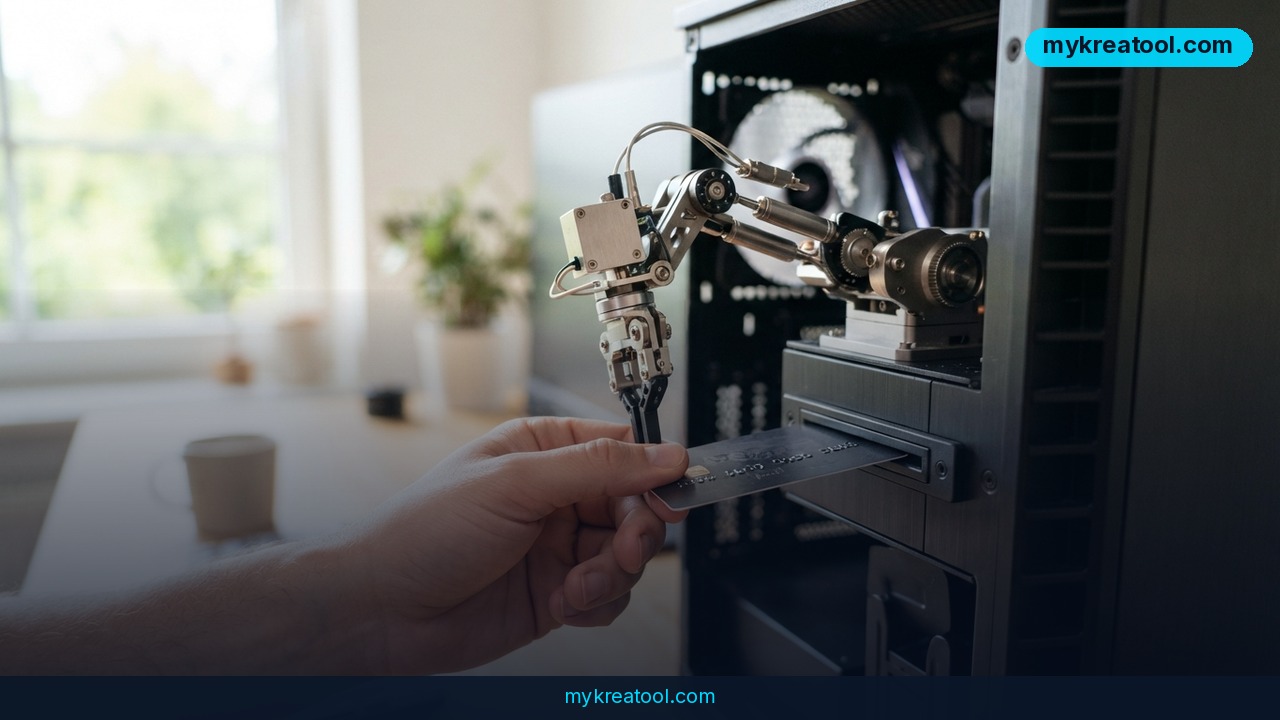
Imagine handing your most annoying chores — rebooking a hotel, reordering coffee, buying a plane ticket — to something that actually follows through, and never worrying about where your data ends up. That's the pitch behind NIKA, a personal AI agent whose new desktop version runs on an on-device LLM. In plain English: the AI's brain lives on your own computer instead of on somebody else's server.
What happened
The macOS desktop build of NIKA shipped today. It's trying to be three products in one: a general-purpose autonomous agent, a set of personal assistants you can name and customize (the kind Grok and OpenAI offer), and a language model you run locally. The team says nobody else bundles all three — and honestly, that's the part worth paying attention to.
Once the model is downloaded, you can chat with it with your Wi-Fi switched off. No cloud API, no per-message bill, and nothing you type leaves your laptop. The app also keeps a memory of your conversations, stored on your machine.
How we got here
The team didn't start on desktop. They launched a web version and a Telegram bot back in May 2026, and that's where things got interesting. Nika had its own phone number, an email address, messenger accounts and access to a bank card. The question was simple: how much of a normal day can you hand off with one ordinary message?
Three examples stand out.
A year's supply of coffee
At a well-known Russian retailer, the author set up a recurring coffee order through the agent: every two days, in the morning, one or two packs of drip bags. Nika placed the orders itself, with real payment and real delivery, and never needed a nudge. It's like setting a timer, except the timer also goes shopping. The result: a year's worth of coffee stacked in the kitchen.
The hotel that only took phone calls
In July 2026, the author traveled to the Denis Matsuev Summer Festival in Suzdal (July 10–19) and needed a room in Vladimir. The hotel she wanted had no online booking at all — you had to call. Nika called and booked it. That's the case that makes voice agents click: the phone call was the task, not a workaround for it.
A bathhouse booked over WhatsApp
Same job, different channel. Nika arranged a Russian banya in Dubai by negotiating over WhatsApp, which is exactly how a lot of businesses in that part of the world actually take bookings.
Dozens more examples piled up over the summer. On timing, NIKA beat Grok Bot (August 11), Muse (September 8) and OpenAI Dots (September 29) to market by months. The cloud version already has a busy crowd of active users across web and Telegram.
What it means for you
Strip away the tech jargon and this is really about handing off the small, nagging chores that eat your week. Here's what that looks like in practice.
At home
Recurring errands are the sweet spot. The coffee test worked because it repeats: order, pay, deliver, repeat. Groceries, refills, standing deliveries, anything you'd normally do on autopilot — that's all fair game. You set it once and forget it.
At work
Think of it as a junior assistant who never sleeps and doesn't need a login for every portal. Rescheduling calls, chasing confirmations, filling in forms on websites that look like they were built before smartphones existed — it can all go in a single message.
For business
Small businesses live or die on follow-up. An agent that can call, email and message on your behalf handles the unglamorous layer: confirming bookings, chasing suppliers, answering routine customer requests while you're on a job. You stay on the work that actually needs a human.
If you want to test a few AI helpers before committing to one, mykreatool.com rounds up free tools you can try straight in your browser.
For study and creativity
Local models matter here for one big reason: privacy. Drafting essays, brainstorming angles, working through a problem set — none of it goes to a server. Students and writers can experiment freely without wondering where their half-formed ideas end up.
To make money
The pattern worth watching is reselling time. If you already do admin for clients — booking, research, outreach — an agent that runs on your own machine with no per-task fee changes your margins. You're no longer paying per API call to do the work.
How to try it right now
You don't need to be technical. Here's the order I'd go in, cheapest and lowest-risk first.
1. Start with the free cloud version
Open the NIKA web app or the Telegram bot. It's free, it needs zero installation, and it's the fastest way to see whether you like how the agent thinks. Give it something small and reversible, like "find me three options for X and summarize them."
2. Download the macOS desktop build
If the cloud version clicks, grab the desktop release. This is where local inference comes in — and yes, it's free there too.
3. Pull down a model
NIKA will fetch an LLM onto your machine. Set aside disk space and some patience, because it's a one-time download. After that, the model is yours to use whenever you want.
4. Prove it's actually local
Kill your Wi-Fi and start a chat. If it still answers, nothing is being sent to a server. That's the whole point, and it takes ten seconds to verify.
5. Hand it one real errand
Pick something low-stakes with a clear finish line — a restaurant reservation, a delivery reorder, a quick price comparison. Watch what it actually does before you trust it with anything bigger.
6. Only then add payment details
The author gave Nika a bank card, but she did it after months of testing. You can follow the same path: start free, verify the behavior, then widen access slowly.
Upsides and what changes
The cost model flips. Cloud agents bill you per message or per task, which quietly punishes you for experimenting. A model on your own hardware has no meter running, so you can hand it fifty chores a day and pay nothing extra.
Privacy flips too. Everything stays on the device, which matters if you're handling client data, unpublished writing, or anything you wouldn't paste into a stranger's chatbot.
And the agent stops being a toy. The moment it can dial a phone, send an email and complete a checkout, it's doing work rather than generating text about work. That's a genuine shift in what one person can get done in a week.
Limitations
Be honest about the rough edges. This only runs on macOS right now, so Windows and Linux users are out of luck. Local inference eats disk space and battery life, and it's slower than a cloud model running on a data center GPU — you're trading speed for privacy. The experiments also showed the wider market isn't fully ready: plenty of services still assume a human is on the other end, and some will break, block or simply confuse an agent mid-task. And giving anything access to your bank card is a real risk, not a cute demo. Start with tasks that can't hurt you, keep spending limits low, and check the receipts yourself.
Conclusion
The interesting thing here isn't one more chatbot. It's that an agent with a phone number, an email address and a bank card can now live on your laptop, for free, with nothing leaving the machine. That combination wasn't available in a consumer product a year ago. Your action for today: open the free web version or the Telegram bot, give it one annoying errand you've been putting off, and see whether it finishes the job. You'll learn more in ten minutes than from any review.
Comments 0