What happened
Alibaba's Qwen team just released Qwen3.8-Omni-Flash, a new multimodal AI model that reads text, images, audio, and video — and, this is the headline number, processes audio-video content for over 93% less than its predecessor while understanding long videos far better than before. The company built it around "agentic" abilities, meaning it doesn't just describe what's on screen — it can work through a video like a research assistant, watch a long clip, pull out what matters, and hand you a structured report instead of a vague guess.
The model's context window — think of it as how much material the AI can hold in its head at once — is 1 million tokens. A token is roughly three-quarters of a word, so 1 million tokens works out to something like 700,000 words: a small library shelf of transcripts, subtitles, or several hours of video broken down into frames and audio. That's what lets it handle long footage instead of choking after a few minutes.
Two things stand out in this update. First, video understanding got a real upgrade: the model can generate deep-research-style reports on long videos, write accurate captions, and — notably — stop making up timestamps. Earlier multimodal models were notorious for confidently citing "at 4:32 the speaker says..." when nothing of the sort happened at that mark; Qwen says this version doesn't do that anymore. Second, despite all the new video and audio muscle, text performance stayed at the level of the standard Qwen3.8 Flash, so you're not trading writing quality for video skills.
On price: compared with the previous Qwen3.5-Omni-Plus, audio processing is about 98% cheaper, and combined audio-video processing is more than 93% cheaper, while overall performance lands in the same range as Google's Gemini 3.8 Flash. Independent coverage from MarkTechPost, TechNode, and Gigazine confirms the release, the 1M-token context window, and the cost cuts. Alibaba positions this as one building block toward a bigger pipeline for video editing, translation, film commentary, and content creation tools still to come, according to the official Qwen blog post. The model is already live in the API and in Qwen Chat.
What it means for you
• Home: Got a two-hour family video or a kid's school recital sitting untouched on your phone? You can now get an AI to watch the whole thing and tell you what happened and when, instead of scrubbing through it yourself.
• Work: Sales and support teams recording customer calls can get accurate, timestamped summaries — "the client raised pricing concerns at 12:40" — that are actually trustworthy, not guessed.
• Business: A marketing team sitting on hundreds of hours of webinar or product-demo footage can turn it into searchable transcripts, clip highlights, and reports without paying someone to log timestamps by hand.
• Study: Students can feed in an hour-long lecture recording and get a structured summary with real minute marks for key topics, so review sessions take minutes instead of hours.
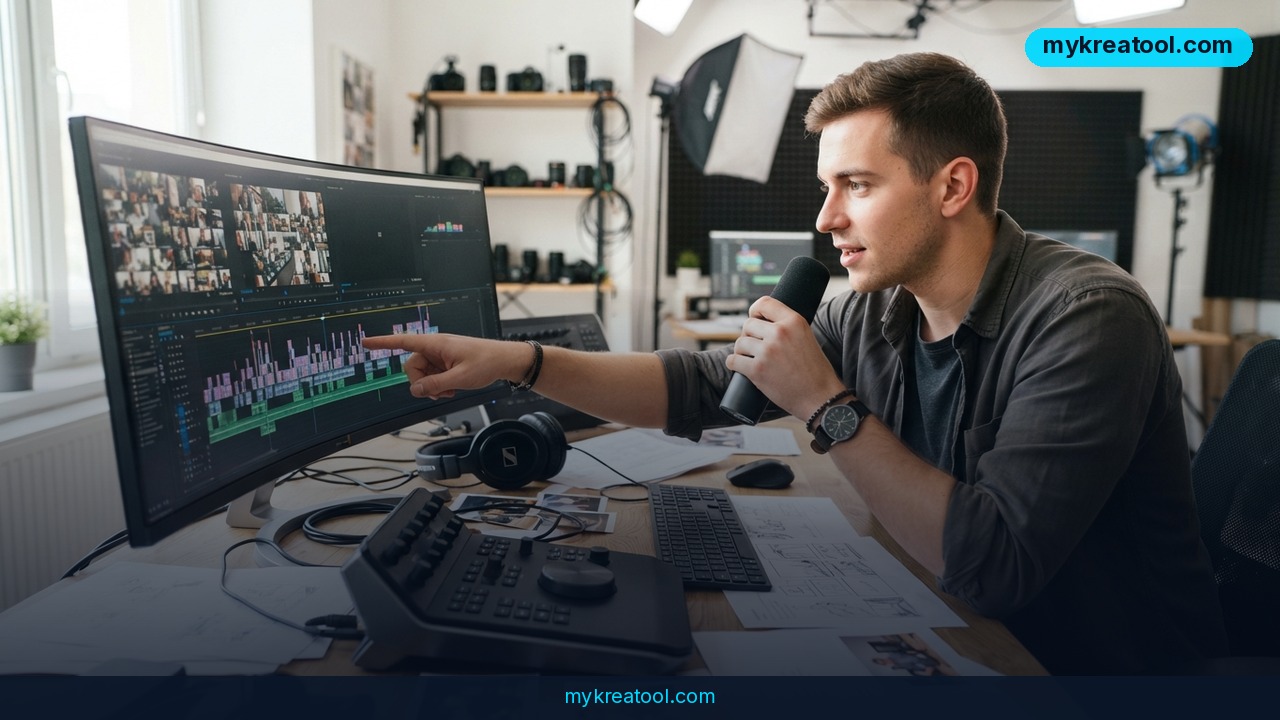
• Creativity: Video editors and YouTubers can use it to rough-cut a long recording into a shot list or highlight reel outline before touching a timeline.
• Income: Freelancers offering video-to-text, captioning, or content-repurposing services can now do it at a fraction of the previous API cost, which means better margins or lower prices to win more clients.
How to try it right now
You don't need a developer account to test this.
1. Free option first: go to Qwen Chat and start a new conversation. Upload a video file directly and ask it to summarize the content, list key moments with timestamps, or write captions. This runs the same Qwen3.8-Omni-Flash model, no coding required.
2. If you want it inside your own app or workflow: developers can call the model through the Qwen API using the model name `qwen3.8-omni-flash`, following the setup guide on the Qwen blog.
3. For quick one-off tasks without juggling multiple tools: if all you need is a fast, no-signup AI tool for a text or image task alongside your video work, mykreatool.com has a set of free AI tools you can use straight in the browser.
4. Test it before you trust it: upload a video you already know the content of, check whether the timestamps and summary match reality, and only then start feeding it material you actually need answers on.
Upsides and what changes
The biggest shift here is economic, not technical: a 93%+ price drop on audio-video processing means tasks that used to be too expensive to automate — bulk-summarizing hours of footage, running captions across an entire video library — become cheap enough to just do. The bigger context window (1 million tokens) means fewer awkward workarounds like chopping a long video into five-minute chunks and stitching the answers back together yourself. And the fix for hallucinated timestamps addresses the single biggest trust problem with AI video tools: a summary is only useful if you can jump straight to the moment it's actually talking about.
Limitations
This is a "flash" model, meaning it's built for speed and low cost, not maximum accuracy — for genuinely high-stakes work like legal depositions or medical consultations, where a wrong timestamp or misheard word has real consequences, you'd still want to spot-check its output rather than trust it blindly. Alibaba itself describes this release as an intermediate step toward a larger video pipeline (editing, translation, commentary tools) that isn't fully built yet, so some of the more ambitious use cases aren't available today. And while independent outlets confirm the release, the context window, and the cost figures, none of the coverage includes a hands-on third-party benchmark of the "no more hallucinated timestamps" claim — treat that specific point as a stated improvement worth verifying yourself before relying on it for anything important.
Conclusion
Qwen3.8-Omni-Flash makes long-video AI analysis cheap enough — over 93% cheaper on audio-video tasks — that it's worth trying even for casual, one-off use. Today's action: pick one video sitting unwatched on your phone or drive, upload it to Qwen Chat, and ask for a timestamped summary — see for yourself whether the timestamps hold up.


Comments 0