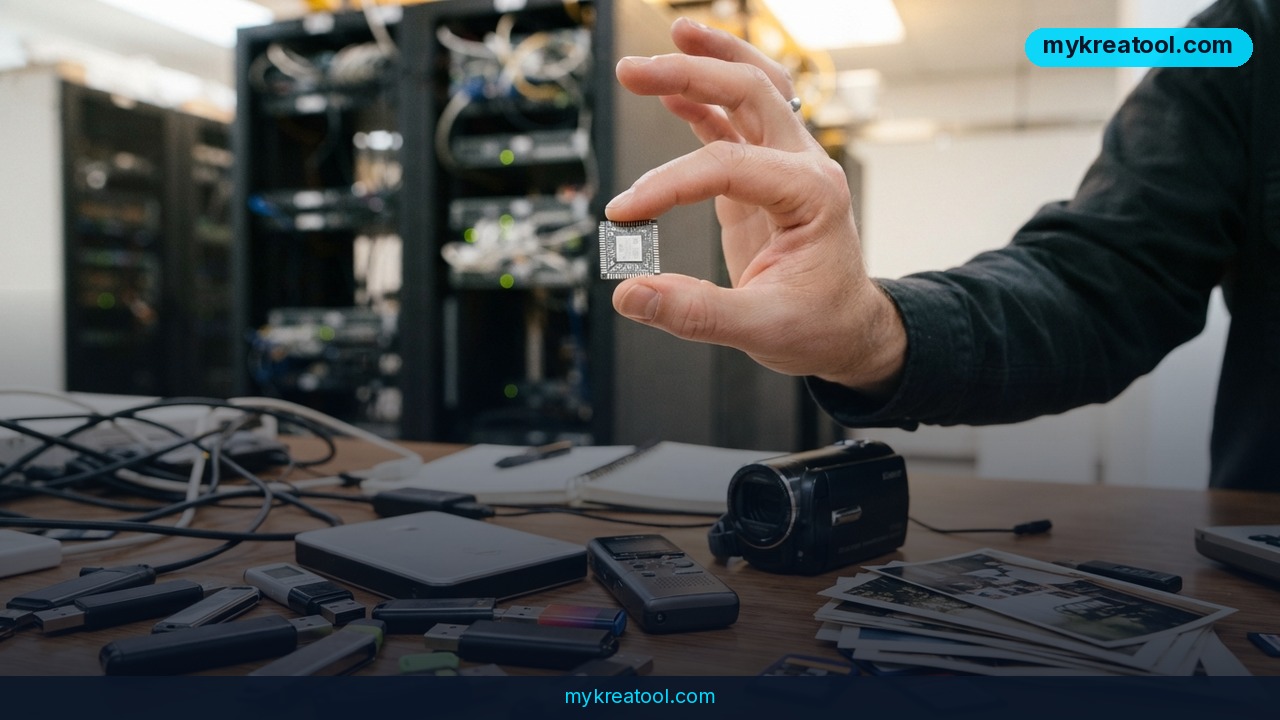
What happened
On September 17, 2026, Alibaba's Qwen team released Qwen3.8-Omni-Flash, a new AI model built for agentic work with audio and video. "Agentic" is just a fancy way of saying the model doesn't only answer questions — it can look at what you give it, figure out what needs to happen next, and then call other tools to actually get the job done, the way an assistant would hand a task off to the right specialist.
Qwen3.8-Omni-Flash can take in text, images, audio, and video all at once, and according to reporting from TechNode, it can hold onto up to 1 million tokens of context — roughly the equivalent of several hours of transcript or a very long meeting recording — without losing track of what happened earlier. In demos, the model reviewed recordings of business meetings and pulled out the key points, turned an audio clip into a short video, watched a screen recording and turned it into a repeatable "skill" it could run again later, and added dubbing or subtitles onto video footage.
One detail matters for anyone testing this: Qwen3.8-Omni-Flash does not generate video itself. It's the coordinator, not the camera. It decides what needs to be done, then hands the actual video or audio generation off to other specialized tools, the same way a film director doesn't operate the camera but tells the crew exactly what shot to get. Alibaba also open-sourced the "harness" — the code that lets the model plan and control those tools — so developers can build on top of it. Sources: Qwen's official blog, MarkTechPost, TechNode, Gigazine.
What it means for you
You don't need to work in tech for this to matter. Here's what changes in plain terms:
At home: Got hours of old family videos sitting on a hard drive? Instead of scrubbing through them yourself, an agent like this can scan the footage, find the good moments, and stitch together a highlight reel — the kind of task that used to take a weekend.
At work: Sat through a two-hour Zoom call you can barely remember? The model can digest the recording and hand you a summary of decisions, action items, and who said what — without you re-watching a single minute.
Running a business: Say you record a product demo once. Instead of manually re-cutting it for every language market, the agent can add subtitles or dubbed audio in multiple languages from that one recording, cutting the cost of localizing marketing content.
Studying: Recorded a lecture or a study group session? The model can turn the raw audio into a condensed video summary or a set of notes, which beats re-listening to a 90-minute recording before an exam.
Creative projects: Musicians and podcasters can feed in a raw audio track and get a rough video cut built around it — a starting point they can then polish, rather than starting from a blank timeline.
Extra income: Freelancers who currently charge for manual video editing, subtitling, or meeting-note services now have a way to deliver the same output faster, which either means more clients in the same amount of time or a way to offer a budget tier of the same service.
How to try it right now
You don't need coding skills to get a feel for what this category of tool does.
1. Start free. MyKreaTool offers free AI tools for tasks like transcribing audio, summarizing content, and generating and editing images — a good, no-cost way to see what an AI "agent" that processes audio or video output actually feels like to use, before you commit to anything paid.
2. Check the source. Qwen3.8-Omni-Flash itself is documented on the official Qwen blog, where Alibaba explains the model and links to how developers can access it.
3. Pick one real task. Don't test it in the abstract — grab an actual meeting recording, a phone video, or a voice memo you already have, and see what a summary or edit of it looks like.
4. Compare the output to doing it yourself. Time how long the manual version would've taken. That's the number that tells you whether this is worth building into your routine.
5. If you're technical, the harness code Qwen open-sourced is the piece to look at — it's what lets you chain the model to your own set of tools instead of the ones used in Qwen's demos.
Upsides and what changes
The biggest shift here isn't that AI can edit video — tools that generate or touch up video have existed for a while. It's that one model can now look at a messy, unlabeled pile of audio and video, decide what needs doing, and orchestrate several tools to do it, instead of you manually feeding each tool one step at a time. That's a real jump in how much busywork gets removed from content and video work. A 1-million-token context window means it can work across long recordings — a full meeting, a multi-hour lecture, a whole raw video shoot — without forgetting what happened in the first ten minutes. For small teams and solo creators, that turns hours of tedious review and re-cutting into a task you can delegate and check over rather than do by hand.
Limitations
Treat this as an assistant, not a finished product. Since Qwen3.8-Omni-Flash doesn't generate video itself, the quality of your final result depends heavily on which tools it's connected to — a weak downstream video generator will still give you a weak video, no matter how smart the planning model is. Early releases like this also tend to make mistakes on nuance: it may summarize a meeting accurately but miss sarcasm, misattribute who said what in a noisy recording, or produce subtitles that need a human pass for timing and tone. And because it's brand new (released September 17, 2026), pricing, access limits, and real-world reliability outside of Alibaba's own demos are still being tested by the wider community — so budget time to verify any output before you publish or send it to a client.
Conclusion
Qwen3.8-Omni-Flash is a sign that AI is moving from "generate me a thing" to "handle this whole messy task for me" — watching your footage, reading your meeting, and directing the right tools to fix it up. Your one action for today: pull up one recording you already have — a meeting, a lecture, a raw video clip — and run it through a free AI tool like MyKreaTool to see what a summary or first-pass edit actually looks like. You'll know within ten minutes whether this saves you real time.
Comments 0